

 Google Drive
01
Capture from anywhere
Documents arrive by email, upload or a shared folder, as PDFs, scans or phone photos.
Extract, check and route data from forms, contracts, orders and claims, without the manual entry.
We build document workflows that read PDFs, scans and photos, pull out the fields you need, check them against your rules and prepare records for review in the systems your team already uses.
No upfront consultation fee. Free discovery and a free tailored proposal.
Documents arrive as PDFs, scans and phone photos. Someone reads each one, types it in, checks it and files it, and mistakes still surface weeks later.
Reading text is the easy part. The value is in classifying, checking and routing each document, so your team only handles the exceptions.
Documents arrive by email, upload or a shared folder, as PDFs, scans or phone photos.
Names, dates, reference numbers, line items and totals pulled from varied layouts, without fixed templates.
Each document is classified, matched to the right customer, applicant or supplier, and routed to the team that handles it.
Rules check that required fields are present, dates and totals are valid, and the document isn't a duplicate.
Staff see the document beside the extracted fields, correct anything doubtful and approve. Edits are logged.
Approved records prepared as drafts or import files for your CRM, ERP, HR system or database.
Rules run the same checks every time. AI reads the document and suggests the matches, and a person approves before anything is saved.
The pipeline collects documents where they already arrive and delivers checked records to the systems your team works in.
 Gmail
Gmail WhatsApp
 Slack
Slack Google Sheets
 HubSpot
 Salesforce
 Greenhouse
 Zoho
Zoho SAP
SAP PostgreSQL
Exports depend on each system's API or import format and your permissions. Where a system has no API, we prepare import-ready files.
Workflow Automation →No OCR or AI system reads every document correctly, so review stays part of the process. Personal, legal and financial documents are sensitive, so data handling is agreed before anything goes live.
Nothing goes into your systems until a person approves it.
Client systems that read unstructured sources and documents, check them and hand people clean records, plus solution showcases for claims, CVs, contracts, quotations, supplier papers and loan files.
 Recruitment · Candidate screeningHow a Recruiting Agency Scores Every Applicant in About 20 Seconds~20 sfrom application to ranked row<$2AI fees per 500 resumesRead the case study →
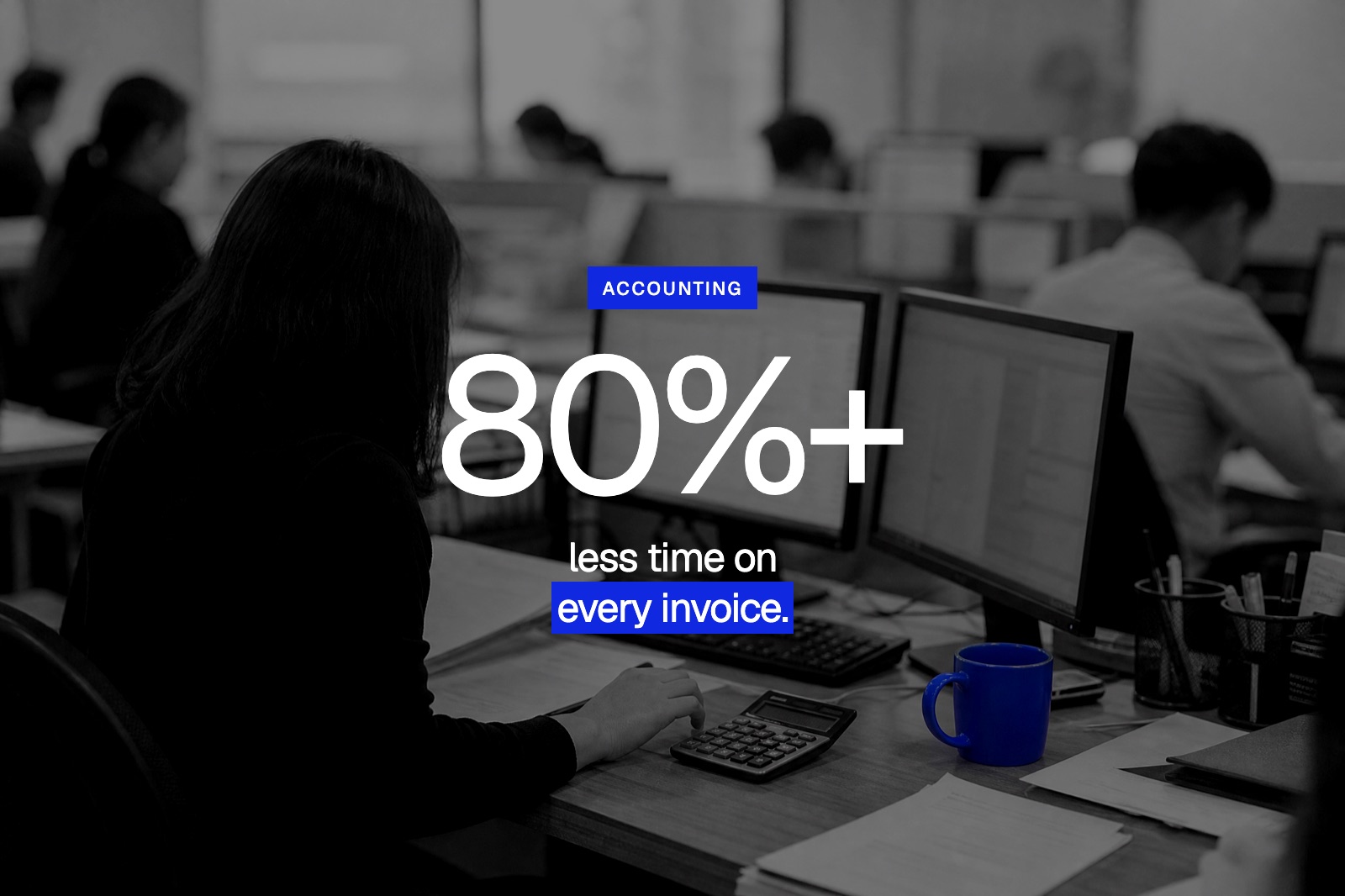 Accounting firm · AutoCountHow an Accounting Firm Saved 100+ Hours a Month with AI Automation1,500+invoices a month80%+less processing time per invoiceRead the case study →
 Insurance
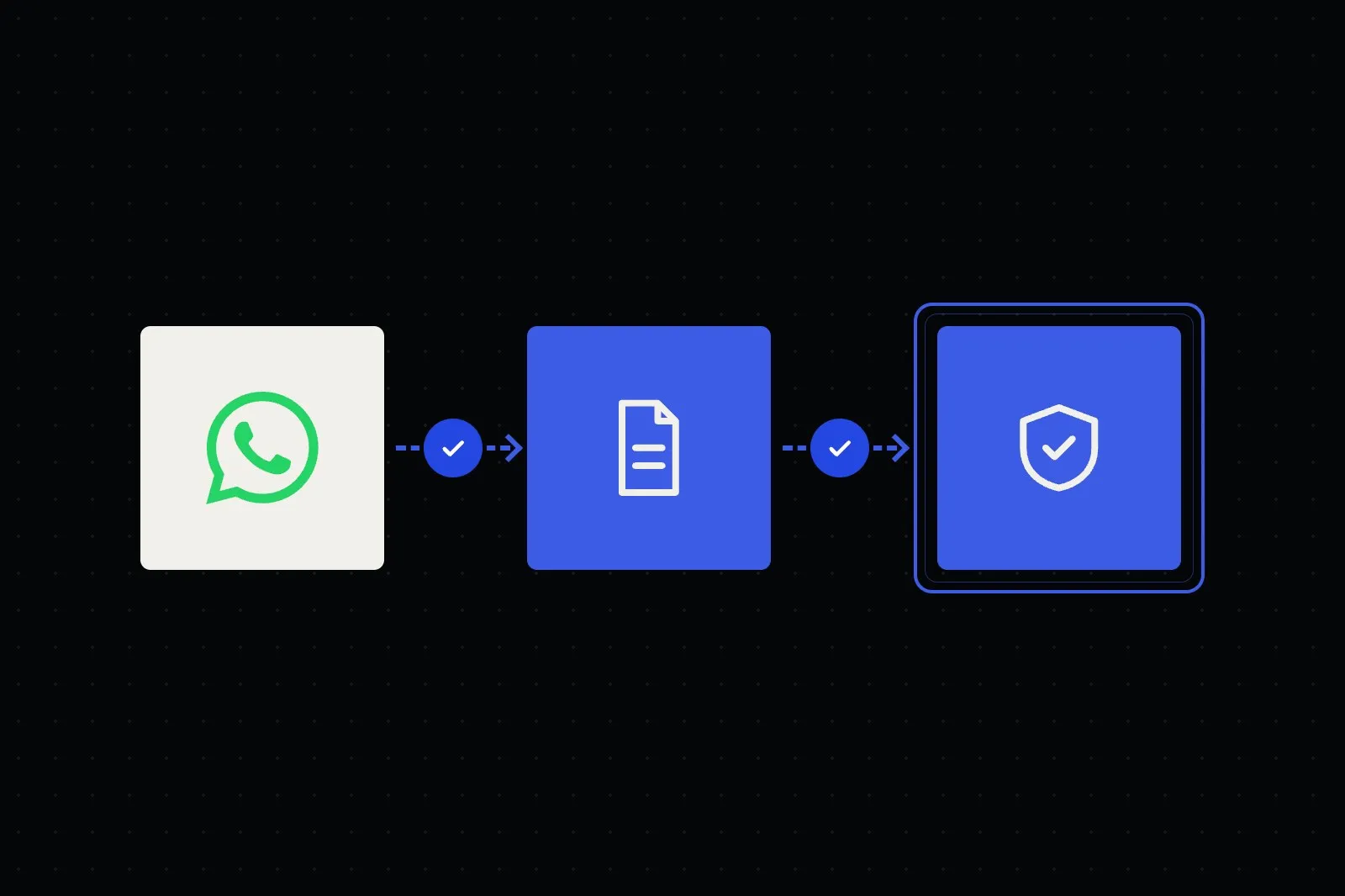
Claims opened, documented and triaged in the chat, with status updates and your claims team deciding every claim.
See the workflow →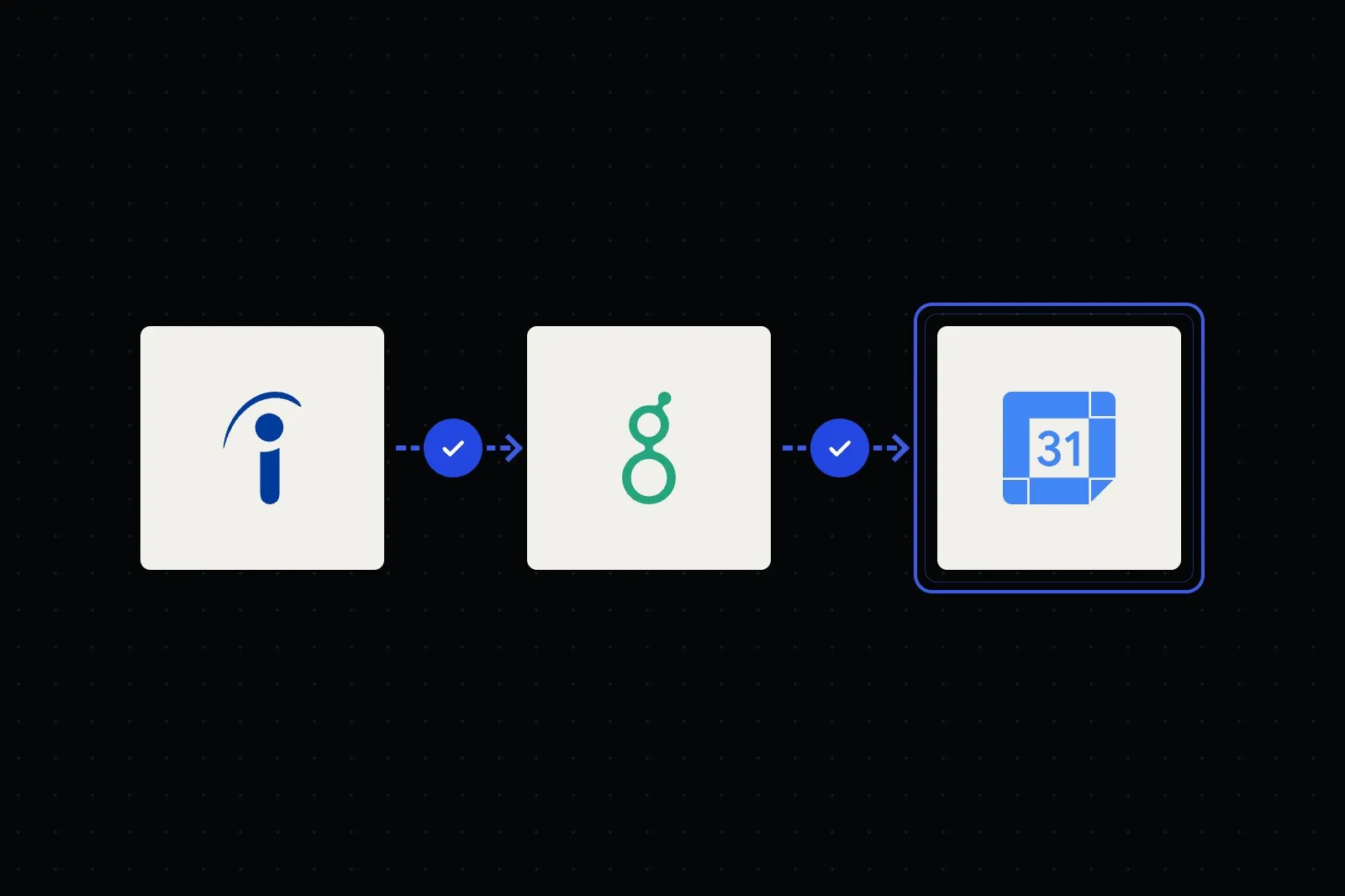 Recruitment
CVs summarised against the job's requirements and interviews self-booked, while recruiters make every decision.
See the workflow →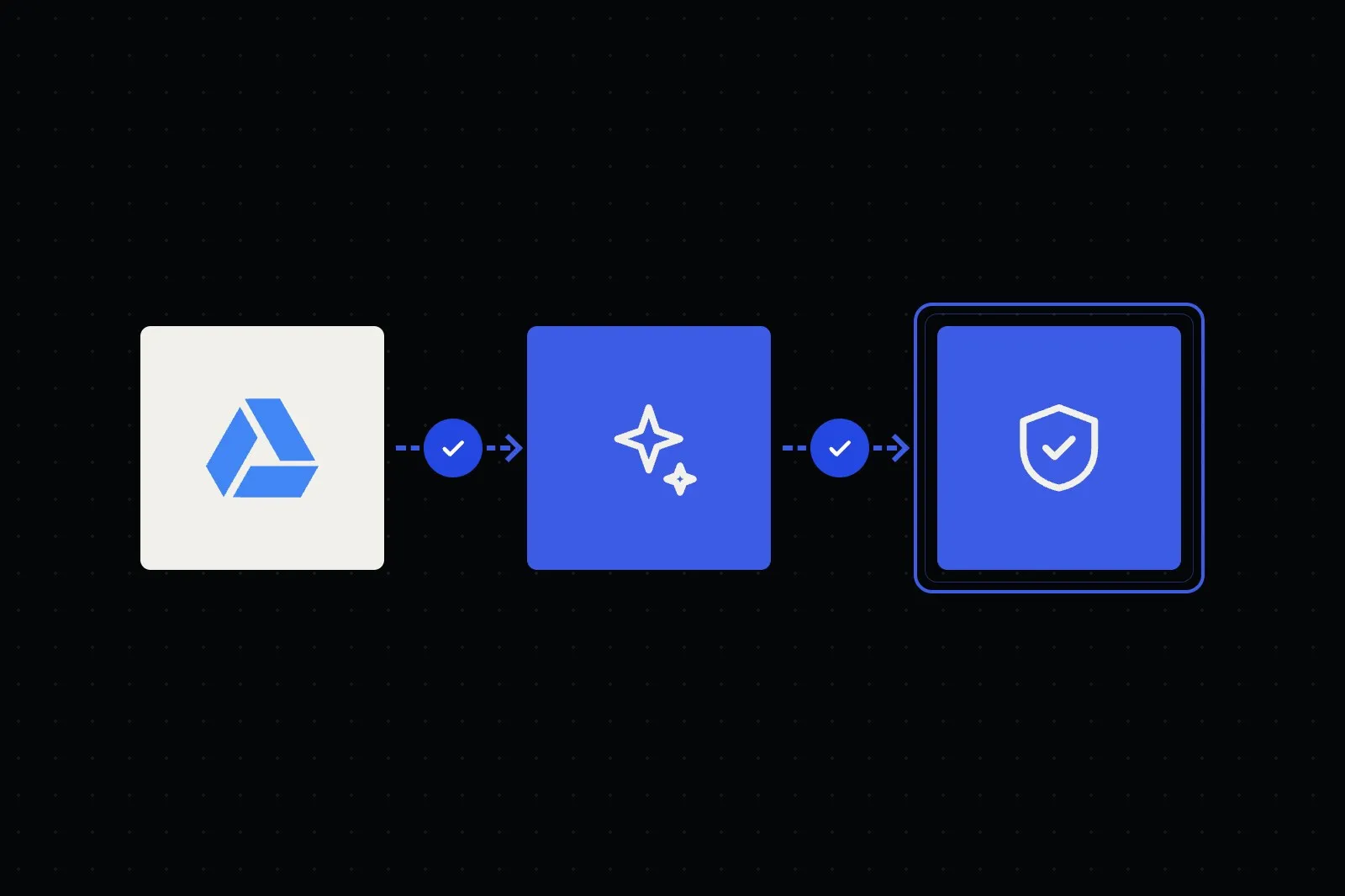 Law Firms
Contracts checked clause by clause against your playbook, with cited issues ready for a lawyer to review and decide.
See the workflow → Manufacturing
Multi-item RFQs read from email, matched to your catalogue and priced by your rules, ready for sales to approve.
See the workflow → Corporate
Vendor forms and documents checked, duplicates caught and approvals routed, with suppliers created in your ERP.
See the workflow → Financial Advisory
Clients send IC, payslips, EPF and bank statements on WhatsApp. Files are checked and summarised for the adviser.
See the workflow →We test your real documents, including the messy ones, to see what can be read reliably.
We agree the fields, validation rules, review steps and where each record goes.
We run a pilot on live documents, measure the exceptions and tune the extraction and rules.
We move to production, train your team on the review queue and refine from real use.
Every project has an agreed scope and acceptance criteria before the build starts.
Every document workflow is different, so we scope yours around the documents, checks and systems involved. These factors shape it.
Straight answers about scope, data, ownership and support. Can’t find yours? Ask us directly below.
Application and onboarding forms, contracts, CVs, purchase orders, delivery orders, quotations, insurance claims, ID and KYC documents, receipts and invoices, in PDF, scanned image or photo form. We handle both structured templates and messy, varied layouts, in single or multi-page batches, and can support multiple languages and mixed English and Bahasa Malaysia documents.
Extracted fields get a confidence score, and required fields are checked against your validation rules, such as totals that must add up, dates in valid ranges and names matched to your customer or supplier records. High-confidence documents that pass the rules move on as drafts; anything ambiguous or failing a rule goes to a human review queue so a person confirms it before it reaches your systems. You decide the confidence threshold. No OCR or AI system is error-free, so review stays part of the process.
We export validated data into CRMs such as HubSpot and Salesforce, HR and recruitment tools, ERPs such as SAP, accounting systems such as Xero, and Google Drive, Notion, spreadsheets or a database via their APIs. If a system has no API, we can generate import-ready files. The pipeline maps extracted fields to your own records, codes and categories.
Yes. The OCR layer handles scans, phone photos and faxed pages, including skewed or slightly crumpled documents. We apply de-skewing, cropping and image cleanup before extraction, and the LLM layer then interprets the text in context rather than relying on fixed field positions. Very poor scans and handwriting are harder to read, so they go to manual review.
In most cases, yes. We pair OCR with language models that read the document in context rather than relying on fixed templates, so new layouts from customers, suppliers or applicants usually work without extra setup. We test on your real samples, and unusual layouts or poor scans go to review.
Personal, legal and financial documents are sensitive, so security is designed in. We minimise data retention, use permissioned APIs and encrypted transfer, keep an audit trail of extractions and edits, and can run the pipeline in a private cloud, bring-your-own-key or self-hosted setup. We confirm data handling for each project, including which AI providers are used, their no-training terms where available, and where the system is hosted (your infrastructure or a managed server).
Not by default. Records are prepared as drafts or held for review, and a person approves before anything is saved. You choose which document types, if any, can move straight through once they pass every rule.
With rules, not just AI. We check key details on each document, such as a customer name, ID number or order reference, against the record it's heading for, and stop anything that doesn't match. Duplicate checks run against the target system itself, and a reviewer approves before anything is saved.
You own the bespoke deliverables built for your project under our agreement. Framworq keeps its pre-existing tools and reusable components, with the rights your team needs to use the system. We build on your infrastructure and accounts where possible, hand over documentation and train your team to add document types and adjust validation rules. You can choose a separate plan to monitor accuracy, tune prompts and handle new document formats.
Send a few sample documents and tell us where the data goes today. We'll show you what can be automated and prepare an initial plan built around your workflow.