01
Managers chasing client records
The same reminders go out each month, and the job can't start until the client replies.
Spend less time keying invoices. More time reviewing the books.
We help accounting firms automate document capture, draft transaction entries, client reminders and practice workflows, while your accountants keep the review and client-by-client controls.
No upfront consultation fee. Free discovery and a free tailored proposal.

Practices rarely lose time on the accounting itself. They lose it chasing clients, keying documents and asking where a job stands.
See what changes for each team ↓The same reminders go out each month, and the job can't start until the client replies.
Invoices, receipts and bank lines are typed in line by line, and the errors surface at review.
Filing dates sit in one spreadsheet, and someone has to go and find out where each file stands.
A few months of the year decide the practice's workload, while onboarding new clients still moves one email at a time.
The top workflows for accounting and bookkeeping practices, connected to the ledgers and drives you already use. Pick a team to see what changes day to day.
 TriggerA supplier invoice arrivesEmailed in by the client
 ActionSaved to the client folderClient matched from the sender
 ActionDraft entry in AutoCountSource document attached
 TriggerMonth-end checklist checkedRecords still outstanding found
 ActionClient asked for exact items"Still needed: your March bank statement"ActionFiles saved, status updatedJob dashboard shows the client is ready
 TriggerA new client signs upDetails sent through your intake formActionEngagement letter sentWith a checklist of what to provideActionClient file set upFolders and ledger opened to your standardTriggerA filing date is approachingRead from the practice deadline list
 ActionJob stage checkedOutstanding items listed per clientActionReminder sent, view updatedDeadline dashboard refreshedTriggerA client's sales records arriveExported or emailed for the periodActionDrafts created in AutoCountNo retyping, source attached
Client work: an AutoCount system that handles 1,500+ supplier invoices a month across a growing set of client books for a Malaysian accounting firm. Solution showcases: workflows for the other jobs a firm repeats, from client documents to bank reconciliation.
 Accounting Firms
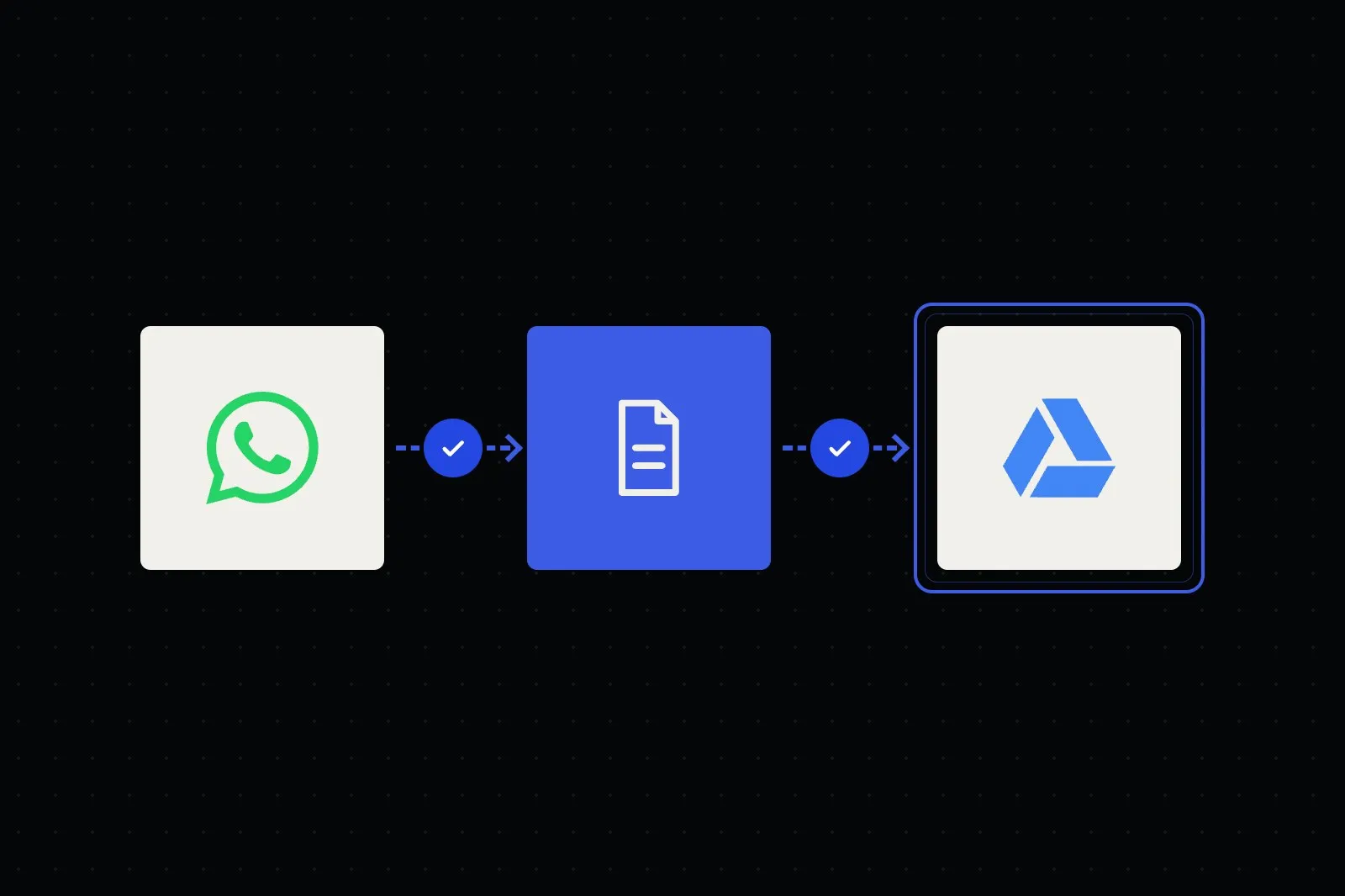
Checklists and reminders on WhatsApp, files filed by client and period, missing items handed to staff.
See the workflow →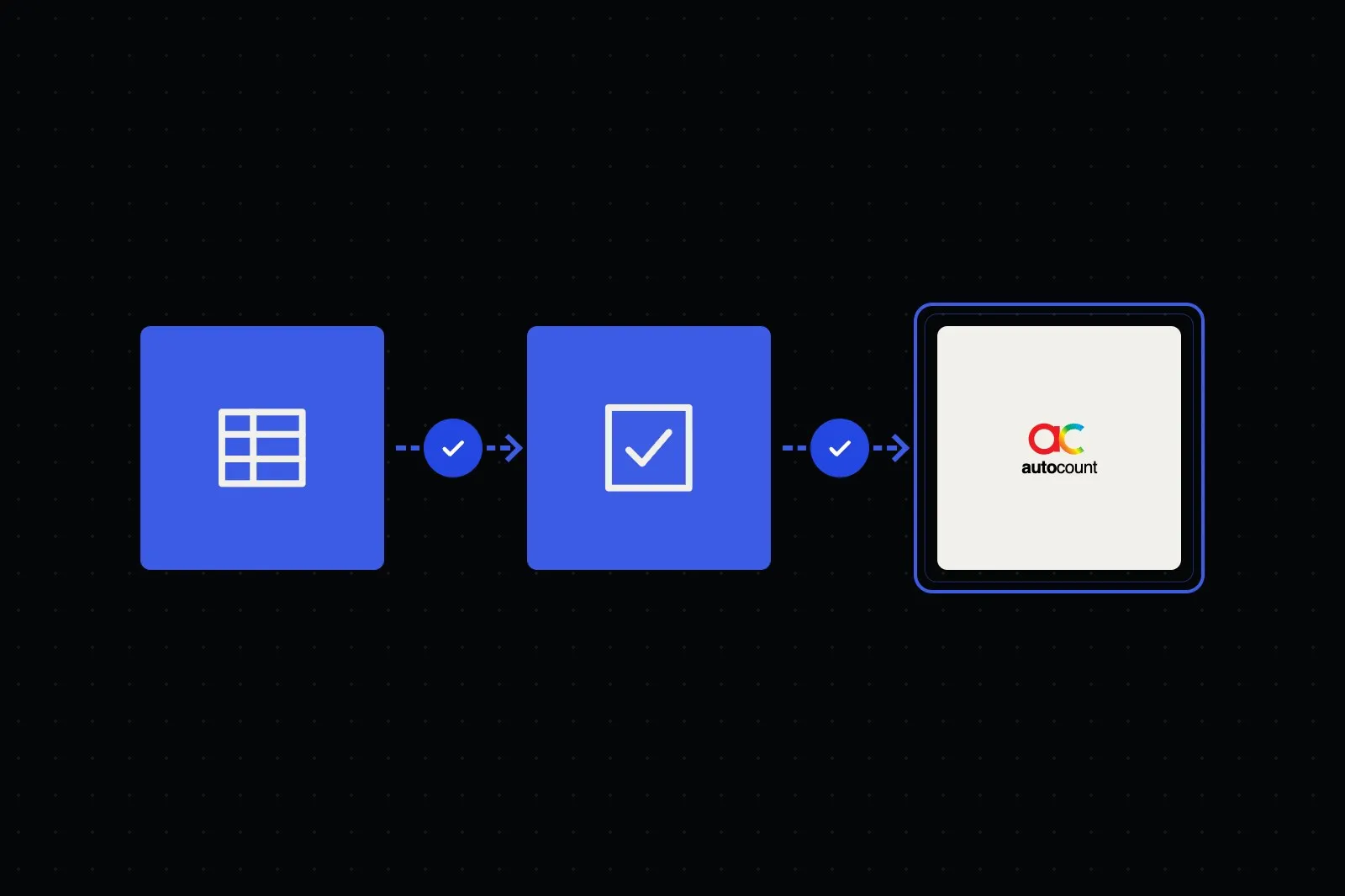 Finance & Accounting
Bank lines matched to invoices and ledger entries by your rules, with exceptions queued for finance to approve.
See the workflow →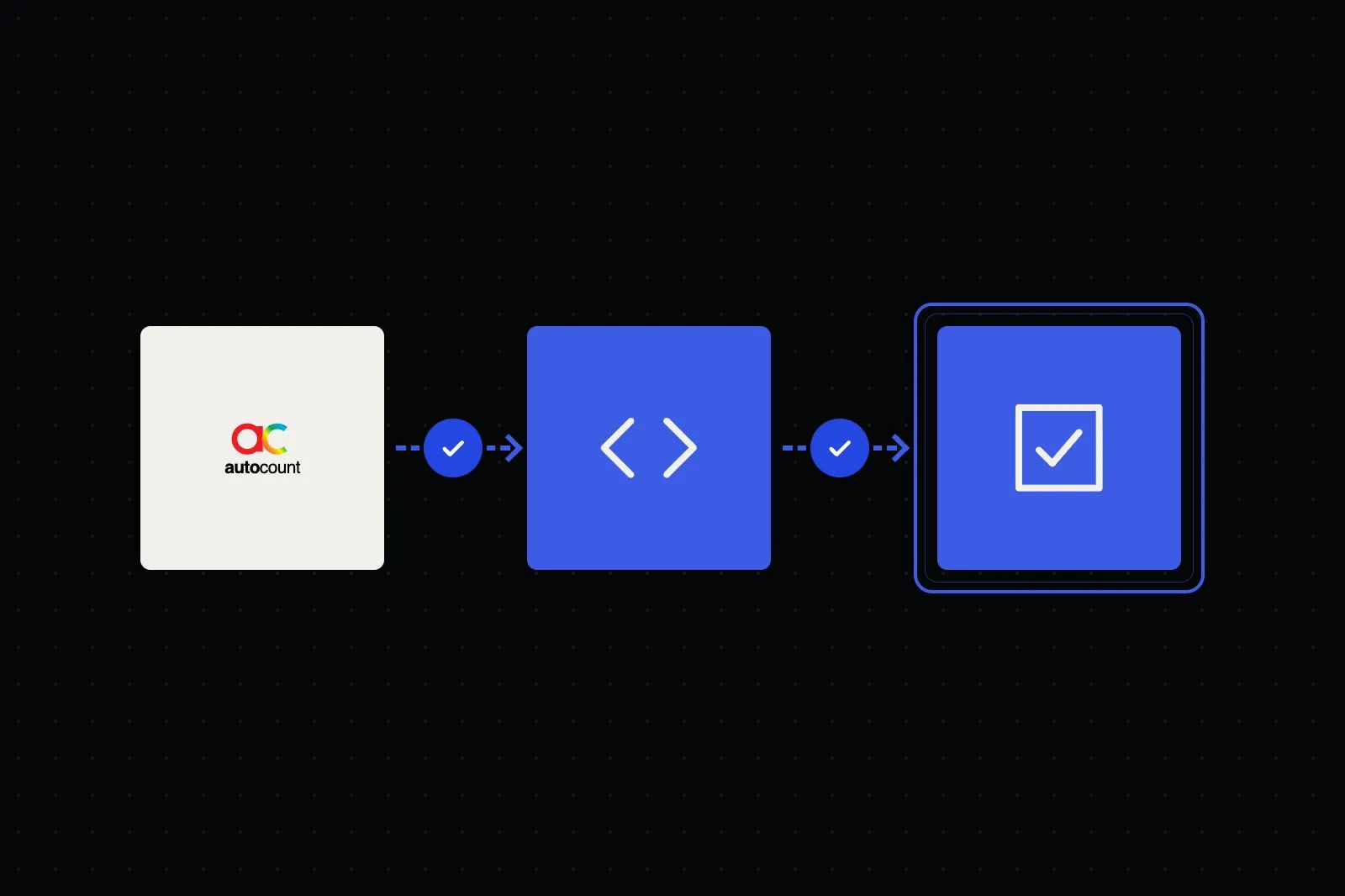 Finance & Accounting
Invoices pulled from AutoCount or your ERP, checked, submitted to LHDN by API, with rejections sent to staff.
See the workflow →Start with a free discovery consultation. We prepare a tailored initial plan and proposal with a private quote before any build starts. These are the factors that shape it.
AutoCount Xero
Xero QuickBooks
 MYOB
MYOB Sage
Sage ZohoGoogle DriveGoogle SheetsGmail
 DropboxWhatsApp
 n8n
n8nSupplier invoices only, or receipts, bank statements and sales documents across many clients.
AutoCount, Xero, QuickBooks, MYOB or Sage, and what each one's API or import route allows.
Client separation, per-client coding rules and chart-of-accounts mapping add setup work.
Duplicate, tax-code and account-code checks, and who approves drafts, shape the review flow.
WhatsApp, email or both, plus the reminder schedule and wording your firm approves.
Your infrastructure or a managed server, and which AI providers are approved for client data.
We agree these with you before anything goes live.
Entries are prepared as drafts for an accountant to approve. Unclear fields, unknown suppliers, invalid codes, possible duplicates and tax-code mismatches are flagged.
Each client's documents and ledger stay separate, with access you set. Data handling, AI providers and hosting are confirmed per project.
If a document is unreadable or a ledger sync fails, the item goes to a review queue and a named person is alerted, instead of being skipped quietly.
Straight answers about scope, data, ownership and support. Can’t find yours? Ask us directly below.
It takes over the repetitive work that fills your team's week: onboarding new clients, chasing missing records, reading invoices, receipts and bank statements into the ledger, suggesting coding, tracking filing deadlines and sending client reports. Your accountants keep the judgement work: review, advisory and sign-off.
Usually, yes. We connect to Xero, QuickBooks, MYOB, AutoCount, Sage and Zoho Books where their APIs and your access permissions allow it, so draft entries land in the same ledgers your team already works in. We confirm what each system supports during discovery.
Yes. An AI assistant on WhatsApp and email requests exactly what is outstanding for each client, follows up on a schedule you set, files what comes back into the right client folder, and tells your team when a client is ready to work on.
Yes. The system reads PDFs, scans, photos and statements, extracts supplier, date, amount, tax and line items, suggests a coding based on your history, and prepares a draft entry for your team to approve. Anything it is unsure about is flagged for a human to confirm.
Each extracted transaction links back to its source document, and checks flag unclear fields, unknown suppliers, invalid account codes, possible duplicates and tax-code mismatches. Entries are prepared as drafts for an accountant to review and approve before records are finalised. Nothing is filed or lodged without your approval.
That is where firms tend to feel it most. Document collection, data entry and status chasing run in the background on the schedule you set, so more of your capacity goes into review and advisory instead of admin. You can also see which clients are complete, waiting or blocked.
Yes. We can build a dashboard of each client, job stage, deadline and outstanding item, with scheduled reminders to the team and the client before dates fall due. Your team stays responsible for statutory deadlines. The dashboard makes them easier to see.
We design the system around client separation, access controls you set and limits on which data reaches an AI model, with workflow actions logged where the systems allow. We confirm data handling for each project, including which AI providers are used, their no-training terms where available, and where the system is hosted (your infrastructure or a managed server).
It depends on scope, access and approvals. A focused build such as a document-chasing assistant or receipt-to-ledger flow is quicker to set up than a full practice automation across onboarding, bookkeeping, deadlines and client reporting, which is usually delivered in phases. We set out the proposed phases and timeline in your proposal.
Cost depends on your client volume, ledgers and integrations. We discuss your process in a free discovery consultation, then provide a tailored scope and private quote in your proposal. We don't list one-size-fits-all project prices.
Not by default. Entries are prepared as drafts with the source document attached, and an accountant approves them before records are finalised. If your firm later wants a category of low-risk items handled differently, we agree the rules and checks with you first.
Yes. For a Malaysian accounting firm, we built an AutoCount system that handles 1,500+ supplier invoices a month across a growing set of client books, cutting entry time from about 5 minutes to under 1 minute per invoice, with approved drafts created in AutoCount. Read the case study.
The right solution depends on how your team works today, the software you use and where people need to stay in control. Start with a free discovery. We'll prepare a tailored initial plan and proposal, then quote implementation after we understand your requirements.