

01
Lead capture to CRM
Enquiries from your website, ads or forms land in the CRM with their source, de-duplicated and assigned to an owner.
Workflows on n8n, Make and Zapier that pass the work between your apps the moment something happens.
When a form is submitted, a booking comes in or a record changes, the workflow takes the next step: it checks the data, updates your systems and alerts the right person. We choose n8n, Make, Zapier or a custom integration for each job.
No upfront consultation fee. Free discovery and a free tailored proposal.
 Data cleanedFields normalised
 CRM updatedOwner assigned
 Alert to the sales ops channel
Most teams don't need another system. They need the steps between their existing apps to stop depending on someone remembering to do them.
Each workflow starts with a trigger, follows your rules and ends in an action. These are the ones we build most often.
Enquiries from your website, ads or forms land in the CRM with their source, de-duplicated and assigned to an owner.
Internal requests from Google Forms or Microsoft Forms become tasks in Asana, ClickUp or Trello, with the owner and due date set.
Requests that need a sign-off, such as a refund, a discount or a new supplier, go to the right approver with the details attached.
New bookings trigger confirmations, reminders and calendar updates for the customer and for your team.
A change in one system, such as an order shipped or a deal won, updates your reports and notifies the people who need to know.
Records kept in step between apps on a schedule, with only changed records moved and every run logged.
Every workflow follows the same pattern. Rules do the predictable work, AI helps only where text needs reading or summarising, and errors go to a person instead of failing quietly.
We pick the platform per workflow: n8n for complex or self-hosted logic, Make for visual multi-step scenarios, and Zapier where a ready connector gets you live fastest.
n8n Make
Make Zapier
 Gmail
Gmail Google Sheets
 Google Drive
 Google CalendarHubSpotSlack
Each platform has its own pricing, limits and connectors, separate from implementation. What a workflow can do in each app depends on its API, your permissions and the agreed scope.
API integrations →A workflow that stops without telling anyone is worse than no workflow. Production workflows get error handling suited to their risk, agreed before go-live.
Execution logExampleFailed runs can be checked and replayed from the failed step.
Two live client systems orchestrated with n8n, plus solution showcases for lead routing, supplier onboarding, clinic bookings, order tracking, campaign reporting and candidate screening.
 Recruitment · Candidate screeningHow a Recruiting Agency Scores Every Applicant in About 20 Seconds~20 sfrom application to ranked row<$2AI fees per 500 resumesRead the case study →
 Private credit · Company intelligenceHow a Private Credit Firm Researches a Target Desk in About 7 Minutes~7 minper desk, unattended90%+coverage on target desksRead the case study →
 Real Estate
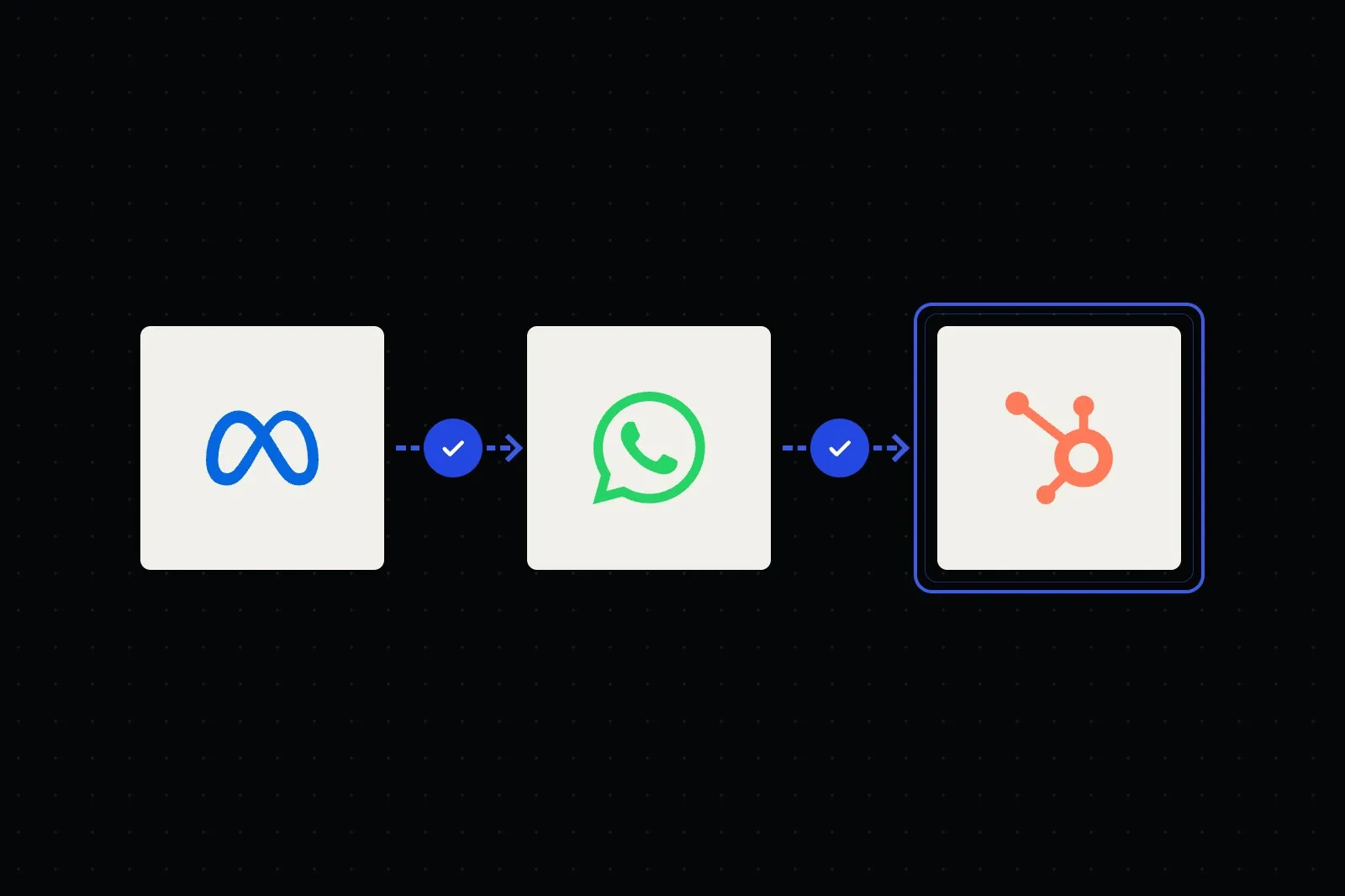
Leads from one ads number are qualified, assigned to the right agent and logged in the CRM, without the manager forwarding chats.
See the workflow →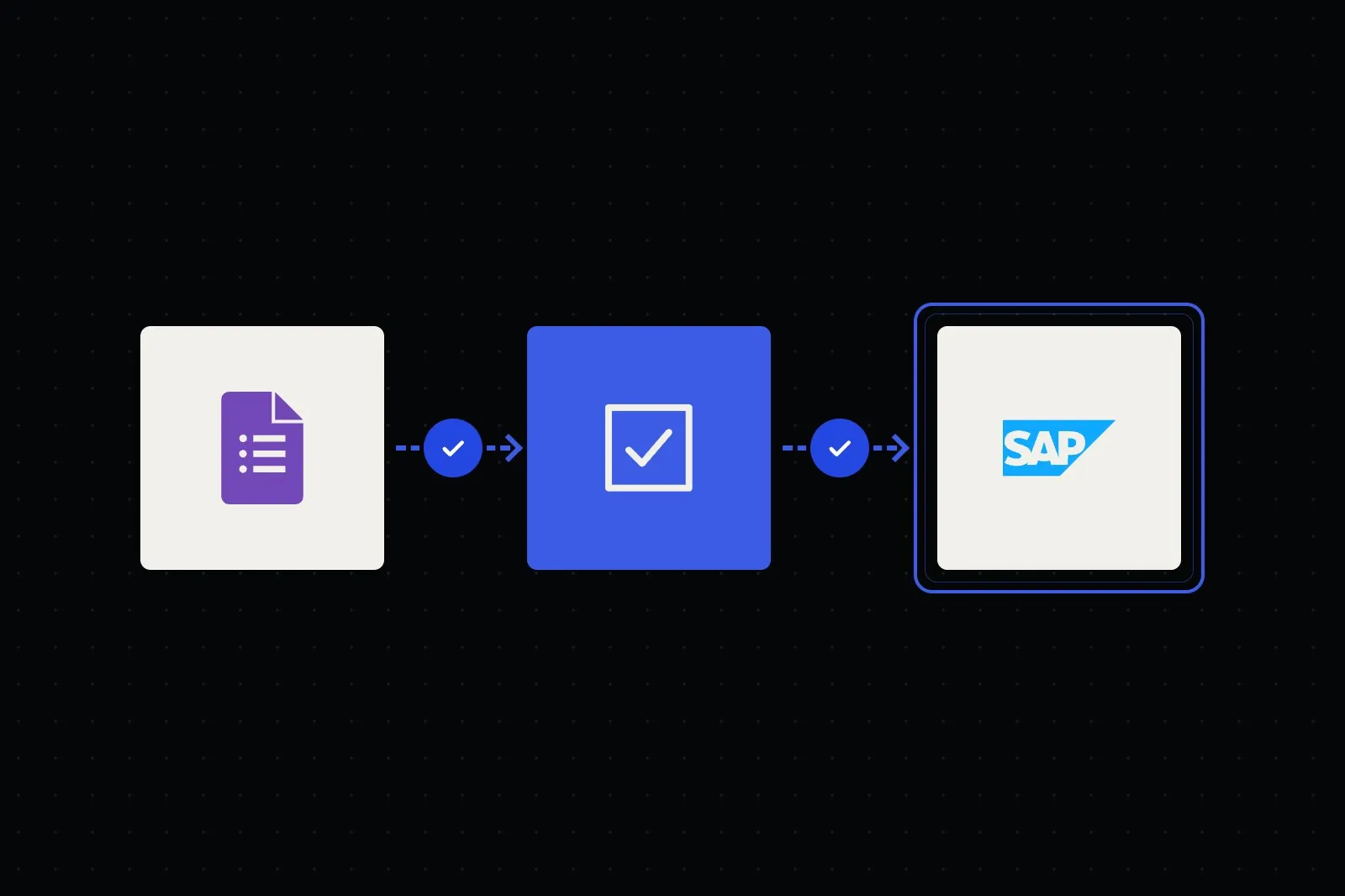 Corporate
Vendor forms and documents checked, duplicates caught and approvals routed, with suppliers created in your ERP.
See the workflow →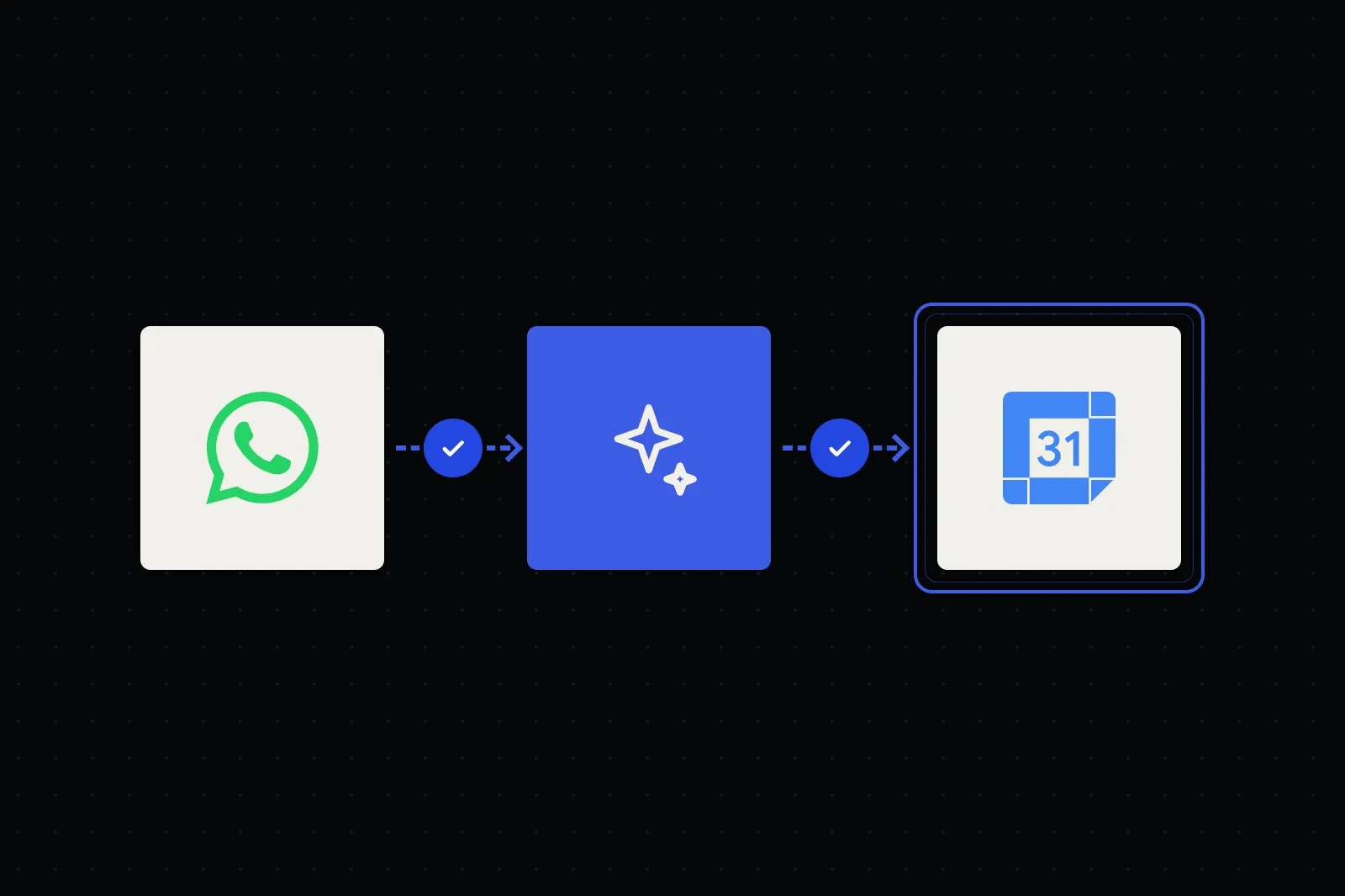 Healthcare
Patients book, reschedule and get reminders, after hours too, while clinical questions go straight to staff.
See the workflow → E-Commerce
Status questions answered from live order and courier data, with delivery updates and delays passed to support.
See the workflow → Marketing Agencies
Ad and analytics data pulled on schedule, KPIs and anomalies ready, and a draft report for the account manager.
See the workflow → Recruitment
CVs summarised against the job's requirements and interviews self-booked, while recruiters make every decision.
See the workflow →We list the tasks your team repeats between apps, and review any automations that run today, who owns them and where they fail.
We agree the trigger, rules, error routes and alerts for each workflow, and the platform that fits it.
We build in your own platform accounts and test with real records, including broken and duplicate ones.
Each workflow is documented and walked through with your team, so they can read and edit it.
Every project has an agreed scope and acceptance criteria before the build starts.
Some teams need one workflow, others a connected set. We scope yours around the apps, rules and volumes involved. These factors shape it.
Straight answers about scope, data, ownership and support. Can’t find yours? Ask us directly below.
Primarily n8n, Make.com and Zapier, plus native automation inside Google Workspace and Microsoft 365. We pick the platform per workflow: n8n for complex, self-hosted or high-volume logic, Make.com for visual multi-step scenarios, and Zapier where a fast, off-the-shelf connector already exists. Where no platform fits, we drop to webhooks and REST APIs.
Choose n8n when you need branching logic, custom code steps, high run volumes, or data that must stay on your own infrastructure. It is open-source and self-hostable, so there is no per-task metering. Zapier and Make.com win when speed to launch and a ready-made connector matter more than control. We will recommend the right one for each workflow rather than forcing everything onto a single tool.
Yes. We deploy and configure self-hosted n8n on your cloud or on-premise infrastructure, containerised, with credential encryption, queue mode for scale and backups. Your workflow logic and stored data stay on infrastructure you control. If a workflow calls cloud AI, email or other external APIs, that data is sent to those services, so we map and agree each data flow. We can also manage a hosted instance if you prefer not to run it yourself.
Production workflows include error handling suited to their risk: retries with backoff on temporary failures, error branches, and alerts to Slack or email when something needs a person. We add de-duplication so re-runs don't double-post, and log executions so a failed run can be checked and replayed. If an API rate limit is hit, requests are batched or queued and the run pauses and alerts someone instead of losing data.
No. Most workflow steps are rules: move this record, check that field, send that alert. We add AI only where a step needs reading or judgement, such as summarising an enquiry or reading a CV, and it works inside the rules you set. Data handling, AI providers and hosting are confirmed per project.
You own the bespoke workflows built for your project under our agreement. They are built in your own platform accounts (or your self-hosted n8n), documented, and handed over with a walkthrough so your team can read, edit and extend them. Framworq keeps its pre-existing tools and reusable components, with the rights your team needs to use the system. Run the workflows yourself, or choose a separate maintenance and monitoring plan.
We use the platform's HTTP request node to call REST APIs directly, and we build webhook triggers so external systems can push events into the workflow as they happen. If a tool exposes a usable API or webhook, we can usually integrate it, even without a pre-built connector, subject to its access rules, rate limits and licensing.
Yes. We automate across Gmail, Google Sheets, Drive and Calendar, and across Microsoft 365 (Outlook, Excel, Teams, SharePoint and OneDrive), using their official APIs and OAuth. These are often the trigger or the destination for a workflow, wired to n8n, Make.com or Zapier in the middle.
Yes. We can review existing workflows, fix fragile ones and extend them, rather than rebuilding from scratch. We start with an audit of what runs today, who owns it and where it fails.
List the tasks your team repeats between apps each week. We'll show you which ones can run as workflows and prepare an initial plan.
 Shopify
 Notion
 Airtable