
Using Claude for document workflows in contracts, reports and complex documents
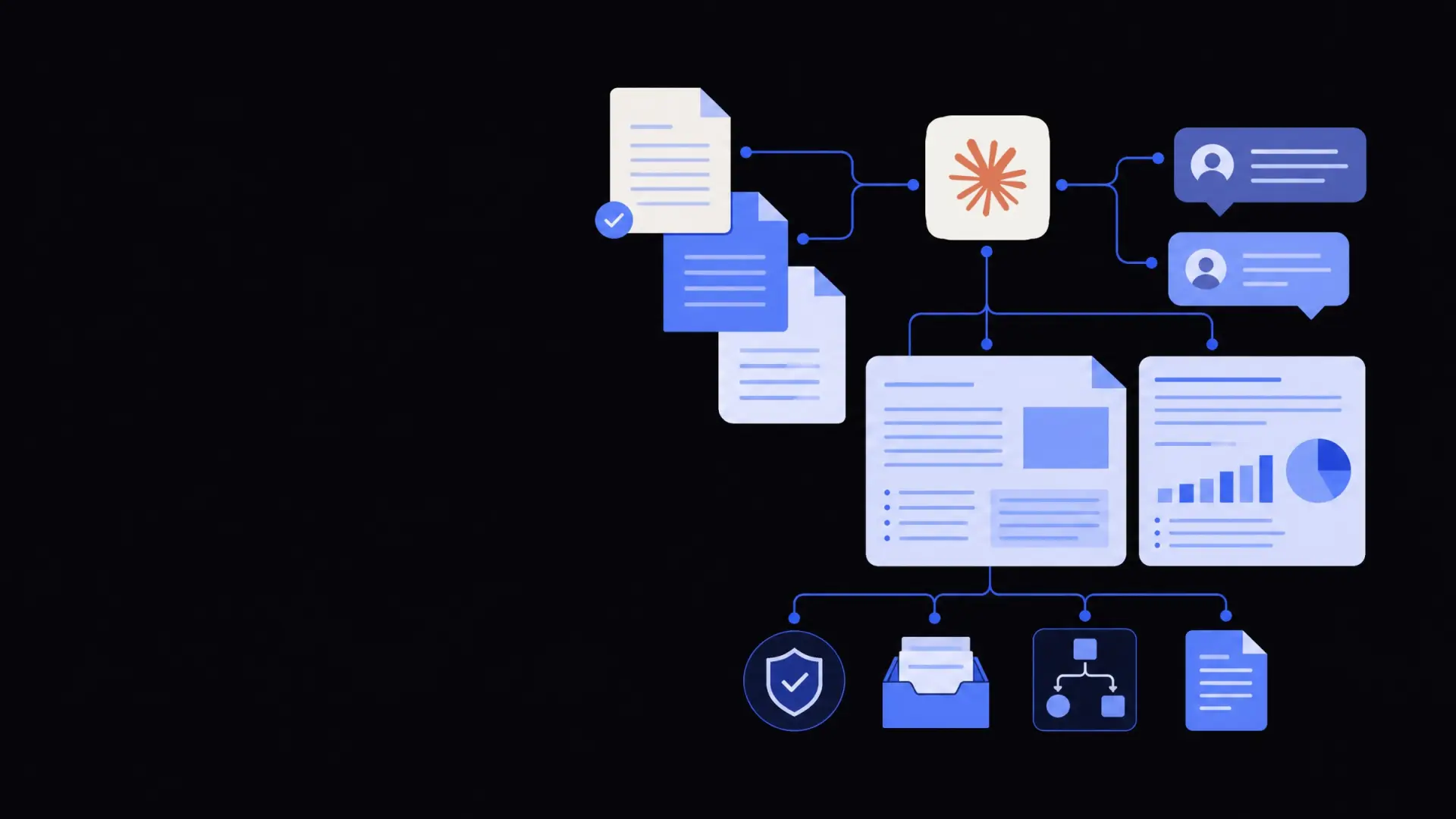
Claude’s long-context models are well suited for document-heavy workflows such as contracts, reports and policy documents, helping teams review, draft and analyse large files faster while keeping humans in control of key decisions.
On this page
Using Claude for document workflows means pairing its long-context reasoning with clear processes so it can read, compare, and help draft large contracts, reports and policy documents while humans handle approvals and judgment calls. Done well, this reduces time spent on repetitive review, keeps language consistent across documents, and makes it easier to pull reliable insights from large volumes of text.
Why Claude is well suited to document-heavy workflows
Claude’s strength for document work is its ability to take in and reason over long inputs in a single pass rather than in fragments.
A document workflow is the series of steps a file goes through from creation to approval, including drafting, review, negotiation, publishing and archiving. Many of these steps involve slow, manual reading and copying.
Claude helps in a few specific ways:
- Long-context awareness – It can read large contracts or multi-report packs at once, preserving cross-references and structure.
- Structured reasoning – It handles “find, compare, summarise, suggest” tasks in a single prompt, which fits legal and operations use cases.
- Style control – It can mimic existing templates and tone, reducing time spent editing for consistency.
- Flexible integration – It can sit inside email, document management tools, or custom dashboards via APIs.
The trade-off is that Claude is an assistant, not an authority. It accelerates work on large documents, but legal, finance and compliance teams still need clear review points and sign-off rules.
Common use cases for Claude for document workflows
Claude is most helpful where you have repeatable formats, clear policies, and a lot of text to move through.
1. Contract review and risk scanning
Claude can be used to triage and structure contract review, especially for standard agreements.
Typical tasks:
- Flagging unusual clauses or missing standard terms.
- Comparing a counterparty draft to your template.
- Extracting key terms into trackers or deal summaries.
- Generating redline suggestions based on your playbook.
A basic contract triage workflow often looks like this:
- A new contract is uploaded or received by email.
- An automation extracts the text and sends it to Claude with your review guidelines.
- Claude returns:
- a summary,
- a risk checklist,
- proposed edits in plain language.
- A lawyer or contracts manager reviews the output, edits as needed, and finalises the response.
This approach works best when you have stable templates and a written playbook. It is less reliable for one-off, bespoke deals without any prior pattern.
2. Policy, SOP and handbook maintenance
Policies and standard operating procedures (SOPs) tend to grow over time and drift out of sync.
Claude can:
- Compare new regulations or internal decisions to existing policies.
- Propose consolidated versions where documents overlap.
- Generate staff-facing summaries from formal policy text.
- Maintain consistent terminology across multiple handbooks.
For example, an operations team can upload legacy SOPs and ask Claude to propose a single streamlined version, with differences listed. A manager then validates which steps to keep, change or remove.
3. Reporting and management packs
Long monthly or quarterly reports often reuse the same structure but require updated numbers and commentary.
Claude can help:
- Draft narrative sections based on updated metrics.
- Summarise input from multiple teams into a single pack.
- Rewrite technical analysis into executive summaries.
- Standardise sections across business units.
A typical pattern is to have humans define the outline and key messages, then ask Claude to fill in narrative drafts that are edited before publishing.
4. RFPs, proposals and bid documents
RFP and tender responses are document-heavy and highly repetitive.
Claude can support teams by:
- Identifying which existing answers match a new question set.
- Drafting first-pass answers using your past submissions and knowledge base.
- Enforcing page limits and section word counts.
- Creating tailored compliance matrices for each bid.
When wired into a document library using workflow automation services, Claude can search previous proposals and propose responses that align with your preferred positioning and evidence.
How to structure contract workflows with Claude
Contract work is high-risk, so structure and boundaries matter more than raw speed.
Decide where Claude fits in the contract process
Map your existing contract lifecycle first:
- Template creation and updates.
- Initial drafting.
- Counterparty review and negotiation.
- Internal approvals.
- Signature and archiving.
Then pick specific, constrained steps for Claude, such as:
- First-pass review to identify clauses needing attention.
- Drafting mark-up explanations in plain language.
- Extracting key deal terms into trackers.
- Converting final contracts into structured data.
Avoid making Claude the sole decision-maker on whether a contract is acceptable. Instead, treat it as a specialised assistant providing checklists, comparisons and drafts.
Design prompts and playbooks
Prompts work best when tied to your written policies.
Good inputs usually include:
- Contract type and industry (e.g. SaaS MSA, supplier agreement).
- Jurisdiction if relevant.
- Your standard clause positions and red lines.
- The specific outcome you want (summary, clause comparison, or suggested edits).
For example, instead of asking: “Review this contract”, you might specify: “Review this supplier contract for data protection and indemnity clauses against our standard positions below. List any clauses that deviate, why they are risky, and propose safer alternative wording.”
Your internal business process automation services can wrap these prompts into standardised actions in a contract intake system, so users do not have to engineer prompts themselves.
Handling redlines and markup
Claude can propose text changes, but legal teams usually work in Word track changes or similar tools.
Typical patterns:
- Claude generates suggested clause wording in plain text.
- An automation or paralegal converts suggestions into tracked changes.
- Claude can then review marked-up versions and produce explanations aimed at non-lawyer stakeholders.
This keeps humans firmly in control of the actual edits that go into official documents.
Using Claude for report drafting and analysis
Reports benefit from Claude’s ability to combine structured data with narrative explanation.
Drafting narrative sections from data
Claude can transform raw numbers and bullet-point findings into readable text.
A simple workflow:
- Source systems export metrics tables or bullet summaries.
- Automation sends this, along with last period’s report, to Claude.
- Claude drafts updated commentary, highlighting meaningful changes.
- An analyst checks the draft for accuracy and adds judgment or context.
Trade-offs:
- Claude is good at pattern descriptions (“up, down, stable”) but should not be trusted to calculate or reconcile figures.
- Always generate the numbers separately and treat Claude as a writing layer on top.
Summarising and comparing long reports
When reviewing multiple reports or a large pack, Claude can:
- Produce concise executive summaries.
- Compare this month’s report to prior periods and list key deltas.
- Highlight inconsistent language or conflicting statements across sections.
- Extract action items and owners from text.
In practice, a manager can ask Claude to generate one-page briefings before a meeting, based on hundreds of pages. These are faster to read, while links to the source sections can be kept for deep dives.
Practical setup: from ad-hoc use to integrated workflows
You can use Claude for document work in three levels of maturity, each with different trade-offs.
Level 1 – Ad-hoc assistance in existing tools
Teams paste text into Claude through a chat interface or upload PDFs as needed.
Benefits:
- Fast to start, no development required.
- Useful for exploratory tasks or one-off documents.
Limitations:
- Inconsistent prompts and outputs.
- Harder to enforce compliance and logging.
- Manual copying between systems.
This level suits pilots and early experimentation, especially when guided by an AI consulting service that can help identify good use cases.
Level 2 – Semi-structured workflows
Claude is integrated into a few key tools such as document management, CRM or ticketing systems.
Features usually include:
- Buttons like “Summarise”, “Review for risk”, or “Draft response”.
- Standard prompt templates behind each action.
- Automatic attachment handling and secure storage.
Benefits:
- More consistent results.
- Reduced manual steps and fewer copy–paste errors.
- Clearer logs for audit.
Limitations:
- Still relies on users choosing when and how to invoke Claude.
- Requires light development or configuration work.
Level 3 – Fully automated document pipelines
Claude sits inside orchestrated workflows, where documents move between systems with minimal manual handling.
These workflows often combine:
- Ingestion (email, uploads, system exports).
- Text extraction and OCR via document processing and OCR services.
- Claude analysis or drafting steps.
- Routing to humans for review and approval.
- Writing back results into contract repositories, CRMs or data warehouses.
At this level, Claude becomes one step in a broader business operations automation solution, which handles the full lifecycle from intake to archive.
Risks at this level include over-automation. Safeguards should include clear checkpoints, thresholds for human review, and monitoring for systematically wrong outputs.
The safest way to use Claude in document workflows is to automate reading, summarising and drafting, while keeping humans responsible for approvals and final wording.
Governance, quality and risk management
Long-context document work touches sensitive areas like contracts, HR and finance, so governance is essential.
Consider these practices:
- Clear responsibilities – Define exactly which steps Claude handles, and who is accountable for the final document.
- Prompt and template versioning – Treat prompts and workflows like policies; version them and record when they were changed.
- Sampling and audits – Periodically review a sample of outputs against your standards, especially for high-impact document types.
- Access control – Limit who can send which documents to Claude, particularly for confidential or regulated information.
- Data separation – Ensure you understand how your Claude deployment handles training data, logging and retention.
When implementing Claude-based workflows, many organisations combine technical work with process mapping and change management via custom AI development services. This ensures that the automation supports how teams actually work, instead of forcing them into rigid new processes.
Used thoughtfully, Claude can turn document-heavy, long-context tasks from a bottleneck into a structured, auditable workflow that still keeps humans in charge of critical decisions.
Where Framworq can help
Want this mapped for your business?
We’ll help you find the highest-leverage workflows to automate first — and build them end to end. No jargon, no lock-in.
Book a free automation audit