

01
Approvals
Requests routed to the right approver by amount, team or type, with reminders, escalation and a record of who approved what.
Approvals, hand-offs and record updates that move on without someone chasing the next step.
We map an end-to-end process as it runs today, across people, documents, systems and approvals. Then we redesign it and automate the routine steps. Your team keeps the decisions, and everyone can see where each job is.
No upfront consultation fee. Free discovery and a free tailored proposal.
When a process crosses teams, documents and systems, the hand-offs are where time goes. Requests wait in inboxes, details are typed twice and nobody can see where a job is.
Business process automation covers the whole process, not a single app connection. For one trigger-and-action job between apps, see Workflow Automation.
Requests routed to the right approver by amount, team or type, with reminders, escalation and a record of who approved what.
Details captured once from forms, emails or documents, then passed to every system that needs them, with checks at entry.
Orders, stock checks, dispatch and delivery updates linked as one process, from the order to the customer's confirmation.
New clients, staff or suppliers set up across folders, accounts and task lists from one trigger, with the checks your SOP requires.
Status views and scheduled reports built from the process itself, so managers see waiting times and bottlenecks without asking.
Missing details, mismatches and overdue approvals each get a defined route to a person, with the context needed to decide.
Rules move the work between people and systems the same way each time. AI helps where a document needs reading or a record needs matching, and people make the decisions.
A process rarely lives in one tool. We connect each step to the systems your team already uses, so the work and the data move together.
 Gmail
 Google Forms
 Google Drive
 Slack
 Shopify
 Salesforce
 Zoho
 SAP
 HubSpot
 PostgreSQL
 Google Sheets
 Looker
What each step can read or update depends on that system's API, your permissions and the agreed scope. Where a system has no API, we use approved import files or a manual checkpoint.
API integrations →We don't quote savings before we've seen your process. We agree what to measure in discovery, record a baseline from how the process runs today, and compare once the new process is live.
Results are compared with your own baseline, not industry averages.
We agree these with you before anything goes live.
Approvals, payments and anything sensitive stay with a named person. The process prepares the work; your team signs it off.
Staff can correct a record, send a job back or pause a step. Failed steps retry where safe, then alert a person, and every change is logged.
Each step touches only the data it needs, through scoped credentials rather than shared logins. Data handling, AI providers and hosting are confirmed per project.
Two live client systems that run sourcing, research and outreach as one process, plus solution showcases for supplier onboarding, candidate screening, clinic bookings, quotations and claims.
 Capital markets · Research & outreachHow a Capital-Raising Team Cut Investor Research from 15 Minutes to 170%shorter deal pipeline timeline15×faster than by handRead the case study →
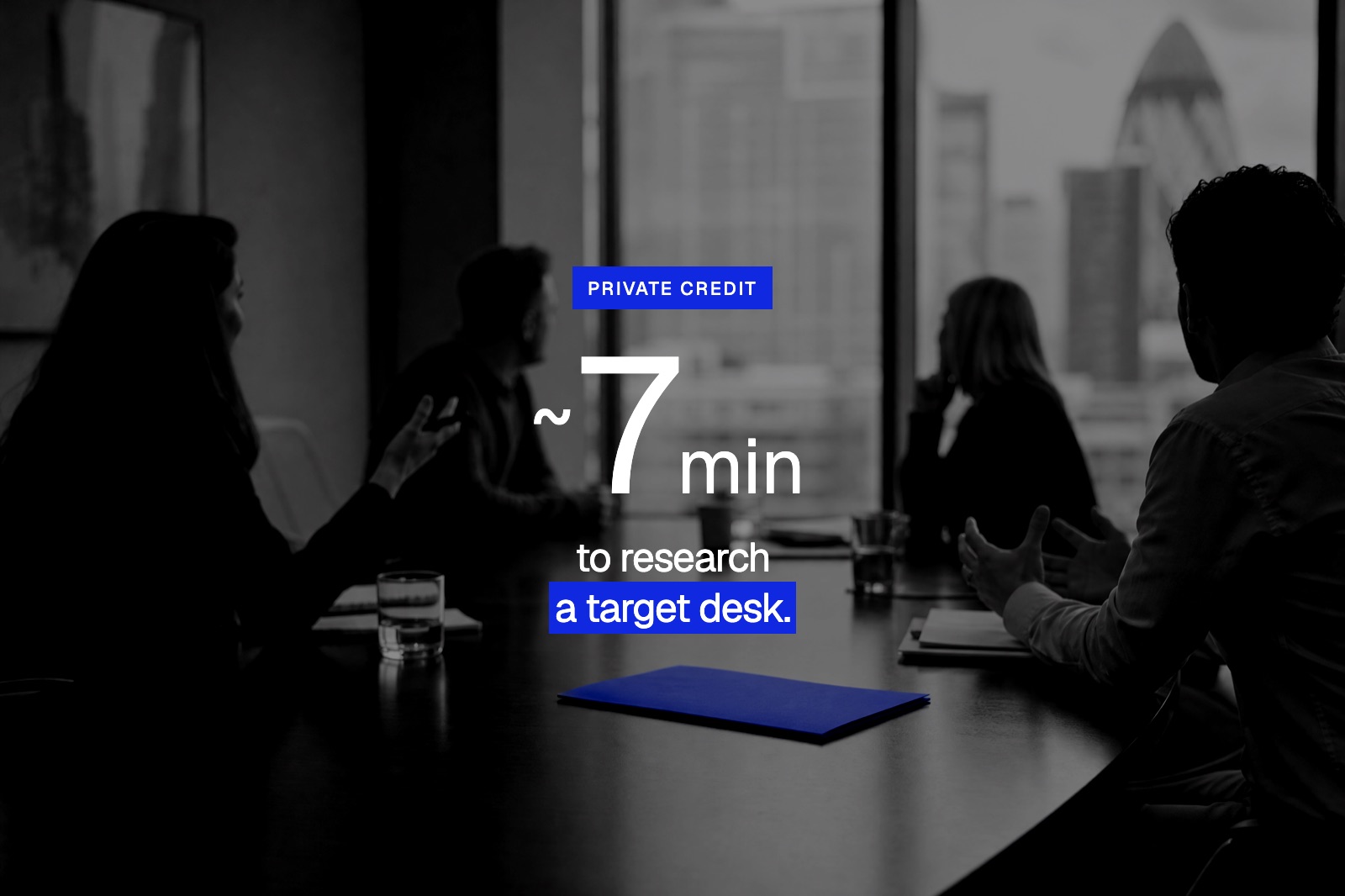 Private credit · Company intelligenceHow a Private Credit Firm Researches a Target Desk in About 7 Minutes~7 minper desk, unattended90%+coverage on target desksRead the case study →
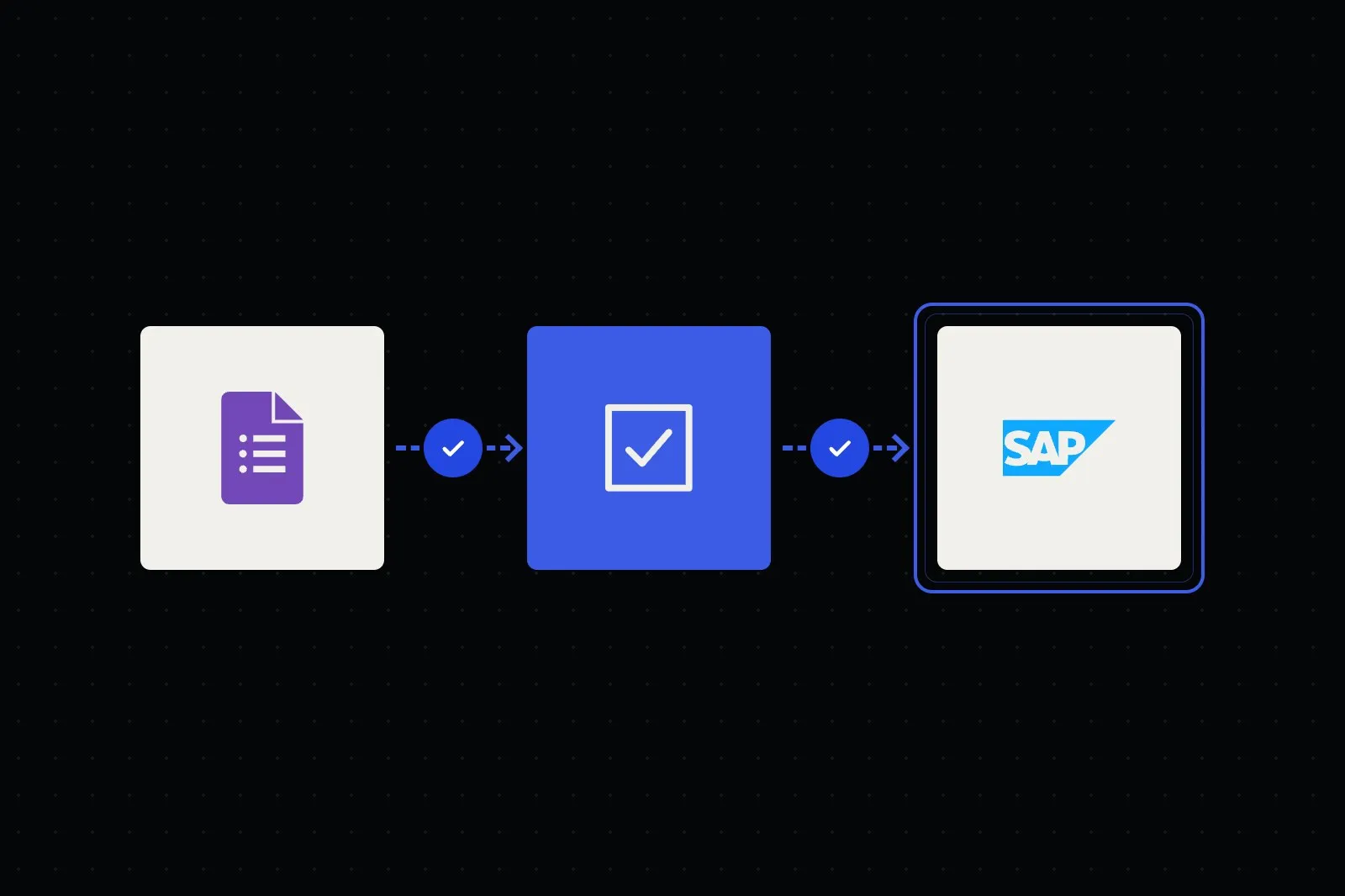 Corporate
Vendor forms and documents checked, duplicates caught and approvals routed, with suppliers created in your ERP.
See the workflow →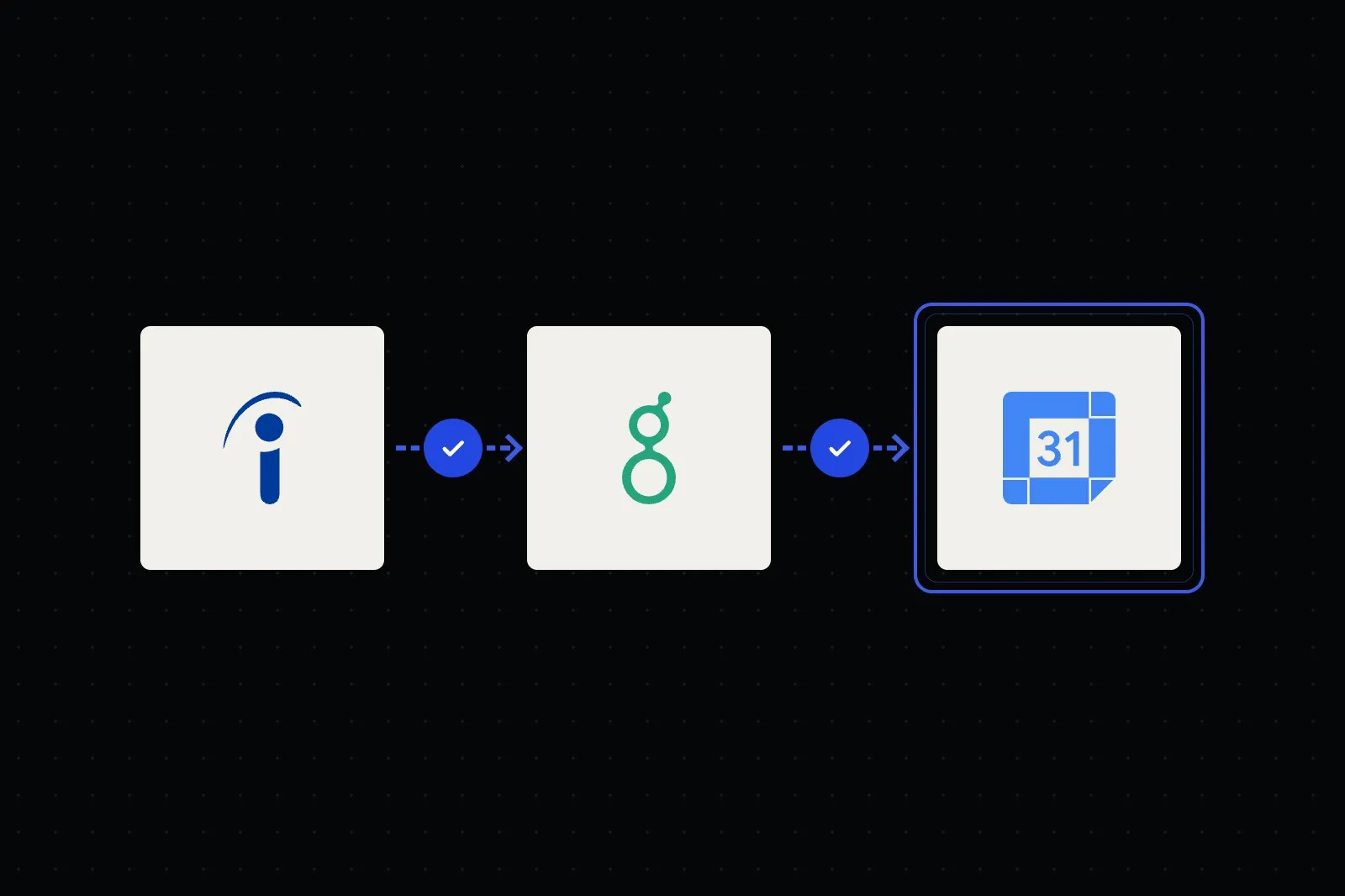 Recruitment
CVs summarised against the job's requirements and interviews self-booked, while recruiters make every decision.
See the workflow →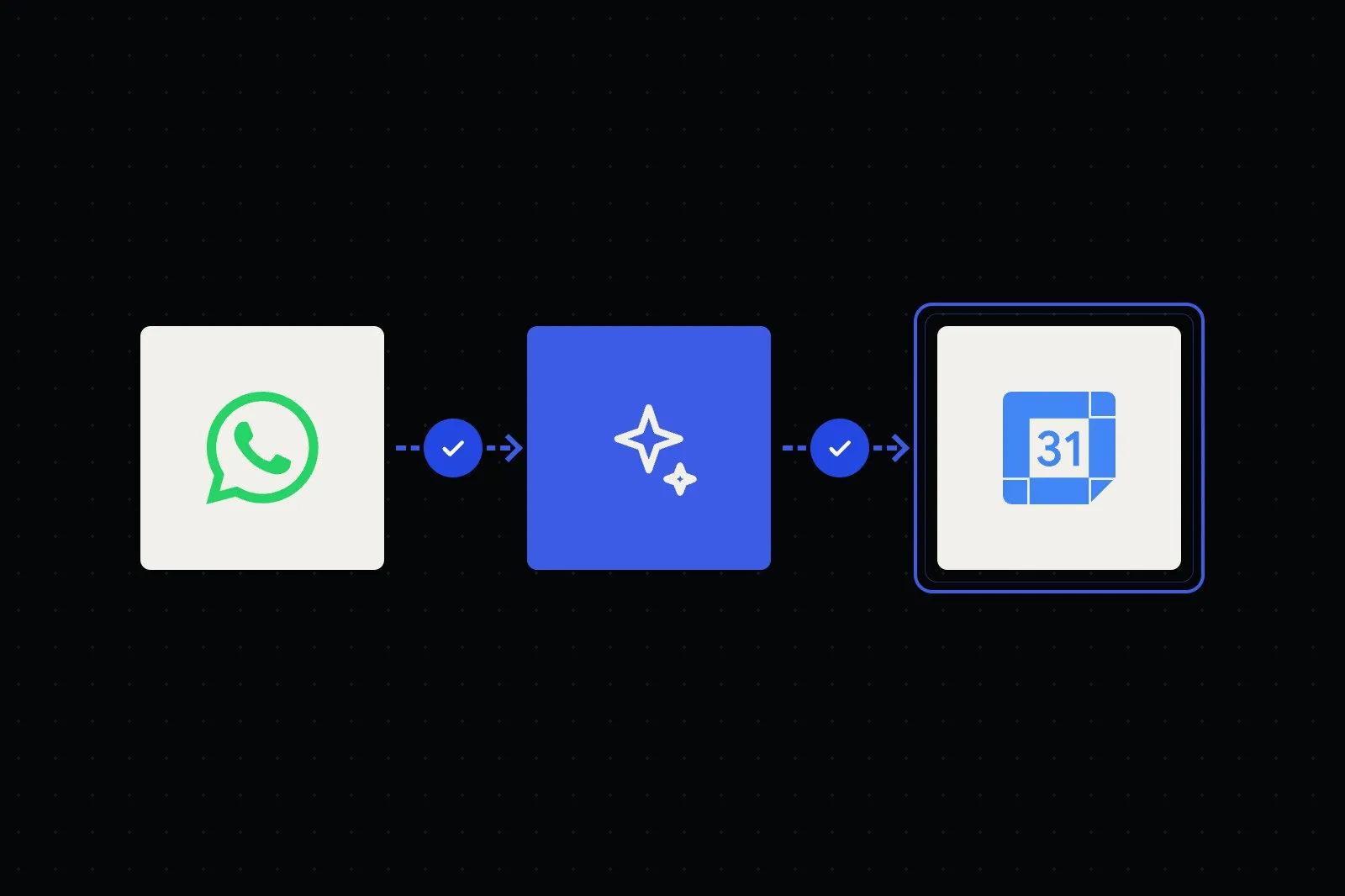 Healthcare
Patients book, reschedule and get reminders, after hours too, while clinical questions go straight to staff.
See the workflow → Manufacturing
Multi-item RFQs read from email, matched to your catalogue and priced by your rules, ready for sales to approve.
See the workflow → Insurance
Claims opened, documented and triaged in the chat, with status updates and your claims team deciding every claim.
See the workflow →We document each step, hand-off, approval and workaround as it runs today, including the exceptions.
We remove rework, agree who decides what, and mark which steps are automated, AI assisted or kept with people.
We run the new process on live work with a small team, measure it against the baseline and adjust the rules.
We extend it to the wider team, train the people involved and refine from real use.
Every project has an agreed scope and acceptance criteria before the build starts.
Every process is different, so we scope yours around the steps, people and systems involved. These factors shape it.
Straight answers about scope, data, ownership and support. Can’t find yours? Ask us directly below.
Business process automation (BPA) takes a full end-to-end process, such as order fulfilment or client onboarding, maps every step, hand-off and decision, then redesigns and automates it as one coordinated process. A single workflow automates one task between apps, which we cover under Workflow Automation. BPA connects many tasks, systems and people, with approvals and exception handling built in.
Start with a process that runs often, follows mostly clear rules, crosses at least one hand-off and causes visible delays or rework. In discovery we score a shortlist by impact and effort, and pick one that can show measurable results without disrupting critical work.
Yes. Process mapping comes first. We document the current flow, every hand-off, approval and edge case, then redesign it to remove rework before we build. Automating a broken process just makes the mess run faster, so we fix the design first and agree it with you.
Usually not much. We build around the systems you already run, such as Gmail, Google Sheets, Microsoft 365, Slack, HubSpot, Shopify, your ERP and your databases, and connect them. Where a tool can't support a step, we explain the options and you decide. Mapping often shows steps that can be removed or reordered; we propose the changes, and update the process documentation so your SOP matches how the system works.
Yes. Approvals, payments and anything sensitive stay with named people. Staff can correct a record, send a job back or pause a step, and each change is logged. Overrides that keep happening usually mean a rule needs adjusting, so we review them during the pilot.
Exception handling is designed in. The process checks data at defined steps, retries temporary failures, and routes anything it can't resolve to a person with the context, instead of failing silently. For approvals, we agree reminder and escalation rules up front, and the job waits in a visible queue rather than being skipped. Failed runs are logged so they can be traced, fixed and replayed without posting twice.
We agree the measures in discovery, such as staff time per job, request-to-completion time, rework and overdue approvals, and record a baseline from your current process. After the pilot we compare against that baseline, so results come from your own data rather than estimates.
A single well-defined process is the quickest to map, build and launch. A larger multi-department programme is delivered in phases, so each process goes live and proves itself before the next. After a free discovery consultation we prepare a tailored initial plan and proposal with a phased timeline and a private quote.
You own the bespoke workflows and scripts built for your project under our agreement. Framworq keeps its pre-existing tools and reusable components, with the rights your team needs to use the system. We hand over documentation and a walkthrough so your team can run and extend the process. Run it yourself, or choose a separate maintenance and monitoring plan.
Walk us through one process, from request to sign-off. We'll show you where the time goes and prepare an initial plan for automating it.
 Airtable