On this page
To automate workflows with n8n effectively, you design flows around clear triggers, map and transform data step by step, and standardise patterns for errors, retries, and notifications. n8n is a low-code workflow automation tool that lets you orchestrate APIs, apps, and data with visual nodes, but long-term reliability comes from how you structure and maintain those workflows, not just from connecting tools.
What does it mean to automate workflows with n8n?
Automating workflows with n8n means turning repeatable business processes into visual, executable flows made of triggers and nodes instead of manual clicks and copy‑paste. Each workflow defines when it runs, what data it consumes, which systems it talks to, and what it should do when something goes wrong.
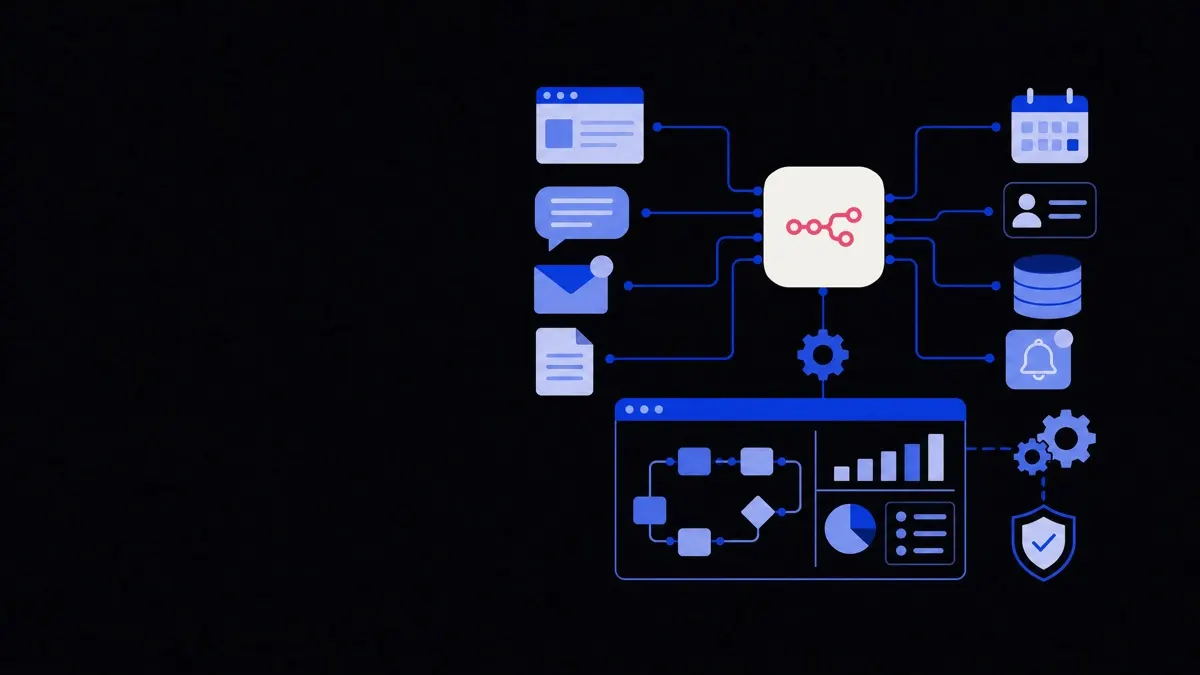
A typical n8n workflow includes:
- A trigger – for example, a new CRM lead, a webhook from your app, or a schedule.
- Data processing steps – formatting fields, branching on conditions, performing calculations.
- Integration steps – creating or updating records in tools like HubSpot, Slack, Notion, or your own APIs.
- Observability – logs, notifications, and dead‑letter queues so failures can be investigated and replayed.
The goal is not only to link tools but to express a business process in a way that is repeatable, testable, and easy to extend.
Treat each n8n workflow as a small, observable service that expresses a single business outcome, not just a chain of app actions.
Core design principles for reliable n8n workflows
Before you drag in nodes, you need a few structural rules so your workflows remain understandable as they grow.
1. One primary outcome per workflow
Each workflow should do one thing well, such as "qualify inbound lead" or "sync invoices to accounting", rather than mixing unrelated processes. This keeps:
- Triggers simple and unambiguous.
- Rollouts and changes easier to test.
- Failures easier to trace.
If a flow starts to branch into very different responsibilities, split it into separate workflows and connect them via webhooks or the n8n "Execute Workflow" node.
2. Clear triggers and idempotent behaviour
Define exactly what each run represents: one message, one lead, one invoice. Aim for idempotency, which means repeating the same workflow run with the same input should not create duplicates or inconsistent states.
This usually requires:
- Using external IDs (e.g., CRM ID, invoice number) whenever you write to systems.
- Checking if a record already exists before creating or updating it.
- Storing sync markers (such as "last synced at" timestamps) in a single, consistent place.
3. Explicit data contracts between steps
A data contract defines what structure and fields a step expects and returns. In n8n, this means being deliberate with:
- Field names (e.g., always "email" not "emailAddress" in your internal mapping).
- Types (string, number, boolean) and required vs optional fields.
- Where in the item the data lives (e.g.,
jsonroot vs nested properties).
Normalise early—convert external payloads into your internal format in a dedicated mapping step. This reduces complexity in later nodes.
4. Errors are first‑class, not an afterthought
Plan for:
- Transient errors – timeouts, rate limits, flakey APIs.
- Permanent errors – validation failures, missing data, business rule violations.
Use built‑in retry options, but also design custom error paths for important operations. Failures should be visible and actionable, not silent.
Essential n8n build patterns to reuse everywhere
You can save a lot of time by reusing a small set of proven patterns rather than designing each workflow from scratch.
Pattern 1: Trigger → Normalize → Route
This pattern handles most "event in, multiple possible actions out" scenarios.
- Trigger: Webhook, app trigger, or schedule fires.
- Normalize: A Function, Set, or Transform node standardises field names and shapes the payload.
- Route: A Switch or If node branches based on type, status, or channel.
Typical example: inbound leads from different sources.
- Trigger: separate webhooks for website form, ad platform, and partner referrals, all calling the same workflow.
- Normalize: map each incoming payload into a common structure:
source,email,name,company,utm,consent,createdAt. - Route: branch by
sourceor by scoring rules (e.g., enterprise vs SMB routing).
This pattern makes it easy to add new sources without breaking downstream logic.
Pattern 2: Lookup → Decide → Upsert
Upsert means "insert or update". Use this pattern for any sync into a system of record.
- Lookup: Search by external ID or a unique key (e.g., email).
- Decide: If found, update; if not, create.
- Upsert: Perform the create or update with consistent mapping and error handling.
Trade‑offs:
- Using email as a key is easy but can break when emails change.
- Using external IDs is more robust but requires you to store those IDs centrally, often through dedicated API integration workflows.
Pattern 3: Error branch with dead‑letter queue
For important workflows, you need a repeatable way to capture and replay failed events.
- Wrap critical remote calls in a node group.
- On error, send the full item payload plus metadata to:
- A dedicated "error" table (e.g., in Airtable or a database).
- Or a queue/list in a system like Redis, S3, or a "Retry" workflow via webhook.
- Optionally notify a Slack or email channel with a link to the record, not the entire payload.
Then, build a "Replay" workflow:
- Triggered manually or on schedule.
- Reads from the error store.
- Replays items through the original workflow or a repair flow.
- Marks records as resolved.
This pattern turns random errors into a manageable queue of tasks.
How to structure an n8n workflow end‑to‑end
A practical structure for most production workflows looks like this:
- Trigger node
Pick the trigger that matches how the business thinks about the event.
- For user actions in your app, use a Webhook or Custom API trigger.
- For scheduled maintenance or reports, use Cron.
- For third‑party tools, prefer their native triggers when available.
Keep trigger nodes lean. Offload complex parsing to follow‑up nodes.
- Validation and guardrails
Immediately after the trigger:
- Check for required fields (e.g., email, amount, IDs).
- Enforce type/format where possible.
- Drop or route invalid events to a "quarantine" branch.
This protects downstream nodes from messy inputs.
- Normalization and enrichment
Convert the payload into your internal format and add context:
- Map field names into your standard schema.
- Parse and normalise dates, currencies, and phone numbers.
- Call lookup services (CRM, data warehouse, internal APIs) for enrichment.
- Business logic and branching
Express rules in a way that is easy to read:
- Use If nodes for simple yes/no conditions.
- Use Switch for multi‑path routes based on status or type.
- Keep complex conditional code in one or two Function nodes instead of spreading conditions across many nodes with small tweaks.
- Side‑effect nodes (writes to external systems)
Group writes together and apply:
- Upsert pattern for systems of record.
- Rate limiting and retry settings for APIs that are often slow or busy.
- Idempotency checks using external IDs or hashes.
- Logging, metrics, and notifications
Important information to log includes:
- The external ID and internal ID.
- Which path was taken in the workflow.
- The final outcome (created, updated, skipped, quarantined).
Notifications should be:
- Actionable – what happened and what the human can do.
- Filtered – use severity levels; do not ping on every minor failure.
Using n8n for custom API integrations
n8n is especially useful as a glue layer for custom or niche APIs that do not have off‑the‑shelf connectors. A few consistent patterns help here:
1. Build a minimal API client per integration
Even if n8n has a generic HTTP Request node, treat each external API as its own mini‑client:
- One shared Function or workflow that:
- Injects base URL and auth headers.
- Handles pagination and common query parameters.
- Normalises errors into a standard shape.
- Downstream workflows call this client instead of talking to the API directly.
This mirrors practices you would use in code and makes updates easier when APIs change. For more complex cases, consider combining n8n with dedicated custom API integration solutions if you need advanced error handling, security, or compliance controls.
2. Handle rate limits and backoff
APIs vary widely in their rate limit behaviour. For critical flows:
- Use n8n’s built‑in retry with exponential backoff where possible.
- Detect 429 (too many requests) or vendor‑specific limit codes.
- Route into a delay/requeue path instead of failing immediately.
This is crucial when workflows sync large volumes of data overnight or run as background jobs.
3. Version and document your mappings
When mapping between APIs:
- Maintain a clear map of fields: source → internal → target.
- Store mapping rules near the workflow, such as in a central "config" node or as environment variables.
- Document assumptions, like default currencies or timezones, in description fields or a companion document.
When mappings are well described, teammates can safely adjust workflows without unintended side effects.
Where n8n fits in your wider automation stack
n8n should be one part of a broader automation approach, not the entire stack.
When n8n is a good fit:
- Orchestrating tasks across several SaaS tools.
- Implementing business processes that are mostly data movement and conditional logic.
- Prototyping new workflows quickly before hardening them in code.
- Bridging between your internal systems and external vendors.
When you might pair or extend it:
- For very high‑volume or low‑latency workloads, where a dedicated service may be more efficient.
- For heavy AI reasoning or multi‑step agent behaviour where specialised AI agent development or custom AI development is needed.
- When a department‑wide transformation is underway and you need process mapping alongside implementation, supported by business process automation services.
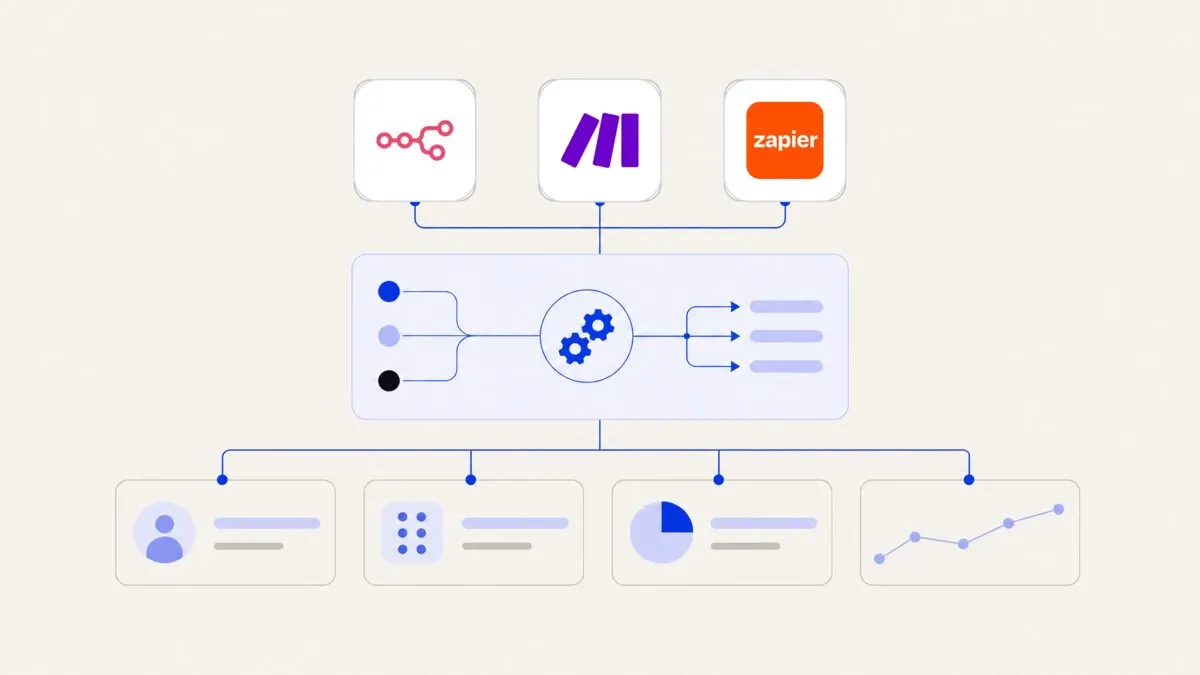
In many organisations, n8n runs alongside other workflow tools, with each tool owning clearly defined responsibilities, such as back‑office automation or specific business operations automation initiatives.
By treating n8n workflows as structured, observable services—designed with clear triggers, robust error handling, and reusable patterns—you can automate real business processes with more confidence and less ongoing maintenance.