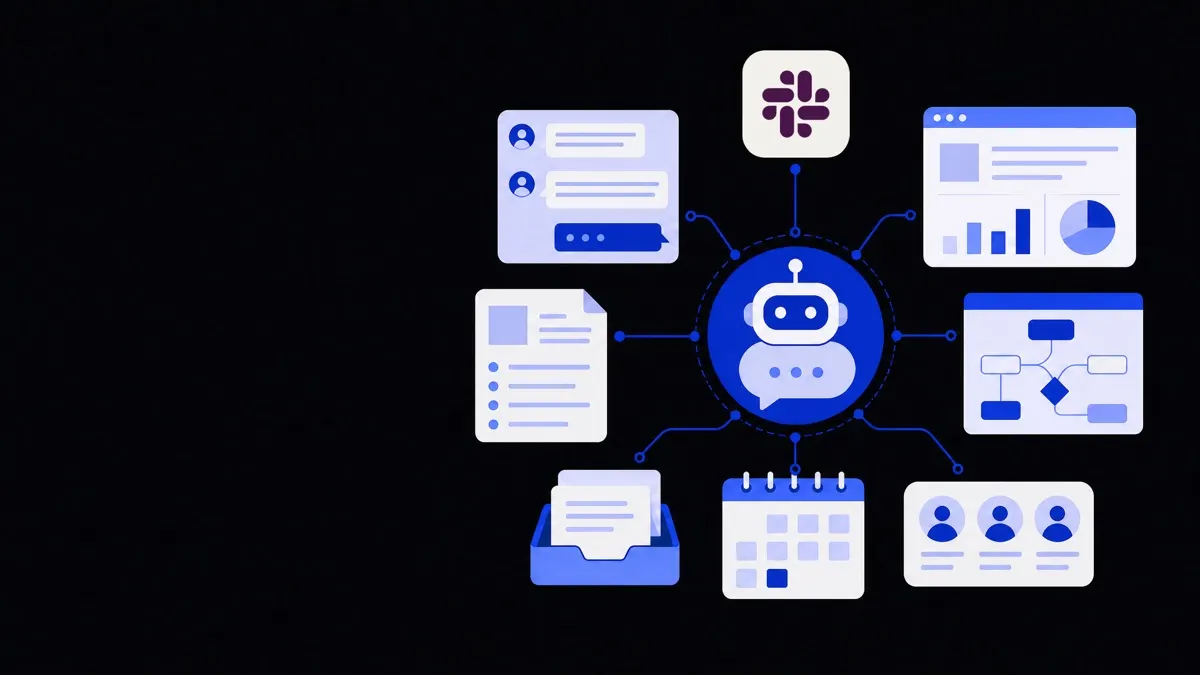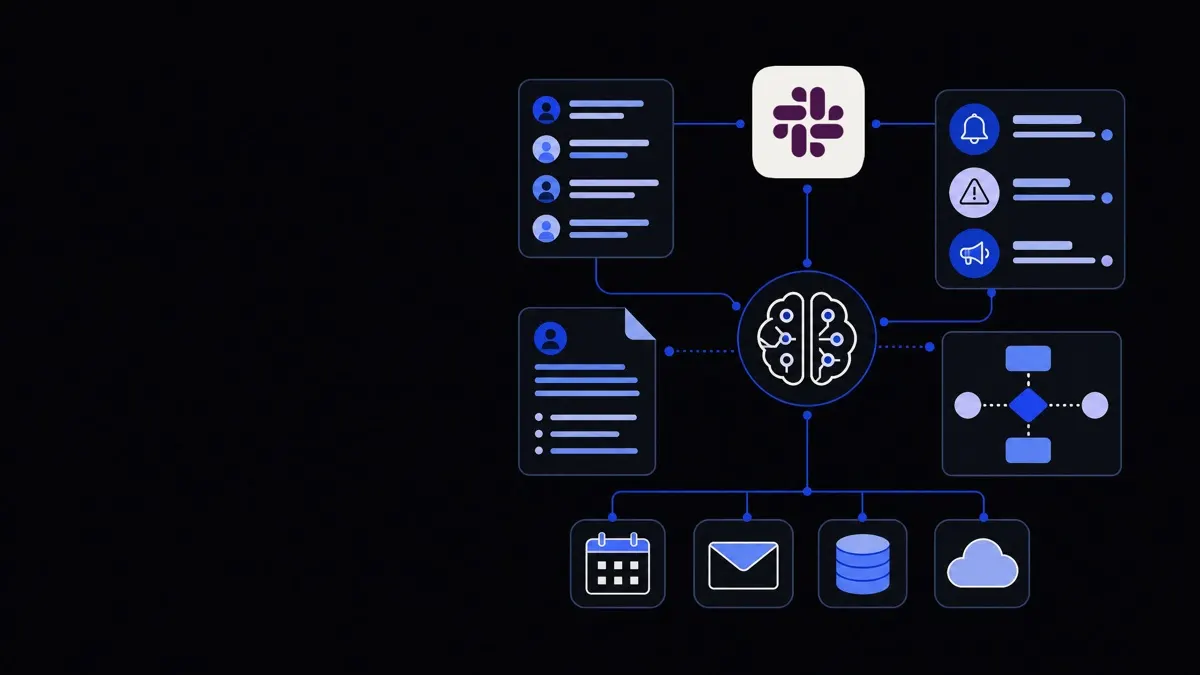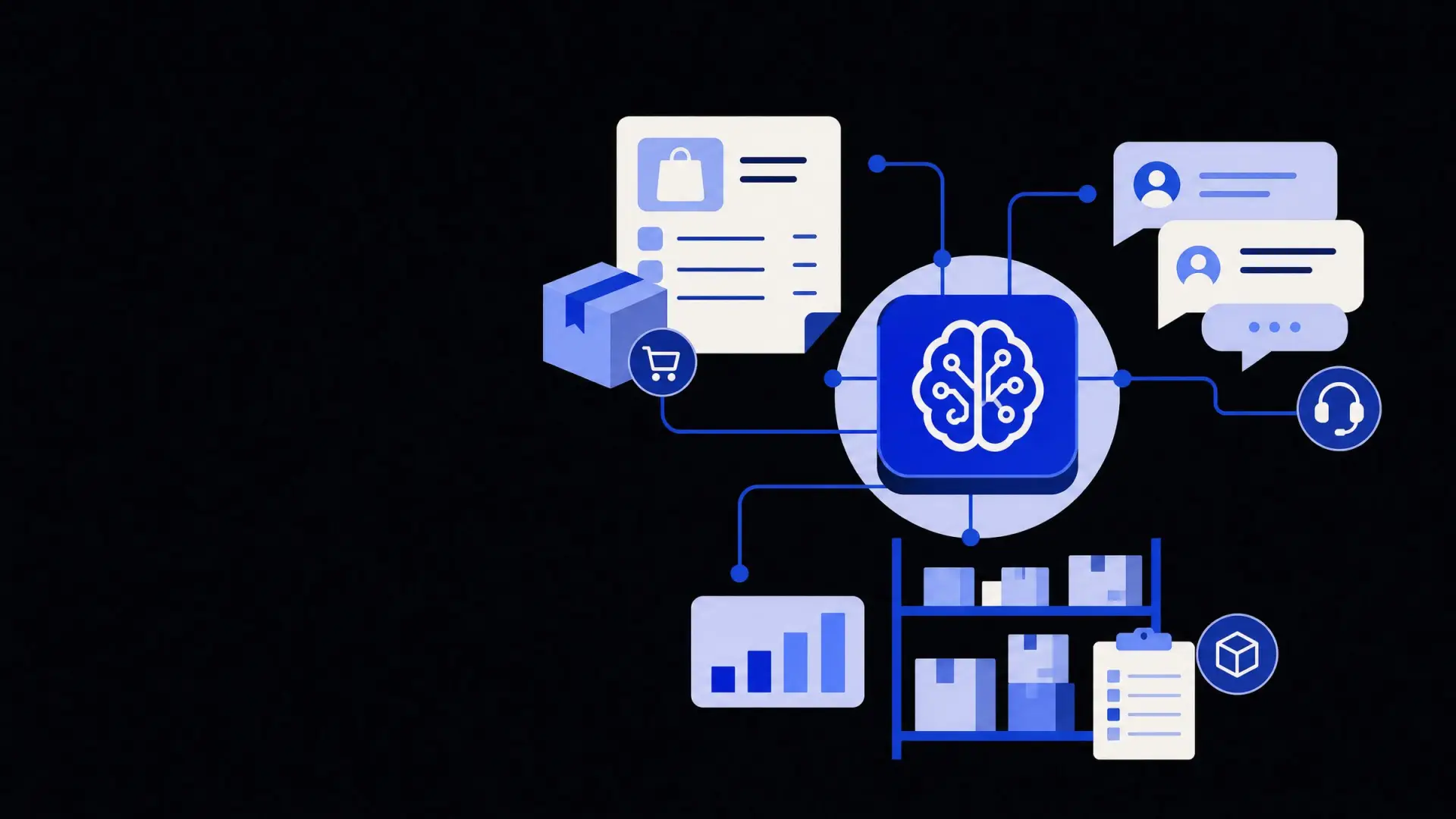

Shopify AI automation for orders, support and inventory
Shopify AI automation connects your orders, support and inventory into one responsive system, reducing manual work while improving customer experience.
On this page
Shopify AI automation means using AI agents, rules and integrations to manage orders, customer support and inventory with minimal manual work. When designed well, it reads data across your apps, takes routine actions automatically, and escalates only edge cases to your team so you can scale without adding headcount.
What is Shopify AI automation?
Shopify AI automation is the use of AI tools and workflows to handle repetitive store operations end‑to‑end, from order intake to support and stock control. It combines Shopify data, your connected apps and AI models into a set of agents that can understand context and act.
In practice, this usually covers three domains:
- Orders – tagging, routing, fraud checks, fulfillment, returns.
- Support – answering routine tickets, changing orders, processing refunds.
- Inventory – syncing stock, forecasting, sending purchase orders.
Unlike simple “if–this–then–that” rules, AI‑driven flows can interpret messages, extract intent and match it to store data. For example, a customer asking “Can you change my shipping address?” in live chat can be handled by an AI agent that verifies identity, updates the Shopify order and confirms the change — all without human involvement.
For multi‑channel ecommerce brands, Shopify automation often sits inside a broader stack of AI automation for ecommerce, connecting your store to ERPs, WMS, CRMs and marketing tools.
The real value of Shopify AI automation is not answering questions faster but closing full operational loops without human intervention.
Where does Shopify AI automation make the biggest impact?
Automation is most effective where work is repetitive, rule‑bound and high‑volume. For most Shopify stores, that means:
- Pre‑ and post‑purchase support
- Order processing and changes
- Returns and refunds
- Inventory updates and purchasing
- Basic analytics and exception alerts
Each of these areas can be automated partially or end‑to‑end:
- Pre‑purchase support
AI handles product questions, size guidance and shipping queries using your catalog and policies. It can collect emails or SMS consent for follow‑up and hand off complex cases to humans.
- Order processing and changes
Orders can be auto‑tagged by channel, risk, or location. AI agents can modify orders before fulfillment (address changes, item swaps, shipping upgrades) instead of making customers wait for support.
- Returns and refunds
Self‑service flows can approve standard returns, generate labels, and apply store credit instantly, while flagging exceptions (e.g. high‑value items, repeated returners) for manual review.
- Inventory and purchasing
Stock levels update automatically across Shopify and external marketplaces, and AI forecasts demand based on historical sales, lead times, seasonality and campaigns.
- Monitoring and alerts
AI watches for patterns — rising refund rates on a SKU, slow fulfillment from a warehouse, or frequent complaints about one product — and summarizes them for your operations team.
The trade‑off: aggressive automation lowers workload but increases the importance of good guardrails. For high‑value orders or risky scenarios, you may keep humans in the loop by design.
Shopify AI automation for customer support
Customer support is often the first place store owners try AI — but value comes when it can act in the store, not just answer FAQs.
What can an AI agent actually do in Shopify support?
An AI support agent is a system that understands customer messages, looks up store data and performs safe actions through the Shopify API. It can:
- Pull orders by email, name or order number.
- Check payment and fulfillment status.
- Update shipping addresses within your rules.
- Cancel or edit orders before fulfillment.
- Create draft orders for upsells or exchanges.
- Trigger refunds or partial refunds with caps.
- Generate return labels and update return status.
- Log all actions in your helpdesk or CRM.
This goes beyond simple chatbots. With AI agent development, the focus is on defining which actions each agent is allowed to take, what data it can see, and when it must escalate.
Where should AI fully automate vs assist agents?
Good support automation starts by mapping your ticket types and deciding automation levels:
- Fully automated
- “Where is my order?” tracking lookups.
- Basic policy questions (shipping times, returns).
- Order address changes before shipping, within clear rules.
- Simple refunds for low‑value items or guaranteed‑delivery issues.
- AI‑assisted (co‑pilot for humans)
- Drafting responses that your team reviews.
- Summarizing long email threads or chat histories.
- Suggesting resolutions based on past similar tickets.
- Translating messages and replies.
- Human‑only (with AI support)
- Fraud disputes or chargebacks.
- VIP or B2B customers with custom terms.
- Edge cases that break your policies.
- Complaints indicating product defects or safety issues.
The decision point is usually risk and complexity. If a mistake is cheap and reversible, full automation is acceptable. For expensive or sensitive scenarios, AI should support a human decision, not replace it.
Connecting Shopify to your support tools
Most brands run support through a helpdesk like Gorgias, Zendesk or Freshdesk. A robust automation layer will:
- Sync tickets, chats and emails in real time.
- Pull Shopify order data into the AI context window.
- Log every AI action as internal notes.
- Respect existing macros, SLA policies and tagging.
If your stack is fragmented, it may make sense to first design a unified support workflow via business process automation services, then layer AI actions on top of that cleaner process.
Automating Shopify orders and fulfillment flows
Order operations sit at the core of your business. Poor automation can frustrate customers or cause financial loss, so design matters.
Key automations for orders
Common, low‑risk automations include:
- Order tagging
Tag by sales channel, campaign, region, VIP status, or product type to drive downstream routing and reporting.
- Fraud and risk handling
Combine Shopify’s risk signals with your own rules (order value, mismatch of billing/shipping, location). AI can review borderline cases and recommend approve/decline decisions with reasons.
- Routing to fulfillment locations
Use rules for standard cases (nearest warehouse, “ship from store”), and AI for more complex logic like multi‑item splits, backorder handling or custom shipping promises.
- Order changes before pick/pack
Let AI agents modify orders within a time window while ensuring warehouse systems receive updated pick lists.
- Backorder communication
When inventory runs short, AI can contact affected customers, offer options (wait, swap, refund) and apply chosen outcomes in Shopify.
Keeping humans in the loop safely
For operational risk control:
- Require human approval for:
- Orders over a defined value.
- Changes to shipping methods that increase cost.
- Refunds beyond a threshold or outside policy.
- Use AI to:
- Pre‑fill decisions with clear reasoning.
- Group similar orders/tickets for batch review.
- Track the impact of rules on fulfillment time and costs.
Design your flows so that if an integration fails (for example, your WMS is down), orders still queue safely rather than being partially processed and lost.
Inventory and purchasing automation for Shopify
Inventory is where poor data or over‑automation can become expensive. Small errors multiply across channels, warehouses and purchase orders.
Core inventory automations
At a minimum, a well‑run Shopify store should aim for:
- Real‑time stock sync
Sync stock between Shopify, marketplaces and your warehouse or 3PL using reliable API integrations, with explicit rules for oversells and preorders.
- Stock status messaging
Automatically adjust PDP badges and messaging (in stock, low stock, made to order, preorder with ETA) based on rules plus AI‑generated copy that matches your tone.
- Replenishment alerts and POs
Use historical sales, lead times and safety stock rules to trigger suggested purchase orders. AI can draft POs for supplier review but you may keep final approval manual.
- Bundling and kitting logic
For bundles and kits, maintain relationships so that selling a kit reduces component SKUs correctly and avoids phantom inventory.
Using AI for demand forecasting (with caution)
AI forecasting models can detect patterns that simple moving averages miss, such as:
- Seasonality around holidays or events.
- Impact of campaigns, influencers or product launches.
- Long‑tail SKU behavior.
Trade‑offs to keep in mind:
- Data volume and quality matter. With only a few months of data, simple rules may outperform “smart” models.
- Supplier and logistics constraints still rule. AI can suggest ideal reorder dates that ignore real‑world MOQs or port delays if you do not feed that data into the model.
- Explainability helps trust. Favor tools that show why they recommend a quantity or date, rather than black‑box outputs.
For many brands, a pragmatic setup is using AI to propose forecasts and POs, reviewed monthly by an ops or finance lead.
How to plan a Shopify AI automation roadmap
Instead of automating everything at once, treat Shopify AI automation as a phased program.
1. Map your current workflows
Document what actually happens today for:
- Order lifecycle: from purchase to delivered or refunded.
- Support lifecycle: from first message to resolved.
- Inventory lifecycle: from forecast to PO to received stock.
For each step, capture who is involved, which tools are used and what decisions are made.
2. Prioritise flows by impact and risk
Score candidate automations along three axes:
- Volume: How often does this happen?
- Effort: How much human time does it take now?
- Risk: What is the cost of a mistake?
Start with high‑volume, low‑risk flows, such as WISMO (“where is my order?”) tickets or simple returns processing, before moving into high‑risk areas like fraud handling or complex discounts.
3. Choose the right automation building blocks
Most robust stacks combine:
- Workflow engines for deterministic rules and routing — often supported by workflow automation services.
- AI agents for language and decision‑making within guardrails.
- API integrations to move data and perform actions across tools.
- Monitoring and dashboards for visibility into performance and errors.
The goal is a reliable operational spine that can be extended later, not a tangle of isolated automations.
4. Pilot, measure and iterate
For every automation you roll out:
- Run in “shadow mode” first, where AI suggests actions but humans execute them.
- Track key metrics such as:
- Ticket resolution time.
- First‑contact resolution rate.
- Refund and return rates.
- Stock‑out days and overstock.
- Manual touches per order.
- Collect qualitative feedback from support, operations and customers.
Use this data to adjust rules, thresholds and escalation paths before widening scope.
Done carefully, Shopify AI automation turns your store from a set of disconnected apps into a coordinated system that handles routine work on its own and gives your team clearer visibility into the exceptions that actually need human judgment.
Where Framworq can help
Want this mapped for your business?
We’ll help you find the highest-leverage workflows to automate first — and build them end to end. No jargon, no lock-in.
Book a free automation audit