On this page
- What makes a Make scenario “advanced”?
- Core building blocks in Make advanced scenarios
- Designing router structures that stay maintainable
- How to use filters without creating logic traps
- Building robust error handling and recovery paths
- End-to-end examples of Make advanced scenarios
- Practices that keep advanced scenarios healthy over time
Make advanced scenarios combine routers, filters and error handling so one automation can branch into multiple paths, validate data, and recover gracefully from failures. By structuring these elements deliberately—before you add modules—you can keep complex Make builds maintainable, observable and safe as your volume and edge cases grow.
What makes a Make scenario “advanced”?
A scenario becomes advanced when it handles branching logic, data validation, and failures as deliberately as it performs the main task.
In practice, advanced scenarios usually include:
- Multiple branches using routers and nested routers.
- Conditional logic using filters and sometimes iterators.
- Validation and enrichment steps before any irreversible action.
- Error handling and retries tuned to each external system.
- Observability through clear naming, logging and notifications.
If you already have working simple flows and now need to scale volume, support many data paths, or call multiple APIs, it is time to design your scenarios more like software systems than one-off automations.
Design the branches, filters and failure paths of a Make scenario on paper before adding modules—structure is what keeps complexity from collapsing.
Core building blocks in Make advanced scenarios
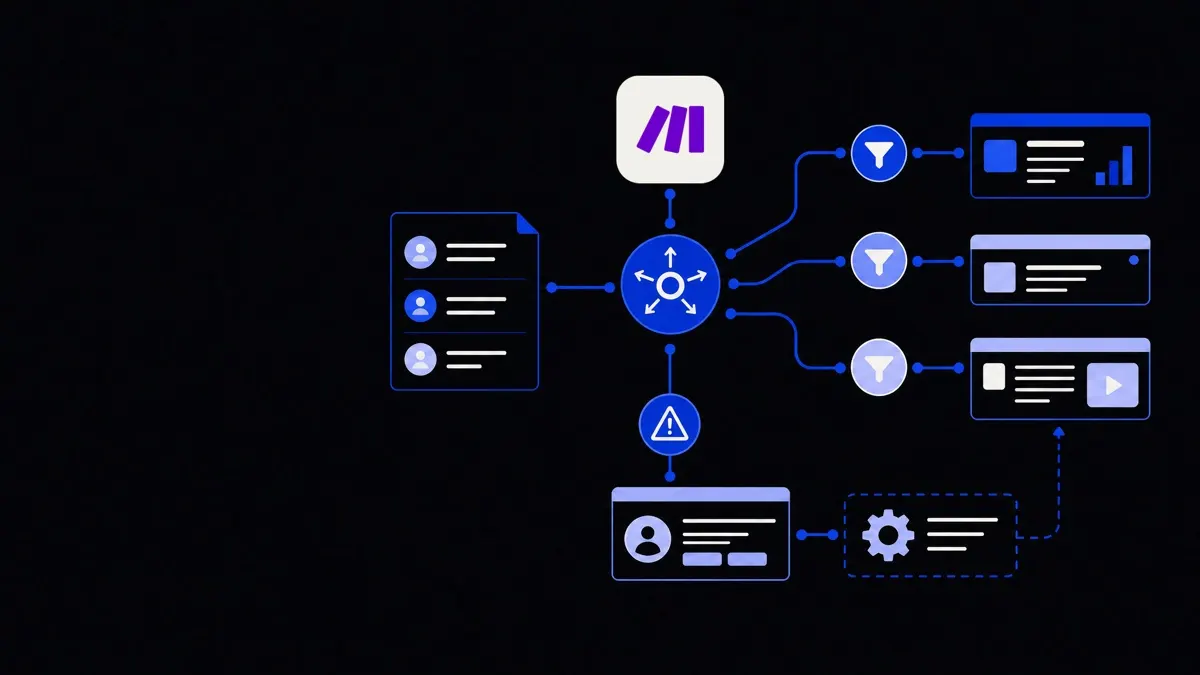
When you work on make advanced scenarios, you mainly combine three tools: routers, filters and error handlers.
Router: A router splits a scenario into multiple branches that can run in parallel or conditionally. Each branch can have its own sequence of modules.
Filter: A filter is a condition between modules or between the router and its branches. It decides whether a particular execution should move forward through that path.
Error handler: An error handler is a dedicated path that runs when a module fails. It can retry, skip, transform the data, notify someone, or log the error.
To use them well, keep these design principles in mind:
- Single responsibility branches: Each branch should do one clear job, like “create or update contact” or “send internal alert.”
- Filters as guards: Use filters early to block bad data instead of letting it fail deep in the scenario.
- Fail predictably: An error handler should always either resolve the problem (via retry or fallback) or record it clearly for follow-up.
When you rely heavily on external APIs, combine routers and filters with solid custom API integration patterns so each external call is isolated, predictable and monitored.
Designing router structures that stay maintainable
Routers give you branching, but using them carelessly leads to untraceable “spaghetti scenarios.” Structure matters more than the number of branches.
Common router patterns
- Single router for business outcomes
Start with one main router based on the business outcome rather than the data source. For example:
- Branch A: “New lead” flow.
- Branch B: “Existing customer update.”
- Branch C: “Internal QA or audit logging.”
The deciding filter on each branch should be something clear and stable, like
record_type = "lead". - Layered routers for responsibility
Sometimes it is cleaner to chain routers instead of putting all branches in one.
Example for an order processing scenario:
- Router 1 – Order type:
- Digital orders
- Physical orders
- Router 2 (inside physical orders branch) – Region:
- Domestic shipping
- International shipping
Each layer answers one question. This is easier to understand than one router with four cross-cutting branches and complex filters.
- Router 1 – Order type:
- Router vs separate scenario
Use a router when:
- The data source is identical.
- You want shared steps before or after branching (e.g., one validation step for all branches).
- You need atomic behavior for the whole flow.
Use separate scenarios when:
- Triggers, rate limits or schedules should differ.
- Teams owning the logic are different.
- The branches are evolving independently and rarely share modules.
When in doubt, keep scenarios smaller. You can coordinate them with webhooks or via a central “orchestrator” scenario with simple routers.
Trade-offs with deep nesting
Deeply nested routers can model complex flows, but they increase cognitive load.
Pros:
- Natural representation of multi-step decisions.
- Localized logic—each router answers a narrow question.
Cons:
- Harder to trace a single execution path during debugging.
- Filter conditions can become duplicated across branches.
To keep nested routers manageable:
- Limit to 2–3 levels within one scenario.
- Name routers and branches after the decision they make, not the system they call (e.g., “Is high value order?” instead of “Salesforce branch”).
- Use notes in Make to document what each router is for and what assumptions its filters rely on.
How to use filters without creating logic traps
Filters are the gatekeepers that decide which modules run. Misused filters are a frequent cause of silent failures—runs that simply stop without doing anything obviously wrong.
Principles for reliable filters
- Filter on stable fields
Use fields that are always present and well-defined, like
status,type, or a dedicated custom flag. Avoid filtering on optional or free-text fields if possible. - Prefer explicit comparisons
- Use
=,≠,>,<,contains, etc., instead of relying on truthiness. - Be explicit about null and empty values, for example
field is not empty.
- Use
- Guard against partial data
Especially after webhooks or custom API calls, check that required fields are populated before continuing.
Add a “validation” branch early in the scenario:
- If valid → continue.
- If invalid → send to an error-specific router or log-and-stop path.
- Avoid overlapping filters on router branches
On a router, each execution will try branches in order. If multiple branch filters can all match, you can easily send data down the wrong path.
To avoid this:
- Design filters to be mutually exclusive where appropriate, or
- Add a final “default” branch with a filter like
1 = 1that logs any uncaught case for review.
Example filter patterns
- Lead qualification:
lead_score >= 70 AND country ≠ "Testland" AND email does not end with "@internal.company.com" - Update vs create:
- Branch A (update):
record_id is not empty - Branch B (create):
record_id is empty
- Branch A (update):
Consistent filters make your routers predictable and help you track behavior over time, especially once you introduce more custom APIs using API integration services.
Building robust error handling and recovery paths
Error handling is where basic scenarios usually stop and advanced scenarios begin. A scenario is robust when you can predict what happens for:
- Temporary external failures (timeouts, 5xx errors).
- Business rule violations (missing required fields).
- Rate limits and quota issues.
- Unexpected data formats.
Types of error handlers
Make lets you add an error handler for specific modules or groups of modules. You can:
- Resume: Skip the error and continue with the next item.
- Rollback: Stop the current execution.
- Repeat: Retry the module based on rules you define.
- Route: Send the error to a different sequence of modules (logging, alerts, compensating actions).
A good pattern for external API calls:
- First failure → wait a short time → retry (Repeat).
- Second failure → log details in a central store (e.g., Notion, Airtable, database).
- For critical paths → notify a human via email or chat with relevant context.
- Decide whether to stop processing or move on depending on business priority.
Designing error strategies per system
Not every integration deserves the same error strategy.
- Core systems of record (CRM, ERP, accounting)
- Fewer automatic retries, more logging.
- Prefer to stop the run rather than risk inconsistent data.
- Keep a structured error log that someone reviews daily.
- Notification systems (Slack, email, SMS)
- More tolerant to skipping on failure.
- Use brief retry, then drop or route to a fallback channel.
- Third-party APIs with strict rate limits
- Add a rate-aware error handler that:
- Waits longer between retries.
- Gradually backs off after repeated failures.
- Optionally switches to a “low frequency” path until limits reset.
- Add a rate-aware error handler that:
For high-value scenarios, you can also separate the automation layer from the business monitoring layer using a small “observability” scenario. That scenario receives error webhooks or records and triggers daily human review.
If you are building multi-step API workflows, it can be worth pairing complex error handling in Make with structured workflow automation services so error logs are consistent across tools.
End-to-end examples of Make advanced scenarios
Putting routers, filters and error handlers together is easier with concrete patterns.
Example 1: Multi-branch lead routing with qualification
Goal: Ingest leads from one webhook and route them based on quality and region.
Structure:
- Trigger: Webhook receiving raw lead.
- Validation step:
- Module: Data transformer or custom function.
- Filter: Email present, consent captured, at least one contact channel.
- If invalid → log to “Lead errors” database and send low-priority internal alert.
- Router 1 – Lead quality:
- Branch A (high value):
score >= 80. - Branch B (standard):
50 <= score < 80. - Branch C (nurture):
score < 50.
- Branch A (high value):
- Router 2 inside each quality branch – Region:
- EMEA, Americas, APAC branches with dedicated CRM owners.
- Error handlers on CRM write modules:
- Try once more after 30 seconds.
- If still failing, write to a “Sync backlog” table and ping RevOps.
This pattern keeps routing logic explicit, and failures visible, instead of silently dropping leads.
Example 2: Order processing with custom API integrations
Goal: Receive orders, check inventory via a custom API, then create shipping requests with different carriers.
Structure:
- Trigger: Scheduled pull from e‑commerce API.
- Router 1 – Order type:
- Digital.
- Physical.
- For physical orders:
- Call custom inventory API via HTTP module.
- Filter:
- If inventory sufficient → proceed.
- If not → create backorder record and notify customer support.
- Router 2 – Shipping region and carrier rules:
- Domestic standard → Carrier A API.
- Domestic express → Carrier B API.
- International → Carrier C API.
- Error handlers on each carrier API call:
- Retry with exponential backoff.
- On permanent failure, log and re-route to a “manual shipping” queue.
Here, routers capture business rules (type and region), filters enforce inventory constraints, and error handling deals with flaky carrier systems. When the custom API layer evolves, you can update it centrally while keeping scenario structure stable, similar to broader custom API integration solutions.
Practices that keep advanced scenarios healthy over time
Once routers, filters and error handlers proliferate, ongoing maintenance becomes the main risk. A scenario that worked at launch can degrade as conditions change.
To keep complexity under control:
- Name everything clearly: Routers, modules and error handlers should describe purpose, not implementation detail.
- Document assumptions: Use notes in Make to record what each branch expects (e.g., “assumes customer_id is present from upstream CRM sync”).
- Log strategically: Do not log every minor event, but always log:
- Unexpected branches.
- Validation failures.
- All errors that are not transient.
- Review filters quarterly: Business rules change faster than integrations. Schedule a short review to confirm filters still match current policies.
- Watch for “God scenarios”: If one scenario now does “everything sales-related,” consider splitting it into smaller, composable flows connected via webhooks or queues.
For teams running many automations, it can be helpful to standardize patterns and naming across all builds, often with help from structured business process automation work so each scenario fits a broader operational model.
Well-structured routers, careful filters, and deliberate error handling turn Make from a handy tool into a dependable part of your operations stack, even as volumes grow and your system landscape becomes more complex.