On this page
- What is WhatsApp AI customer service and how does it work?
- Key benefits of using AI assistants in WhatsApp customer service
- Common use cases for WhatsApp AI assistants in customer service
- How to design a WhatsApp AI customer service assistant
- Integrations and architecture: what you need under the hood
- Risks, limits, and how to mitigate them
- When to deploy a WhatsApp AI assistant and how to start
WhatsApp AI customer service assistants are automated chatbots that handle questions, updates, and simple workflows inside WhatsApp, while escalating complex issues to human agents when needed. They help businesses respond faster, stay available 24/7, and reduce support backlog without sacrificing a human handoff for sensitive or high‑value conversations.
What is WhatsApp AI customer service and how does it work?
WhatsApp AI customer service is the use of AI-powered chatbots and workflows to handle support conversations over the WhatsApp Business Platform.
In practice, it works like this:
- A customer messages your WhatsApp number.
- An AI assistant replies instantly, understands intent, and either answers directly or collects details.
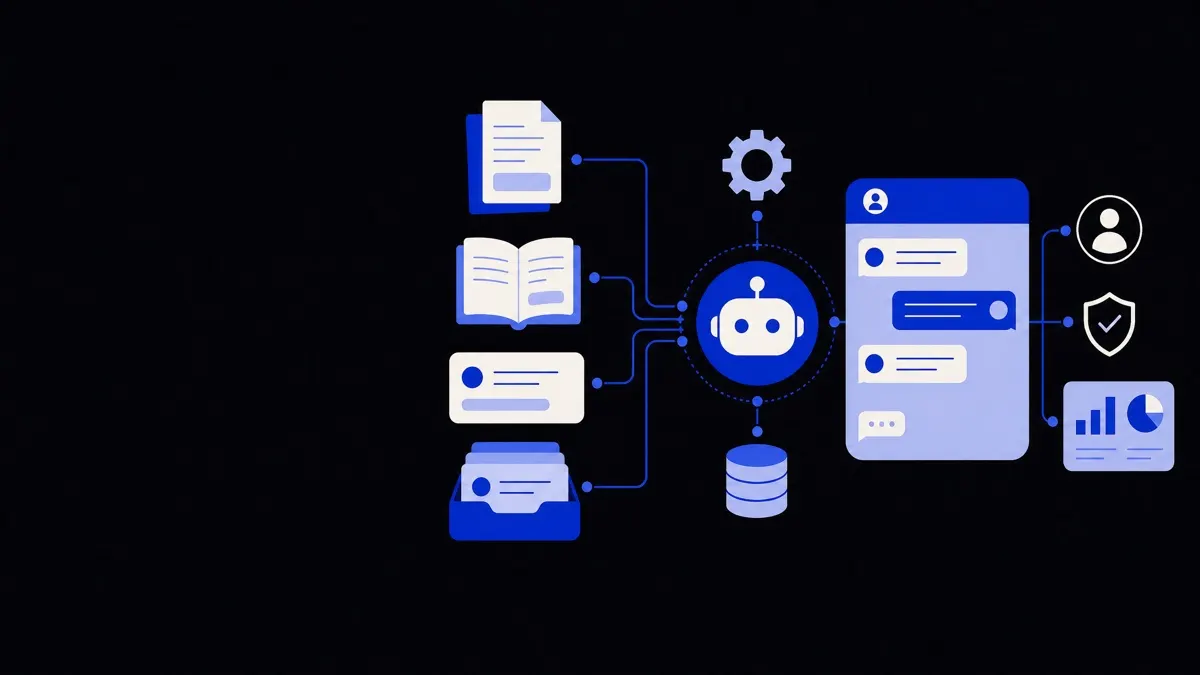
- The assistant uses integrated systems (CRM, help desk, order system) to fetch or update data.
- If the issue is complex or sensitive, it routes the chat to a human agent with context and history.
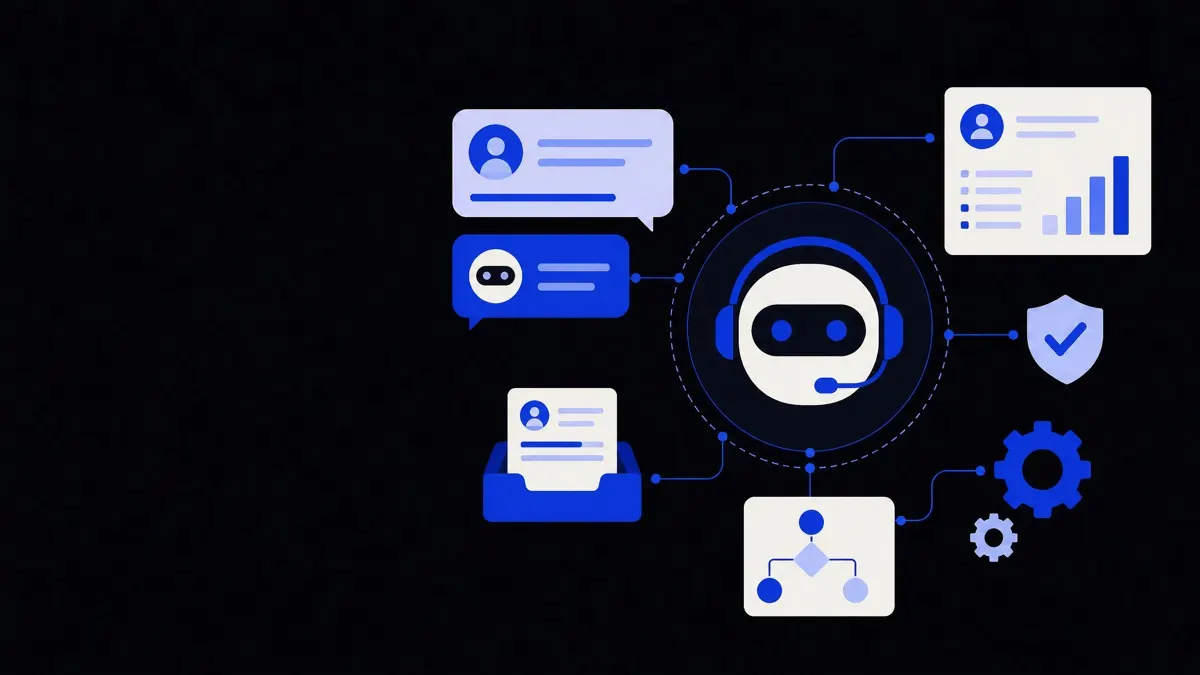
A WhatsApp AI assistant usually combines:
- Natural language understanding (NLU). The model detects what the customer is trying to do in plain language.
- Conversation flows. Predefined paths for tasks such as order tracking, booking, and troubleshooting.
- Integrations. Secure links to tools like Zendesk, HubSpot, Shopify, or internal APIs.
- Routing rules. Logic that decides when and to whom to escalate.
Done well, the customer experiences one continuous conversation, even when the assistant hands off to a human.
Key benefits of using AI assistants in WhatsApp customer service
1. Faster response times
AI assistants can reply in under a second, even during peak periods.
- Common questions (hours, pricing, policies) are answered immediately.
- Basic troubleshooting or FAQs never wait in a queue.
- Agents focus on exceptions instead of repetitive requests.
This reduces first response time without needing a bigger team.
2. 24/7 coverage without overstaffing
Customers expect messaging channels to be always on.
An AI assistant can:
- Greet and triage outside business hours.
- Provide self-service for routine tasks around the clock.
- Inform customers when a human will respond and collect needed info in advance.
This aligns expectations and reduces frustration for customers in different time zones.
3. Lower support load and better agent focus
A well-designed WhatsApp assistant acts as an intelligent front line.
It can:
- Deflect simple tickets completely (like password resets or order status).
- Pre-qualify and enrich tickets with structured data (issue type, order ID, screenshots).
- Categorize and tag conversations consistently for reporting.
Agents receive fewer but higher-value conversations, with all context ready in the ticket.
4. Consistent, compliant answers
AI responses can be constrained by:
- Approved answer templates.
- Policy and compliance rules.
- Language style guides and tone.
This makes it easier to keep responses consistent across countries, brands, and teams, and to embed required disclosures or legal wording.
The real value of WhatsApp AI assistants is not replacing agents, but filtering, structuring, and enriching conversations before a human ever joins.
Common use cases for WhatsApp AI assistants in customer service
Order and account support
For ecommerce, retail, and subscription businesses, WhatsApp assistants can:
- Look up orders by phone or reference number.
- Provide real-time delivery updates.
- Start return or exchange flows.
- Update address or contact preferences after secure verification.
Example: A customer types “Where is my order?” and the assistant pulls the latest tracking status, shares a delivery estimate, and offers to send notifications when the status changes.
Appointment and booking management
For clinics, salons, repair services, and professional services:
- Offer available slots and confirm appointments.
- Send reminders and handle rescheduling.
- Collect pre-visit forms or photos.
This reduces no-shows and cuts down on manual coordination via phone or email.
Technical troubleshooting and triage
For software and hardware products:
- Guide users through structured troubleshooting scripts.
- Collect logs, screenshots, or error messages.
- Suggest relevant help articles.
- Escalate to support with clear problem summaries.
The assistant acts as a first-line “triage nurse” to speed up resolution for both self-service and agent-assisted cases.
Proactive service updates and notifications
WhatsApp is also effective for outbound service messages, when used carefully and with consent:
- Shipping or service disruption alerts.
- Maintenance notifications.
- Ticket status updates (“We’re waiting on a part,” “Your case has been resolved”).
Integrating an AI assistant means customers can reply to these notifications with questions and receive immediate, context-aware answers.
How to design a WhatsApp AI customer service assistant
1. Define clear goals and boundaries
Start by deciding what the assistant should and should not do.
Good initial goals:
- Handle specific FAQs end-to-end (e.g., order tracking, basic billing questions).
- Triage and route the top 5–10 support categories.
- Collect key data (IDs, email, order numbers) before human handoff.
Clear boundaries protect customer trust. For example:
- The assistant should not give legal advice.
- The assistant should not change subscription tiers without confirmation.
- The assistant should not process payments without secure links or verification.
2. Map high-volume journeys
Use your existing ticket data to identify common reasons people contact you in WhatsApp or email:
- Top intents (e.g., “track order,” “change appointment,” “cancel subscription”).
- Frequent follow-up questions.
- Where humans need to intervene.
For each high-volume journey, define:
- The minimal data needed to resolve it.
- The safe actions the assistant can perform.
- When and how the assistant should hand off.
This journey mapping directly informs the conversation flows.
3. Combine free text with guided choices
Pure free-form chat often feels natural but can lead to confusion. Pure menu-based flows can feel rigid.
A balanced pattern is:
- Start with a brief greeting and 3–5 quick-reply options based on your top intents.
- Accept free-text at any time and interpret it using NLU.
- Confirm your understanding in critical steps: “It sounds like you want to change your delivery address—am I right?”
This keeps the conversation structured while still flexible.
4. Plan a human-centric escalation path
A smooth handoff is essential for trust.
Design your assistant to:
- Detect frustration signals (“this is not what I asked,” “agent,” “speak to a person”).
- Offer an agent transfer clearly and transparently.
- Pass all collected context to the human agent: previous messages, detected intent, structured fields, and actions already taken.
- Set expectations on delays: “A support specialist will reply here within 30–45 minutes.”
When live agents are offline, the assistant should log a ticket, summarise the issue, and confirm when the customer can expect a follow-up.
Integrations and architecture: what you need under the hood
A WhatsApp AI assistant works best when embedded in existing tools rather than as a standalone chatbot.
Core components
Most robust implementations combine:
- WhatsApp Business Platform access. Directly or through a provider that manages message templates, opt-in, and compliance.
- AI conversation engine. The model or service that processes language and manages state.
- Help desk or CRM integration. To create, update, and search tickets and customer records.
- Business systems integration. Such as ecommerce platforms, booking tools, or internal APIs for inventory and account data.
You can connect these pieces through native connectors, middleware, or custom API integrations.
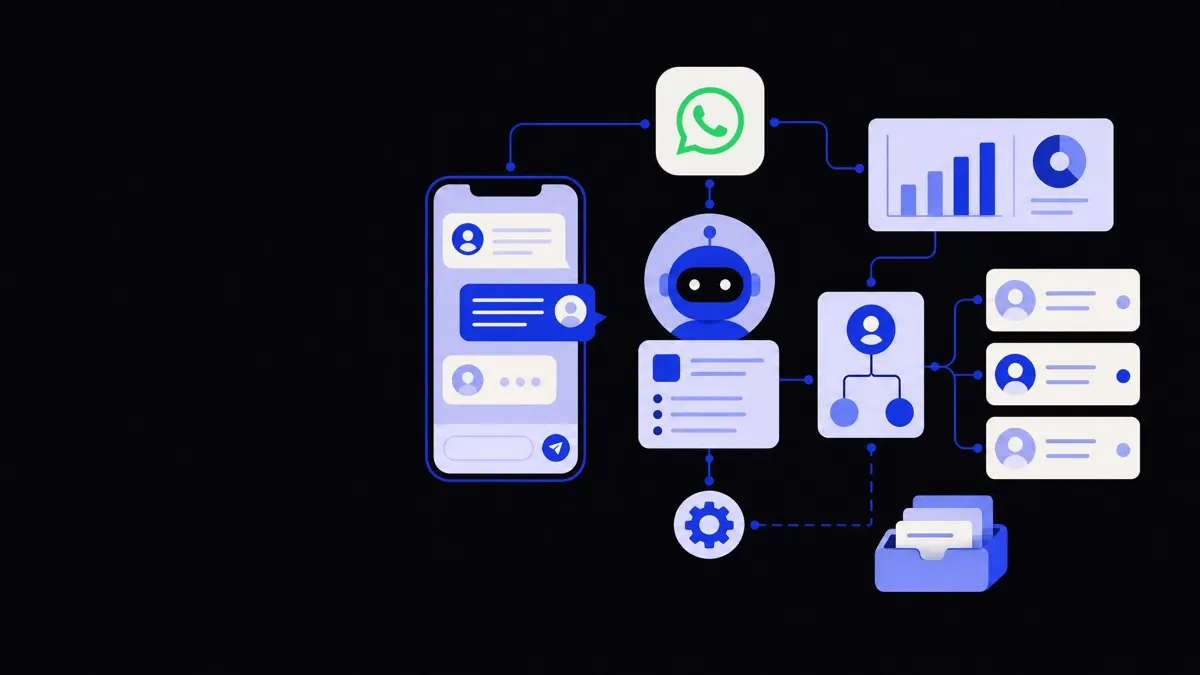
Example architecture
- Customer messages your WhatsApp Business number.
- WhatsApp forwards the message to your AI middleware.
- The AI engine interprets intent and calls:
- Help desk API to fetch ticket history.
- Ecommerce API to fetch order status.
- The AI engine builds a response using templates and business rules.
- If escalation is required, the middleware creates or updates a ticket and assigns it to the right queue, then switches the conversation to a human agent.
This modular approach makes it easier to evolve the assistant without rebuilding everything when tools change.
Risks, limits, and how to mitigate them
Accuracy and “hallucinations”
AI models can produce plausible but wrong answers.
Mitigation strategies:
- Use retrieval-based responses: the model only answers from your approved knowledge base or templates.
- Restrict what the assistant can say on sensitive topics (medical, legal, financial).
- Log, sample, and review conversations regularly; refine prompts and guardrails.
Data privacy and security
WhatsApp messages may include personal and financial data.
Risk controls:
- Avoid requesting unnecessary sensitive information in chat.
- Use secure links or one-time codes for payments, identity verification, and document uploads.
- Ensure that your providers comply with relevant data protection regulations and that data retention policies are clear.
Channel fatigue and over-automation
If everything is automated and it is hard to reach a person, customers will lose trust.
Prevent this by:
- Offering a clear option to talk to a human.
- Being transparent when they are chatting with an AI assistant.
- Reserving proactive WhatsApp messages for high-value, relevant updates rather than constant marketing.
Measuring success realistically
Do not judge the assistant only by “containment rate” (how many chats stay with AI).
Track a mix of:
- Time to first response and time to resolution.
- Customer satisfaction after assisted vs. human-only chats.
- Agent handle time for escalated conversations.
- Percentage of misrouted or repeated contacts.
Use these metrics to decide where to expand automation and where to keep a human-first approach.
When to deploy a WhatsApp AI assistant and how to start
A WhatsApp AI customer service assistant makes the most sense if:
- A significant share of your customers already contact you via WhatsApp or similar messaging apps.
- Your team spends much of its time answering the same questions or collecting the same details.
- You have at least a basic help desk or CRM in place that can be integrated.
A practical starting approach:
- Pilot with one or two journeys. For example, order tracking and appointment changes.
- Use guardrails. Limit what the assistant can change or commit to.
- Co-design with agents. Involve frontline staff in testing, spotting gaps, and refining flows.
- Iterate monthly. Expand coverage based on real conversation logs and customer feedback.
If you need a broader automation strategy across chat, email, and voice, it can be helpful to look at more complete AI chatbots and voice agents solutions and align your WhatsApp assistant with them, so customers experience one coherent support layer across all channels.