On this page
- What 24/7 AI customer support is (and is not)
- How 24/7 AI support actually works behind the scenes
- What AI can handle well – and where humans still matter
- Setting realistic expectations for “always-on” support
- Designing conversational flows that actually help customers
- Measuring success: what to track for 24/7 AI support
24/7 AI customer support means an automated system handles common questions, tasks, and simple troubleshooting at any time of day, while human agents focus on complex or sensitive cases. It is not a magic “support team in a box,” but a structured combination of chatbots, voice agents, workflows, and escalation rules that together deliver faster responses with consistent quality.
What 24/7 AI customer support is (and is not)
24/7 AI customer support is an always-available layer of automated assistance that can respond to customers across channels with minimal delay. It typically runs through chat, email-style threads, phone, or in-app experiences.
In practice, this means AI handles repetitive, well-defined requests such as password resets, order status, policy questions, and basic troubleshooting. It can also guide customers through forms, collect information, and route issues to the right team.
It is not:
- A full replacement for human support.
- A single model plugged into your website with no process changes.
- A guarantee that every question will be answered correctly on the first try.
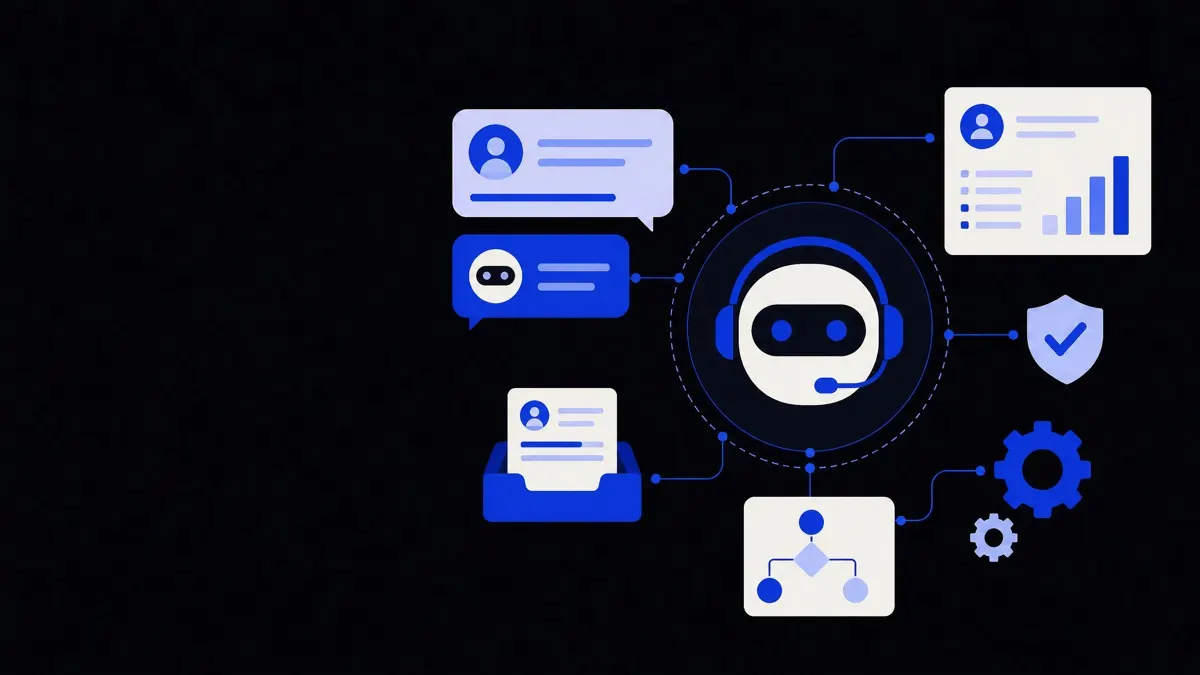
You should think of AI support as the “front line and traffic controller” of your service operation. It responds instantly, covers the basics, and makes sure humans see the cases that truly need judgment, empathy, or negotiation.
Treat 24/7 AI customer support as the first responder, not the whole emergency room.
How 24/7 AI support actually works behind the scenes
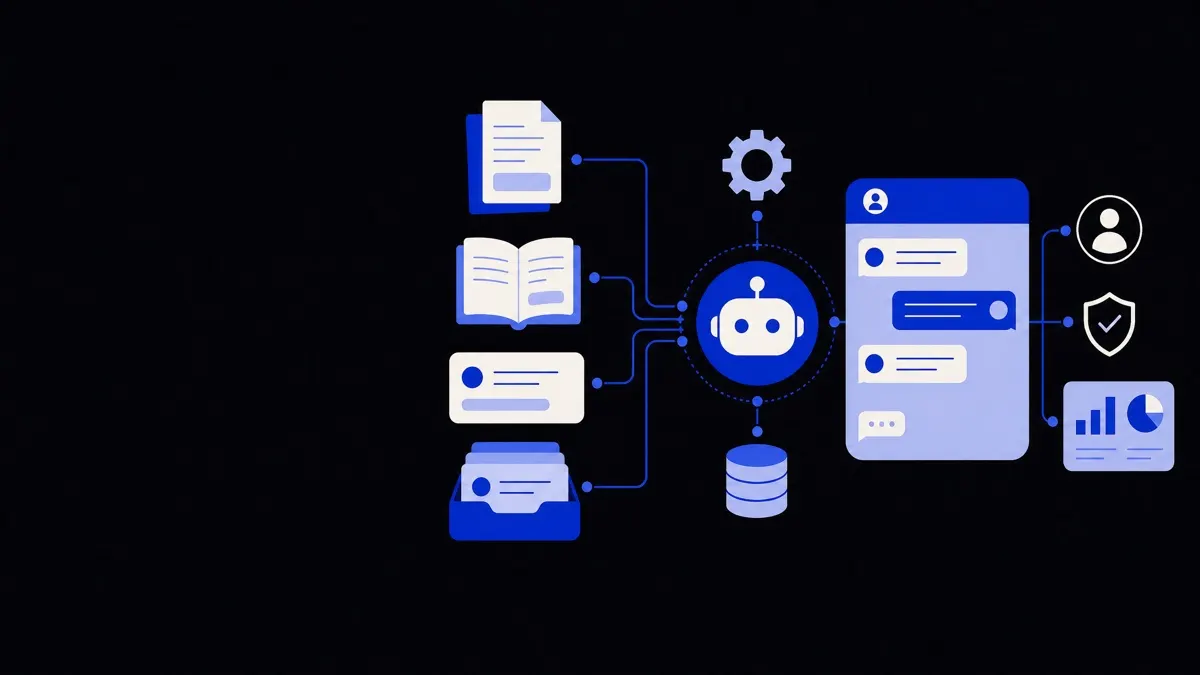
Most 24/7 AI support setups combine several building blocks that work together rather than one big system that does everything.
1. Channel entry points
These are the ways customers reach your AI:
- Website or in-app chat widgets.
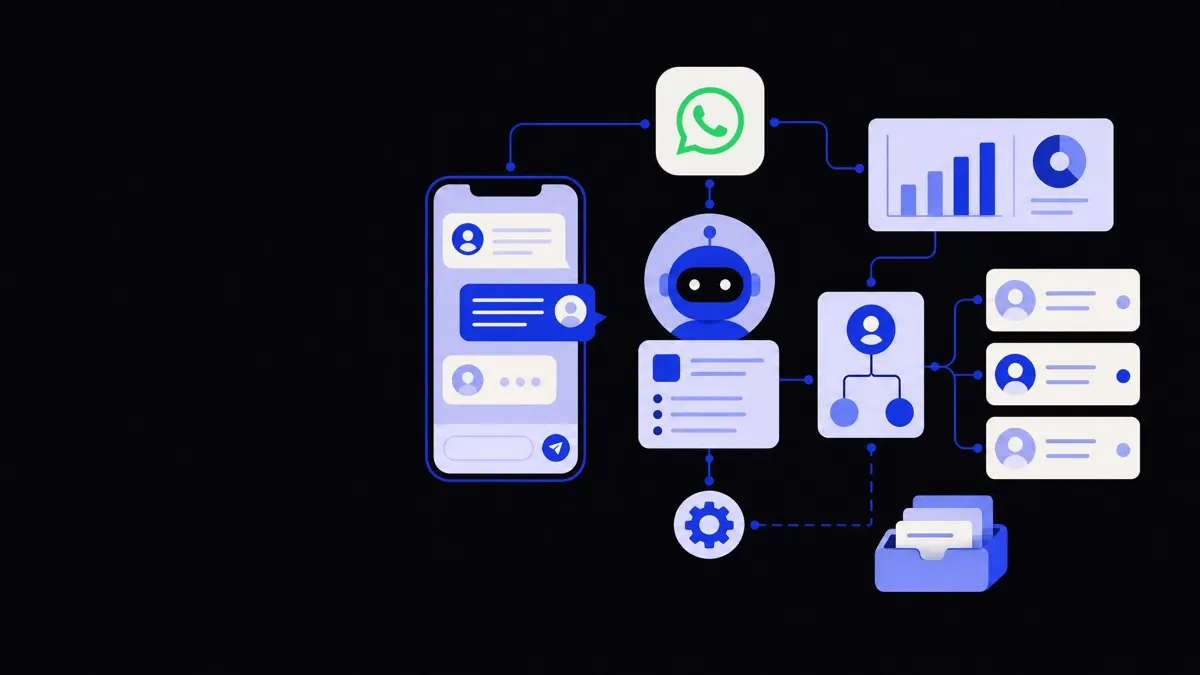
- Messaging apps like WhatsApp, Facebook Messenger, or SMS.
- Voice channels such as phone lines with AI voice agents.
- Embedded “help” or “support” buttons inside your product.
Each channel needs a clear handoff path to humans so customers do not feel stuck in a loop.
2. AI chatbots and voice agents
AI chatbots and voice agents are interfaces that use natural language to talk with customers. They interpret messages or speech, map them to intents, and determine the next action.
Modern AI chatbots and voice agents often integrate tightly with your internal systems so they can:
- Read and update customer profiles.
- Check orders, subscriptions, or tickets.
- Trigger workflows such as refunds or appointments.
- Surface tailored answers from your knowledge base.
3. Knowledge base and policy layer
A knowledge base is a structured collection of articles, FAQs, and internal guides. The AI uses it as the source of truth for answers.
A policy layer sits on top of this knowledge. It defines which actions the AI is allowed to take, under what conditions, and what must go to humans. For example:
- Refunds allowed up to a certain amount.
- No changes to a booking within a specified time window.
- No cancellations through self-service after a process has started.
4. Workflow automation and integrations
To do more than provide text answers, AI support needs access to your tools. Typical integrations include:
- CRM or customer database.
- E‑commerce or billing platforms.
- Ticketing systems.
- Scheduling or logistics tools.
Workflows turn a conversation into actions. For example, “My order hasn’t arrived” might trigger:
- Identify the customer.
- Check recent orders and shipment status.
- Apply delivery policies.
- Offer a replacement, refund, or investigation ticket.
5. Routing and escalation rules
Routing rules decide who should handle each issue. Escalation rules define when and how the AI should hand a case to a human.
Common escalation triggers:
- Customer explicitly asks for a human.
- The AI detects frustration or negative sentiment.
- The issue involves high risk (legal, medical, financial).
- The AI fails to resolve the issue after a set number of turns.
Clear escalation paths keep the AI from overreaching and help maintain trust.
What AI can handle well – and where humans still matter
24/7 AI support works best when you deliberately assign it the right jobs and keep humans in charge of the rest.
Tasks AI handles reliably
AI is strong where patterns are consistent and policies are clear:
- Simple account tasks: password resets, username lookup, email changes, basic profile updates.
- Order and booking queries: order status, shipment tracking, rescheduling within straightforward rules.
- Product or service FAQs: pricing tiers, feature availability, opening hours, policy clarifications.
- Step-by-step guides: how to configure a feature, how to submit a claim, how to prepare documents.
- Data collection and triage: gathering screenshots, error messages, device details, or claim information before a human steps in.
In these scenarios, AI reduces wait times and frees your team to handle what matters most.
Situations that still need humans
Human agents remain essential when:
- The impact is high: life, health, safety, or substantial financial consequences.
- Judgment is key: edge cases not covered by policy, goodwill gestures, or dispute resolution.
- Emotions are strong: complaints, cancellations, or situations where empathy and tone matter as much as the outcome.
- Complex, multi-step issues: advanced technical troubleshooting, cross-team coordination, or long-running investigations.
A realistic expectation is that AI will resolve a large share of simple contacts and speed up many complex ones, but humans still close the loop on nuance and responsibility.
Setting realistic expectations for “always-on” support
“24/7” can mean different things in practice. Being clear about what your AI can do at any hour helps avoid disappointment and builds trust.
Define your overnight and off-peak coverage
Decide what customers can reasonably expect outside normal hours:
- Which issue types get full resolution via AI.
- Which issues get triaged and queued for human review.
- What typical response and resolution times look like.
For example, you might offer instant 24/7 help for account access, billing questions, and order tracking, while saying that complex technical or legal issues will be acknowledged and triaged immediately but resolved by a human within business hours.
Be transparent in the interface
Use clear, honest messaging in your support channels:
- Tell customers when they are talking to an AI assistant.
- Show what the AI can help with right away (for example, quick-reply buttons or menu options).
- Explain when a human will follow up and through which channel.
Setting expectations in the conversation reduces frustration when a case must be escalated or delayed.
Guardrails and risk controls
Always-on AI support needs boundaries. Common guardrails include:
- Hard limits on financial amounts the AI can approve.
- Clear policies on what data the AI can access or change.
- Strict rules for regulated topics (healthcare, finance, insurance, legal).
For industries under heavier regulation, such as healthcare or financial services, legal review of AI flows and messages is essential before going live.
Designing conversational flows that actually help customers
The quality of 24/7 AI customer support depends less on model size and more on how you design the conversation and integrate your systems.
Make conversations task-oriented
Each flow should be built around a concrete outcome. For example:
- “Recover account access.”
- “Change the delivery address before shipment.”
- “Cancel or reschedule an appointment.”
For each outcome, map the minimum questions and actions needed. Avoid asking for information the system already knows, and keep each step short and clear.
Handle ambiguity and errors gracefully
Customers do not always use your internal terminology. Good AI support:
- Confirms intent when the question is unclear.
- Offers examples or suggested questions.
- Provides a way to restart or change topics without friction.
When the AI cannot understand a request after a couple of turns, it should either offer alternatives (“I can help with these topics…”) or escalate.
Plan the human handoff carefully
A smooth handoff avoids making customers repeat themselves. When passing a case to a human, the AI should:
- Attach a concise summary of the issue.
- Include all collected data (screenshots, logs, order numbers).
- Tag the case with topic and urgency.
This makes human agents faster and more accurate, even if they join mid-conversation.
Measuring success: what to track for 24/7 AI support
To understand whether your “always-on” support is working, focus on a small set of meaningful metrics rather than vanity numbers.
Core performance metrics
Useful metrics include:
- Containment or automation rate: share of conversations resolved by AI without human intervention, while still meeting quality standards.
- Time to first response: how quickly customers get an initial, useful answer.
- Time to resolution: total time to solve the customer’s problem, including escalations.
- Deflection quality: customer satisfaction with AI-resolved contacts, not just how many were deflected.
Track these by issue type, not only in aggregate. A high automation rate on simple FAQs is expected; what matters is whether key use cases are actually improved.
Quality and trust signals
Combine quantitative and qualitative signals:
- Short in-chat ratings after AI interactions.
- The rate at which humans override AI decisions.
- Escalations due to customer frustration or confusion.
- Common failure patterns (for example, topics the AI frequently misunderstands).
Review real transcripts regularly. It is the fastest way to spot where your flows, policies, or wording need improvement.
Operational impact
Finally, connect AI support performance back to your operations:
- Agent time saved on repetitive tasks.
- Ability to extend coverage hours without hiring in every time zone.
- Reduced backlog during peak periods.
This shows you where to invest next—such as more integration work, new flows in your AI chatbots and voice agents, or better training for human agents who now handle more complex cases.
24/7 AI customer support works best when treated as a disciplined service layer, not a shortcut to replace your team. With clear roles, solid integrations, and honest expectations, you can give customers faster help at any hour while keeping humans focused on the questions that truly need them.