On this page
Higgsfield AI video tools can sit inside a normal creative production workflow, handling fast concept visuals, versioned edits, and final variations while editors and producers stay in control of the story and quality. By treating Higgsfield as one component in a wider pipeline — rather than a one-click video generator — you can standardise prompts, automate repetitive steps, and keep creative direction, brand safety, and delivery formats consistent.
What is Higgsfield AI video in a production context?
Higgsfield AI video refers to using Higgsfield’s models and tools to generate, extend, or transform short video clips from text, images, or existing footage.
In a production context, it is most useful as:
- A rapid pre-visualisation tool for ideas and pitches.
- A variant generator for social formats, cutdowns, and motion tests.
- A stylistic engine for specific looks, transitions, or background elements.
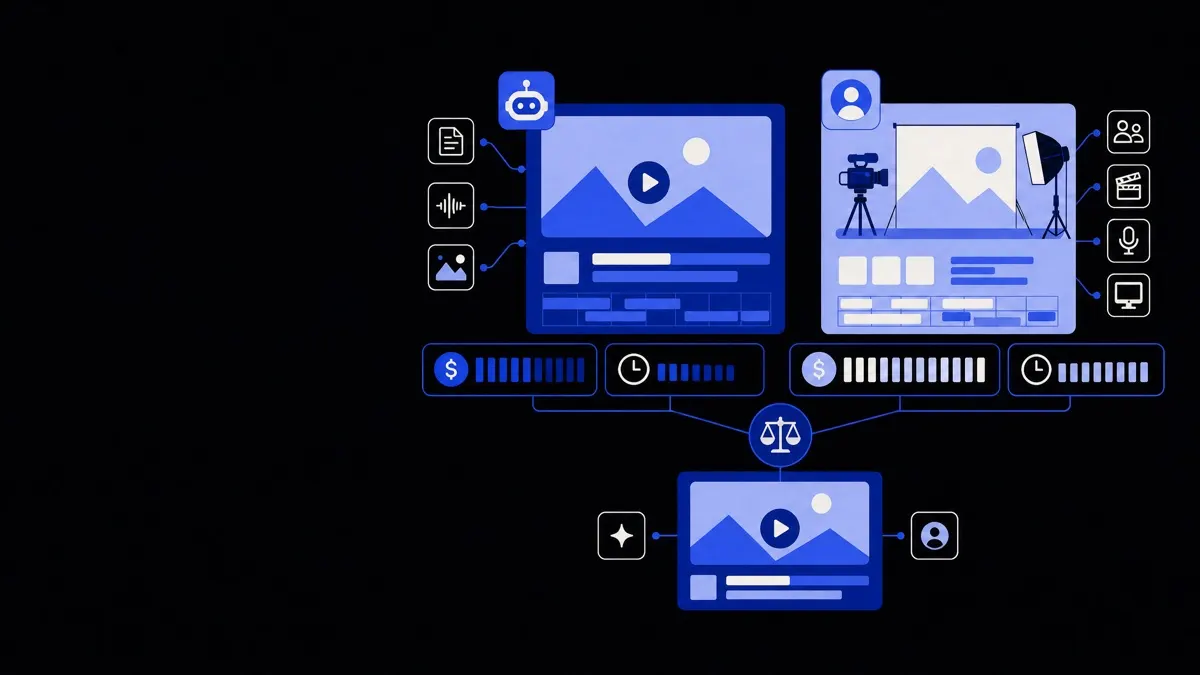
It is not yet a replacement for:
- Full live-action storytelling with nuanced acting.
- Complex long-form edits requiring tight narrative control.
- Strictly regulated content where every frame needs human verification.
The aim is to let Higgsfield do the mechanically repetitive or exploratory work, while directors, designers, and editors focus on narrative, pacing, and brand decisions.
Use Higgsfield AI video as a precision tool inside your pipeline, not as an all-in-one replacement for production.
Designing a creative workflow that includes Higgsfield
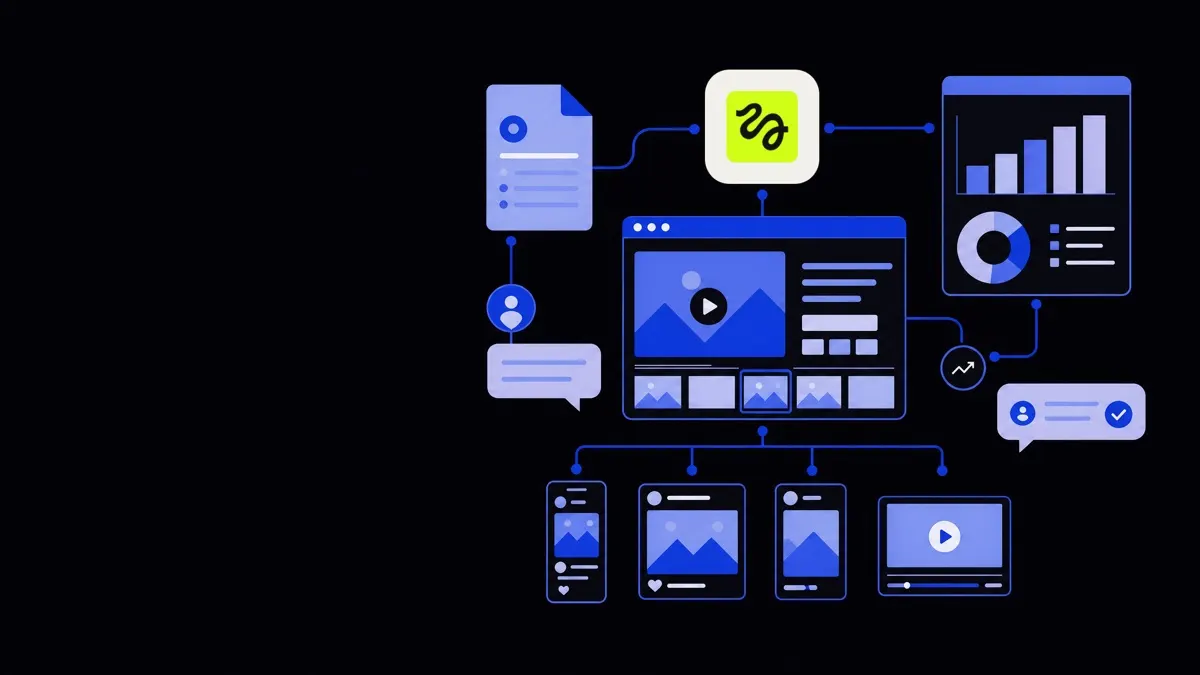
Before prompting any clips, define where AI video fits in your existing delivery process. A simple but robust pipeline often has these stages:
- Brief and constraints
- Concept and pre-vis
- Asset production (AI + traditional)
- Assembly and edit
- Review, compliance, and sign-off
- Versioning and delivery
Higgsfield can plug into several of these stages.
1. Brief and constraints
Treat the AI like a junior collaborator that needs clear direction.
Capture, in the brief:
- Brand constraints: logos, colours, typefaces, tone, “never show” elements.
- Technical specs: aspect ratios, resolutions, frame rates, maximum durations.
- Content risk boundaries: no certain themes, no imitations of real people, no sensitive locations.
- Reusability goals: whether prompts or outputs should be re-used across campaigns.
This is also where you decide whether you need extra automation — for example, connecting Higgsfield with workflow tools through workflow automation services if you want prompts triggered from a brief form or a project management system.
2. Concepting with Higgsfield AI video
For concepting, aim for speed and breadth, not polish.
Useful patterns:
- Look exploration: Generate several short clips with the same action but different lighting, camera moves, or styles.
- Mood and motion tests: Turn static storyboards into simple animated sequences.
- Risk-free experimentation: Test bold ideas visually before you ask a client or director to commit.
A practical approach:
- Start with a text description of the scene in plain language.
- Add camera instructions (e.g., slow dolly in, overhead shot, handheld).
- Specify timing (“3-second loop”, “5-second hero shot”).
- Note negative guidance (“no text on screen, no visible brands, no faces”).
Once a couple of directions look promising, promote them from “experiments” to “candidate looks” and save both the prompts and outputs in your asset library, tagged to the project.
3. Asset production with Higgsfield in the loop
After concept sign-off, use Higgsfield more deliberately for asset creation.
There are three main patterns:
- Text-to-video: For scenes that never existed in live action, such as abstract backgrounds, impossible locations, or stylised b-roll.
- Image-to-video: To add motion to key visuals, posters, or product renders.
- Video-to-video: To restyle or extend existing footage while keeping the core action.
For each pattern:
- Lock in prompt templates per client or brand.
- Keep a short library of verified prompts that you know yield acceptable results.
- Include naming conventions for all generated clips so they are traceable in your DAM or project folder.
If your agency or team runs many AI-heavy productions, consider centralising these patterns as part of a broader creative agency automation framework. This makes it easier to reuse prompts, styles, and review checklists across projects.
How to write effective prompts for Higgsfield AI video
Prompting for video is closer to directing than to copywriting. A good prompt tells the model what happens, how it feels, and how it is filmed.
Core elements of a strong Higgsfield prompt
Include at least:
- Subject and action: Who or what is on screen, and what they are doing.
- Environment: Location, time of day, weather, and background details.
- Camera language: Shot type (wide, close-up), movement, lens feel (e.g., “shallow depth of field”).
- Style: Realistic, painterly, cel-shaded, corporate, editorial, etc.
- Timing: Clip length, whether it should loop, and pacing hints (“slow motion”, “snappy”).
- Restrictions: Things to avoid, or brand rules.
Example structure (not model-specific):
- “4-second looping shot of [subject]”
- “in [environment] with [lighting]”
- “captured as [camera instructions]”
- “in [style] suitable for [use case]”
- “no [restricted elements]”
Prompt systems and libraries
To keep quality predictable:
- Define brand-specific prompt blocks you can slot into any project (e.g., “in clean, modern, minimal style, with soft key lighting and neutral backgrounds”).
- Maintain a prompt library inside your knowledge base or project tool, with tags like “product hero”, “abstract texture loop”, “transitions”.
- Track prompt → output examples with notes on what worked and what did not.
As you scale, it is worth documenting this as part of a shared AI style guide. If you need help formalising that, structured AI consulting can map your existing standards to repeatable prompt templates and workflows.
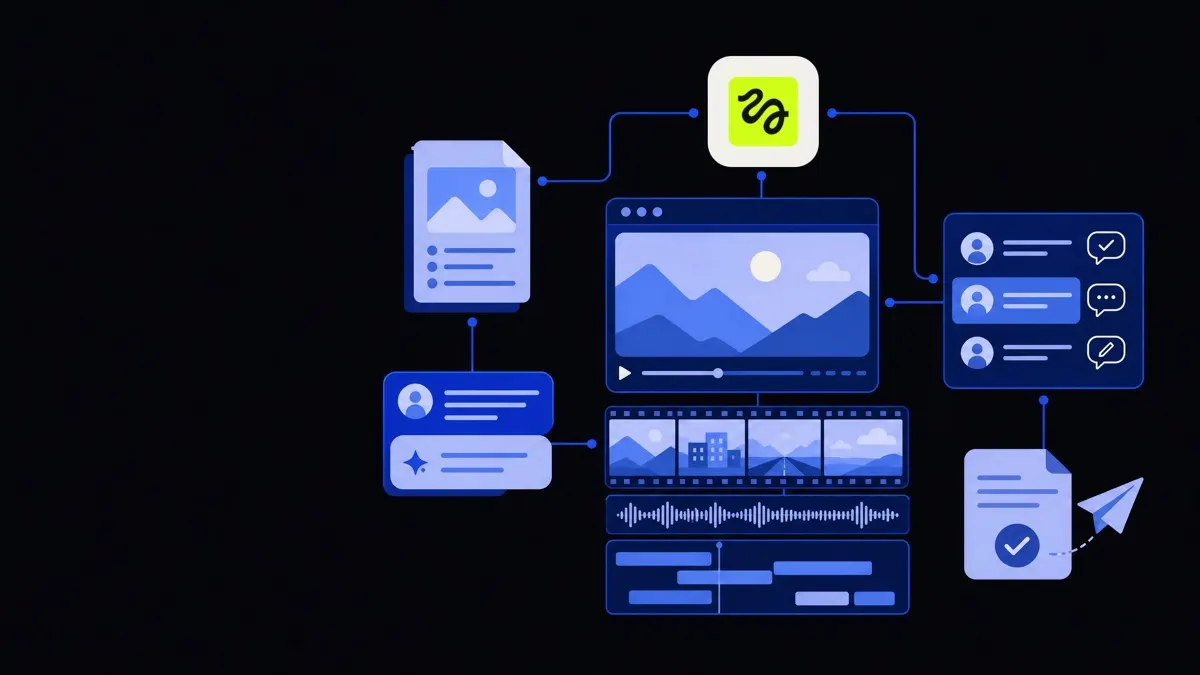
Integrating Higgsfield into editing, review, and QA
Generating clips is one step; fitting them smoothly into your edit and approvals is where operational gains actually appear.
Hand-off to editing
Define a standard process for moving Higgsfield outputs into your editing environment:
- Export in agreed formats and frame rates.
- Use consistent filenames that encode project, scene, and version.
- Store clips in a central location (DAM, cloud storage, or MAM) with metadata:
- Source (Higgsfield, v1.2)
- Prompt or link to it
- Use restrictions (internal review only, cleared for public, etc.)
Your editors then treat Higgsfield clips like any other asset — trimming, grading, compositing, and mixing them with live-action or motion design elements.
Review and feedback loops
Because AI outputs can be unpredictable, insert at least one deliberate human check between generation and client-facing review.
Steps that work well:
- Internal creative review: Check style, narrative alignment, and basic craft.
- Risk and compliance review: Scan for unintended symbols, gestures, or content that might cause reputational or legal issues.
- Client preview: Clearly label AI-assisted shots in internal notes, even if you do not highlight it to the client.
Capture feedback at the prompt level, not just the clip level. If a reviewer says “less chaotic background,” update the associated prompt template so future generations benefit from the learning.
Quality and brand safety guidelines
Create a simple checklist for AI-generated clips:
- Is the subject matter on-brief?
- Are there any distorted faces, hands, or objects that could distract viewers?
- Does the scene imply something the brand would not endorse?
- Are there unintended logos, text, or real-world references?
- Does the motion feel stable and consistent with surrounding footage?
When issues occur repeatedly, encode the fix into prompts, or shift that element to a non-AI method (e.g., use manual motion design instead of AI for critical product shots).
Automation ideas around Higgsfield AI video
The biggest time savings often come from automating the steps around generation — not just the generation itself.
Several automation patterns are especially useful for creative teams:
- Brief-to-prompt scaffolding: Use a lightweight internal tool or agent that takes a project brief and drafts initial Higgsfield prompts for a producer to refine.
- Batch generation and logging: Automate running multiple prompts and storing all outputs with prompts, timestamps, and approvals.
- Format and aspect ratio variants: Once a master clip is approved, automatically request or create variations for 1:1, 9:16, and 16:9 formats, then send them into an editing queue.
- Compliance tagging: Tag clips automatically based on content analysis (e.g., “contains faces”, “no text”) to guide which ones need deeper review.
These types of workflows can be implemented using general business process automation services and custom integrations around your chosen creative tools and asset repositories.
If you want a more customised layer around Higgsfield — for example, a web interface your producers can use that enforces brand-safe prompts and standardises metadata — custom AI development can be used to wrap the model with your rules, forms, and approval flows.
When not to use Higgsfield AI video
Knowing when to avoid AI video is as important as knowing when to use it.
It may be the wrong tool when:
- Legal or regulatory constraints are strict. Industries like healthcare or finance may require full traceability from shoot to screen.
- Talent contracts matter. If likeness rights or union rules are involved, you need clear separation between real performers and synthetic content.
- Real-world accuracy is critical. Product demos, medical visuals, or architectural previews often need precise details that generative models might approximate or distort.
- Long-form narrative is central. AI video is currently best at short sequences; longer pieces benefit from traditional production and editing.
In these cases, Higgsfield can still help with mood boards, pitch visuals, or abstract backplates, but core storytelling and any claim-bearing visuals should be created and verified via traditional methods.
By slotting Higgsfield AI video carefully into a structured workflow — from brief to prompts to review and automation — creative teams can move faster without giving up control over quality, risk, or brand integrity.