On this page
- What is Higgsfield ad creative in practice?
- Where Higgsfield works best in social media ad production
- How to structure a Higgsfield ad creative workflow
- Practical examples of Higgsfield-powered social ad workflows
- Choosing the right level of automation for your team
- Risks, trade-offs, and how to mitigate them
Higgsfield ad creative tools let you automate large parts of social media ad production by turning your brief, brand guardrails, and performance data into structured prompts that generate ready-to-test concepts and variants. Used well, they support your team rather than replace it, freeing creatives to focus on strategy and refinement while the system handles scale, versioning, and adaptation across platforms.
What is Higgsfield ad creative in practice?
When people talk about "Higgsfield ad creative" they usually mean using Higgsfield’s generative models and APIs to produce on-brand ad visuals and scripts from structured inputs. In practice, it is less a single tool and more a pipeline you design around your existing creative process.
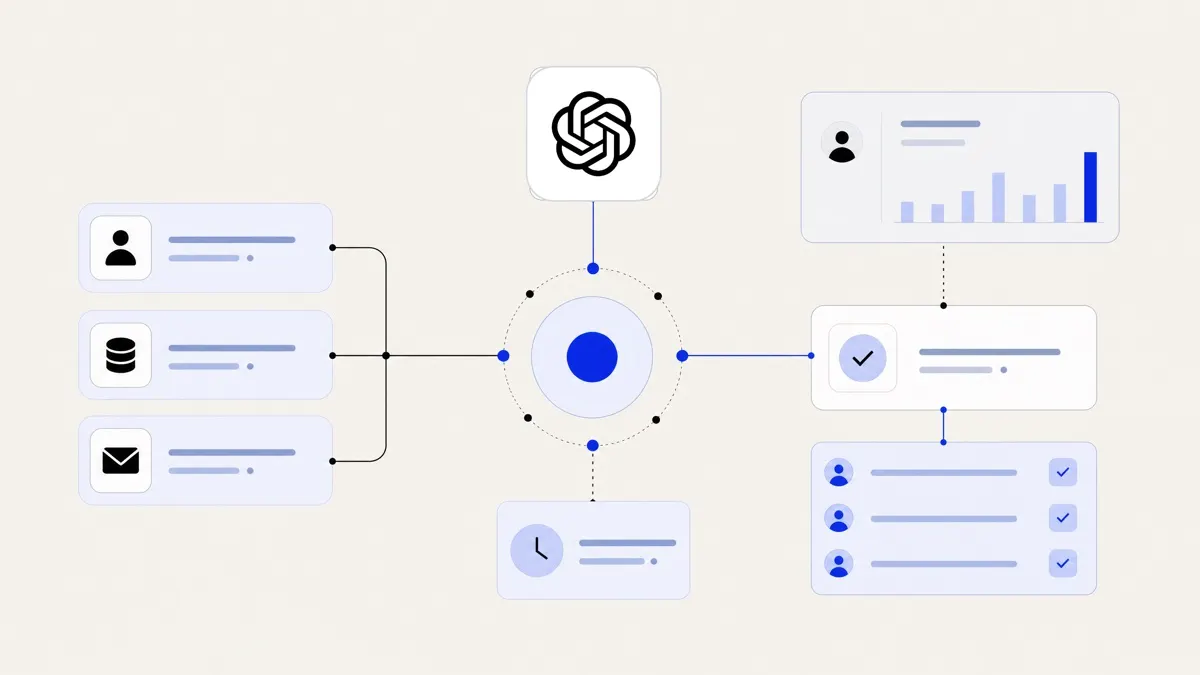
A typical Higgsfield-powered workflow combines three ingredients:
- A creative brief schema that captures goals, audience, formats, and constraints in a machine-readable way.
- Brand and compliance guardrails that define what the model is allowed to do and what it must avoid.
- Feedback loops from performance data back into the creative prompts and selection logic.
Instead of designers manually producing every variant, Higgsfield generates first passes and scalable variations, and your team curates, edits, and approves. This is especially powerful when combined with broader creative agency automation workflows that already handle briefs, approvals, and handoffs.
Where Higgsfield works best in social media ad production
Higgsfield will not fix a weak offer or bad targeting, but it can streamline the high-friction parts of creative production if you place it carefully.
1. Concept exploration
Early in a campaign, you need a wide range of ideas to test.
Higgsfield is useful for:
- Turning one value proposition into multiple visual metaphors.
- Re-expressing a single hero message for different audience segments.
- Generating rough storyboards for short-form video.
You still need a strategist to define the angles. The model simply expands and visualises them faster than a human-only team can.
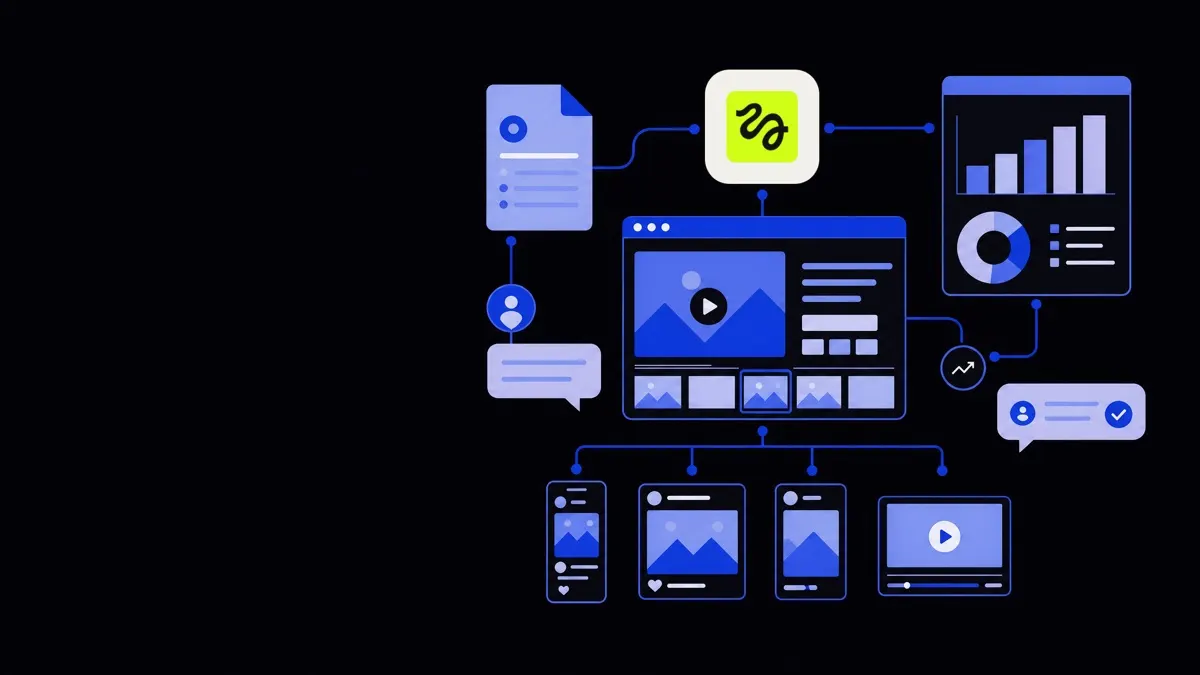
2. Format and channel adaptation
Once you have a winning concept, you need versions for:
- Different aspect ratios (1:1, 9:16, 16:9).
- Different platforms (TikTok, Instagram, YouTube, LinkedIn).
- Different placements (Stories, Reels, in-feed, discovery units).
Higgsfield can take a core visual or script and:
- Adjust framing and layout to new aspect ratios.
- Rework on-screen text for character limits and legibility.
- Suggest platform-native hooks (for example, TikTok-style openers vs LinkedIn intros).
This turns “one good ad” into an entire cross-platform set without manually rebuilding every asset.
3. Variant and multivariate testing
Performance marketing depends on testing. Higgsfield is well suited to generate:
- Headline and overlay text variations around a single idea.
- Color, background, and composition tweaks.
- Alternative call-to-action (CTA) expressions while keeping the same visual story.
The key constraint is traffic volume. If your campaigns only generate a small number of impressions, you will not learn much from dozens of variants. In low-volume environments, generate fewer but more distinct variations.
4. Always-on creative for evergreen campaigns
For evergreen offers — lead magnets, product trials, core SKUs — you can define a standing “creative engine”:
- A queue of audience segments and seasonal angles.
- A library of approved brand elements and product visuals.
- Rules for when to refresh underperforming ads.
Higgsfield can periodically produce new concepts against these rules, send them into your approval workflow, and retire older units as they lag.
Higgsfield works best when it is treated as a controlled, rule-based creative engine rather than a one-click ad generator.
How to structure a Higgsfield ad creative workflow
A good workflow balances automation with human oversight and fits into your existing tools, not beside them.
Step 1: Define your creative brief schema
Your first task is to convert your human brief into consistent fields.
Include at minimum:
- Objective – traffic, leads, sales, app installs, etc.
- Primary message – the one thing the viewer should remember.
- Target audience – demographics, motivations, and objections.
- Key proof points – social proof, features, guarantees, or outcomes.
- Mandatories – logos, taglines, disclaimers, legal lines.
- Visual constraints – Do / Don’t guidance (for example, “no stock-style smiles,” “focus on product in use”).
- Channel and format – TikTok 9:16, Meta in-feed 1:1, YouTube Shorts, etc.
This schema can live in your project management system, then be mapped into the prompts that Higgsfield consumes. If you are orchestrating this across multiple tools and APIs, business process automation services are often needed to keep data flowing reliably.
Step 2: Build brand and compliance guardrails
Guardrails reduce review time and prevent rework.
Typical guardrails include:
- Visual style rules – color palette, typography preferences, level of realism, use of illustration vs photography.
- Tone of voice – playful, authoritative, minimal, industry-specific jargon allowed or disallowed.
- Prohibited content – off-limits claims, imagery, or sensitive contexts.
- Regulatory requirements – sector-specific lines (for example, finance disclaimers, health disclaimers).
Express these as clear, plain-language instructions embedded into every prompt template. Over time, refine them based on which outputs pass approval most consistently.
Step 3: Integrate assets and references
Higgsfield performs better when grounded in real brand assets and examples.
Feed it:
- Existing high-performing ads and explain why they worked.
- Product images, UI shots, and lifestyle reference photos.
- Brand books and tone-of-voice guides in text form.
- Lists of phrases and claims that are already legally approved.
A simple approach is to store these in a structured repository (for example, a DAM system) and have your automation layer fetch relevant assets based on the brief. More advanced setups use custom AI development to tailor retrieval and prompting to your brand.
Step 4: Generate, filter, refine
Treat generation as a staged process, not a single step.
- Draft generation – Higgsfield produces several concepts per brief.
- Automatic filters – simple rules reject outputs with banned words, wrong aspect ratios, or missing mandatory elements.
- Human curation – a strategist or art director selects and comments on promising options.
- Targeted regeneration – updated prompts refine weak areas (for example, “same composition, but clearer packaging close-up”).
- Production-ready export – final assets are rendered to spec and pushed to your ad platforms or storage.
Automation can handle steps 1, 2, and 5. Humans focus on 3 and 4, where judgment matters.
Step 5: Close the loop with performance data
Without feedback, automation just produces more of the same.
Create a loop where:
- Performance metrics (CTR, CPC, ROAS, watch time) are pulled from ad platforms.
- Each metric is associated with the specific creative variants it belongs to.
- You compute simple signals like “top 20% by CTR in this audience” or “bottom 20% by conversion rate.”
- These signals are used to:
- Promote patterns in prompts (for example, “hooks that mention benefit X outperform in audience Y”).
- Retire unproductive patterns (“avoid dark backgrounds for this product on mobile”).
If you already have broader sales and marketing automation in place, you can often reuse its data plumbing and analytics layers for this feedback loop.
Practical examples of Higgsfield-powered social ad workflows
Although every brand is different, a few recurring patterns show up across teams that use generative tools effectively.
Example 1: Always-on UGC-style ads
Many social campaigns lean into UGC-style content.
A Higgsfield workflow for this might:
- Take transcripts from real customer calls or reviews.
- Extract short, natural-sounding hooks and benefits.
- Generate scripts and visual frames that look like front-facing camera clips.
- Produce several versions of each line to test different tones and lengths.
Human creators then record or refine the footage, and the AI is used again for editing suggestions and overlay text variations.
Example 2: Product explainer in three formats
For a SaaS product, you might need:
- A 15-second LinkedIn feed video.
- A 30-second YouTube Short.
- A 6-second bumper for retargeting.
From a single brief, Higgsfield can:
- Draft the storyboard for each length.
- Suggest ideal on-screen copy length and hierarchy.
- Adapt the same narrative arc to different attention spans.
Designers then polish the layout, animations, and brand nuances, while automation ensures consistent structure and message.
Example 3: Seasonal refresh for evergreen offers
For a core subscription product with year-round campaigns, you can schedule quarterly refreshes.
The workflow:
- Pull the past quarter’s best and worst creatives.
- Identify themes and angles that tracked with improved performance.
- Update the brief and prompt templates with these insights plus seasonal context (for example, “back to school”).
- Generate new creatives at a defined volume (for example, 10 concepts × 5 variants each).
- Auto-push shortlisted assets into your trafficking workflow.
This lets you keep the campaign fresh without rebuilding the entire creative strategy each time.
Choosing the right level of automation for your team
Not every team needs the same depth of Higgsfield integration. The right level depends on your volume, risk tolerance, and available resources.
When to start simple
Start with lighter automation if:
- You run a small number of campaigns with moderate budgets.
- Your brand risk is high (for example, regulated sectors).
- Your creative team already has heavy workload and little capacity to manage new tools.
In this case, use Higgsfield for:
- Early-stage idea expansion.
- Thumbnail and static concept generation.
- Simple text overlay and copy variants.
Keep approvals entirely manual and run experiments in parallel with your existing workflow.
When to invest in deeper integration
Consider a more extensive setup when:
- You manage many products or markets and need high ad volume.
- You already have mature performance tracking and experimentation processes.
- You want automated triggers (for example, new variants when performance drops).
Then it may be worth implementing:
- API-based generation tightly integrated with your project management and storage.
- Automated synchronization with ad platforms for asset publishing.
- Custom dashboards for creative performance insights, potentially powered by data analytics automation.
Here, partnering on AI agent development or broader creative agency automation can help you design robust systems rather than piecemeal scripts.
Risks, trade-offs, and how to mitigate them
Using Higgsfield for social media ad creative introduces specific risks you should plan around.
- Brand drift – Outputs can slowly diverge from brand guidelines as prompts evolve.
- Mitigation: centralise prompt templates, enforce guardrails, and perform periodic brand audits of generated work.
- Overfitting to past winners – The system may repeat what worked before and miss new angles.
- Mitigation: reserve a portion of spend for exploratory concepts with looser constraints.
- Compliance issues – Automated claims can edge into non-compliant territory.
- Mitigation: encode exact approved claims and disclaimers, and keep human legal review on high-risk campaigns.
- Creator pushback – Designers may feel replaced rather than supported.
- Mitigation: involve them in designing the workflow and use automation to remove grunt work, not creative control.
Used thoughtfully, Higgsfield becomes an extension of your creative team: it handles volume, variation, and adaptation so humans can focus on sharp messaging, insight, and taste.