On this page
- What are HeyGen AI video avatars and when do they make sense?
- How to design avatar videos for onboarding that people actually watch
- How to use HeyGen AI video avatars in marketing and campaigns
- Step-by-step workflow to produce HeyGen avatar videos
- How to integrate AI avatar videos into your systems
- Measuring success and avoiding common pitfalls
HeyGen AI video avatars let you turn scripts into on-brand training and marketing videos without cameras, studios, or lengthy edits, making it easier to keep content consistent, localized, and up to date. To get real value, you need clear use cases, a repeatable workflow for scripts and assets, and smart integrations so your avatar videos plug into onboarding, learning, and campaign journeys instead of sitting in a content folder.
What are HeyGen AI video avatars and when do they make sense?
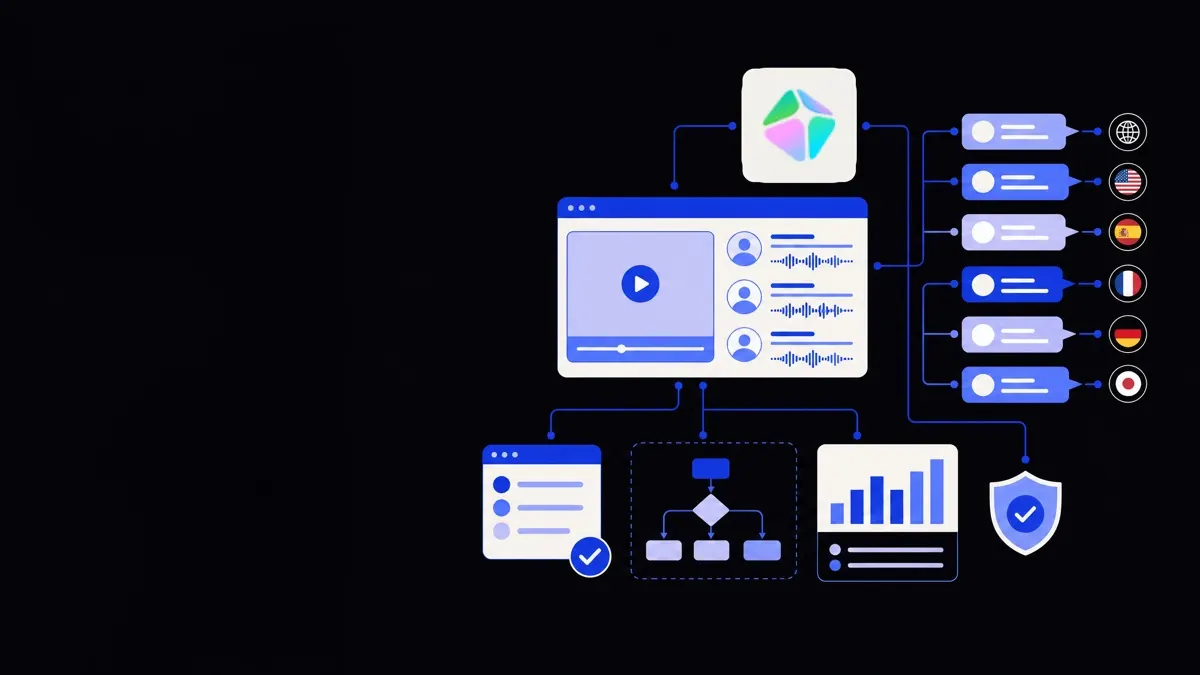
HeyGen AI video avatars are digital presenters created from real people or stock avatars that can speak your scripted content in multiple languages using synthetic voices.
They are best used where you repeat similar messages at scale and need consistency more than one-off cinematic polish. Common cases:
- Employee onboarding
- Welcome messages from leadership
- Policy walkthroughs
- Tool and system introductions
- Ongoing training
- Product or feature updates
- Compliance micro-lessons
- Process change announcements
- Sales and marketing
- Product explainers
- Personalized outreach videos
- Event or webinar promos
- Customer education
- “Getting started” series
- FAQ and support workflows
- In-app guidance
Where avatars work well:
- You have recurring topics or formats.
- Accuracy and consistency matter more than emotional storytelling.
- You need fast iteration and multi-language versions.
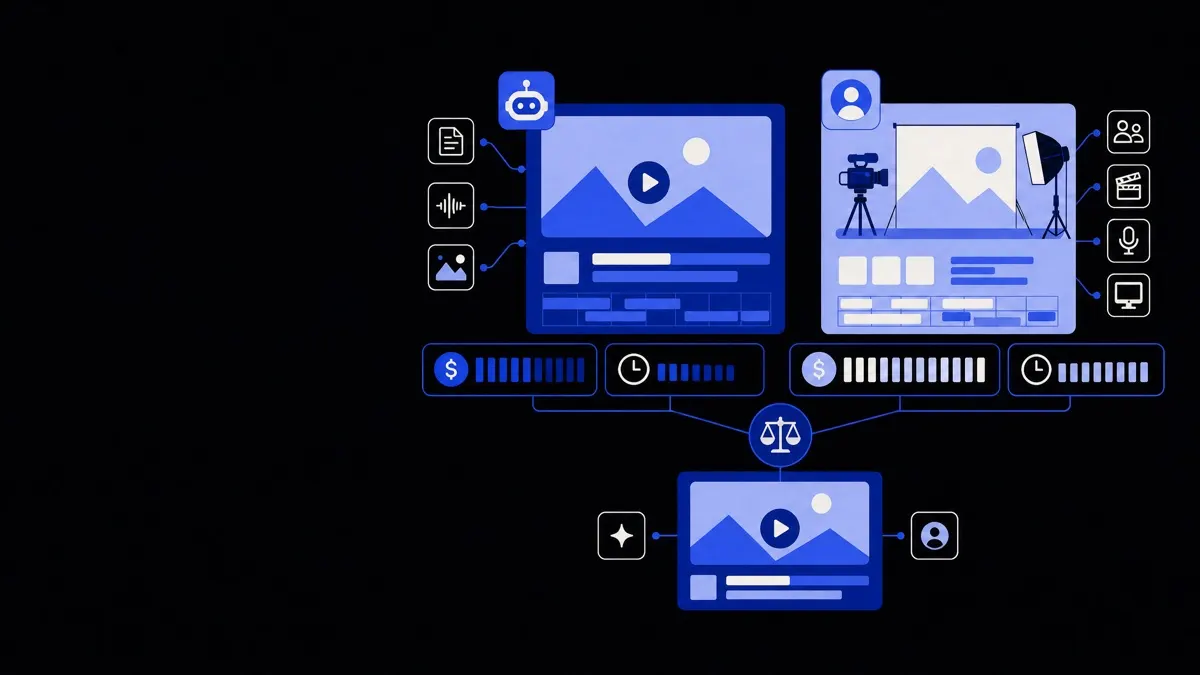
Where traditional video may be better:
- Brand stories and high-emotion campaigns.
- Complex live demonstrations.
- Situations that rely heavily on unscripted interactions.
Use AI video avatars where you repeat similar messages often and need consistency, fast updates, and localization more than cinematic production.
How to design avatar videos for onboarding that people actually watch
For onboarding, the main risk is creating long, passive videos that employees skip or forget. Structure and scope matter more than the avatar itself.
Map the onboarding journey first
List the milestones in a new hire’s first 30–90 days. For each milestone, define:
- Objective – what should they be able to do or understand?
- Format – avatar video, screen recording, checklist, quiz, or live session.
- Timing – day 0 (pre-start), day 1, week 1, month 1, etc.
- Owner – HR, IT, department lead, or L&D.
Use avatar videos for:
- Short concept introductions (3–6 minutes).
- Context-setting messages from leaders.
- Repeatable policy or process overviews.
Use other formats for:
- Detailed system navigation (screen captures).
- Complex Q&A (live sessions).
- Hands-on practice (tasks in your tools).
Break content into short, modular videos
Treat each video as a module with one clear outcome. A simple pattern:
- Hook (20–30 seconds) – why this matters to them in the role.
- 3–5 key points (3–5 minutes) – each point explained briefly.
- Action (30–60 seconds) – what they must do next or where to go.
This modular approach makes it easier to:
- Swap out videos when a policy or tool changes.
- Reuse modules for different roles or regions.
- Keep attention in remote or async onboarding.
Write scripts for AI delivery, not live presenters
Scripts for HeyGen avatars should be straightforward and explicit, because the delivery will be very literal.
Guidelines:
- Use short sentences and simple structures.
- Avoid sarcasm, subtle jokes, or culture-specific references that depend on timing.
- Read the script aloud once; if you stumble, simplify.
- Mark pauses and emphasis with line breaks and clear wording rather than complex punctuation.
Example tweaks:
- Instead of: “Obviously, you’ll have seen this before…”
- Use: “You may have seen some of this before, but we will walk through it step by step.”
- Instead of: “Let’s just quickly jump into the tool.”
- Use: “Now we will open the tool and look at the three main sections you will use every day.”
How to use HeyGen AI video avatars in marketing and campaigns
For marketing, the goal is not just production efficiency but better relevance and personalization. AI avatars help by creating many small, tailored assets rather than one generic flagship video.
Decide where avatars fit in your funnel
Good avatar touchpoints in marketing:
- Top of funnel
- Reusable product explainers embedded on landing pages.
- “What to expect” event intros or webinar trailers.
- Middle of funnel
- Feature walkthroughs for specific segments or industries.
- Case-study summaries narrated by a consistent avatar host.
- Bottom of funnel / sales assist
- Personalized videos in outbound emails.
- Proposal walkthroughs or onboarding previews for late-stage deals.
We often pair avatar videos with sales and marketing automation workflows, so the right video variant is delivered automatically based on segment, campaign, or behavior.
Personalization without going overboard
True one-to-one avatar videos for every lead can be heavy to maintain. A workable compromise is segment-level personalization.
Start by defining a small matrix:
- 3–5 target industries or use cases.
- 2–3 personas or roles.
- 2–3 funnel stages.
Then plan core videos like:
- “Why this matters for [industry] operations leaders.”
- “Three ways we help [persona] in their first 90 days with us.”
- “What will happen in your first month as a customer.”
This gives you targeted, relevant content without hundreds of unique scripts.
If you want to go further, you can integrate avatar video generation into your outbound tools using custom workflows or API integrations, but only once the basic playbook is working.
Step-by-step workflow to produce HeyGen avatar videos
A simple, repeatable workflow keeps avatar production efficient and on-brand.
1. Choose your avatar strategy
Decide between:
- Single branded avatar
- One recognizable “host” used across content.
- Pros: consistent brand presence, easier asset management.
- Cons: may feel repetitive if overused.
- Role-based avatars
- Different avatars for HR, sales, product, etc.
- Pros: more contextual and relatable.
- Cons: more assets to maintain and update.
- Mix of custom and stock avatars
- Custom avatars for leadership or key spokespeople.
- Stock avatars for generic how-to or support content.
- Pros: protects leadership time, keeps variety.
- Cons: visual consistency needs management.
Define a simple brand rule such as: “Leadership messages use custom avatars; all training uses two recurring stock avatars in our brand colors.”
2. Develop templates for scripts and scenes
Create a small set of templates, for example:
- Onboarding module template
- Intro: role and value (45 seconds)
- Context: where this fits in their journey (1 minute)
- Main content: 3 points × 1 minute
- Action: next step and support channel (45 seconds)
- Feature update template
- What changed and why it matters
- Quick demo or high-level overview
- Where to find more detail or documentation
- Campaign explainer template
- Problem statement
- How your offer addresses it
- One clear call to action
Templates save time when scripting and make it easier to train others to contribute content.
3. Set brand rules for visuals and voice
Even with AI-generated avatars, you need clear brand decisions:
- Backgrounds
- Solid brand colors, simple office backgrounds, or light gradients.
- Avoid busy scenes that compete with overlays or text.
- Layout
- Avatar on one side, space for text or product visuals on the other.
- Consistent lower-third captions style for names and titles.
- On-screen text
- Use it for emphasis, lists, and key actions.
- Keep text short; think of it as reinforcement, not a transcript.
- Voices and languages
- Choose 1–2 primary voices aligned with your brand tone.
- Decide which content gets localized and to which languages.
- For each language, have a reviewer for terminology and tone.
Document these decisions in a simple brand guide so future videos stay consistent without extra approvals.
4. Produce, review, and iterate
Set a practical cycle:
- Draft script using a template.
- Peer review for accuracy and clarity.
- Generate the video draft in HeyGen.
- Review with attention to:
- Mispronunciations (names, product terms).
- Awkward pacing or emphasis.
- Visual clutter or hard-to-read text.
- Adjust script or avatar settings.
- Export and publish.
For names and product terms, maintain a pronunciation list. You can adjust spellings in scripts for better output, or define pronunciation rules that your script writers follow.
How to integrate AI avatar videos into your systems
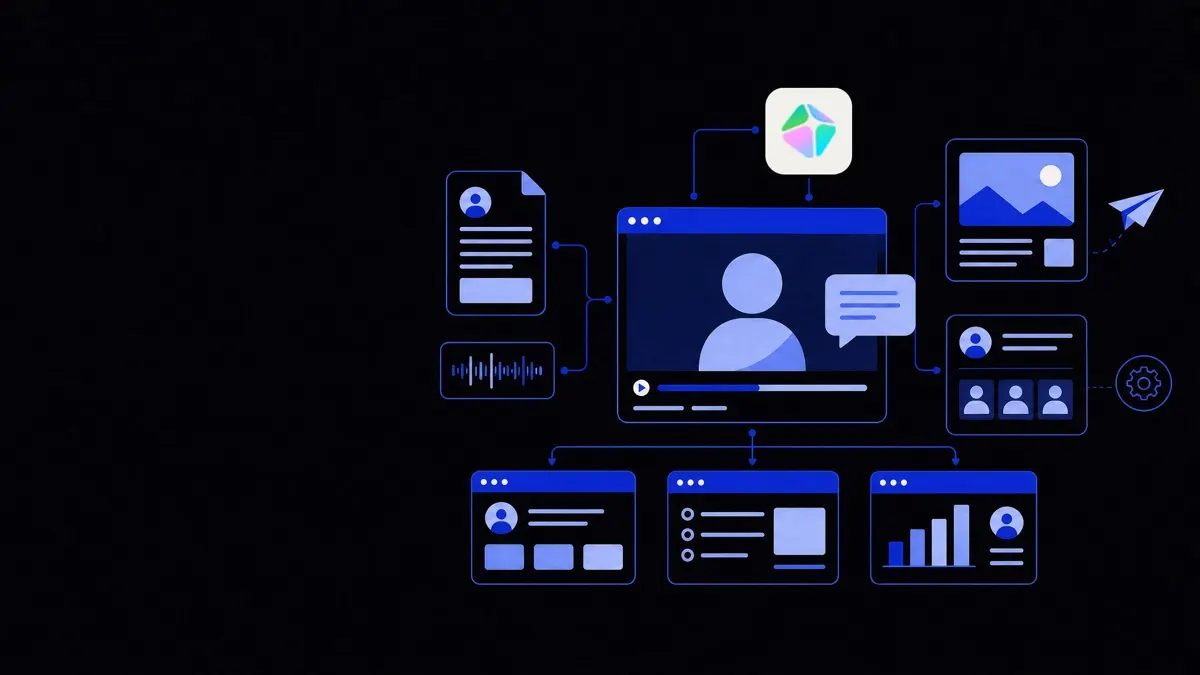
The highest impact comes when avatar videos are part of automated flows, not manual sends.
Connect with HR and learning tools
For onboarding and training, aim to integrate avatar videos into:
- HRIS or onboarding portals
- Embed welcome and orientation videos on “day one” pages.
- Trigger different videos based on location or role.
- LMS (learning management system)
- Use avatar videos as intros to interactive modules.
- Pair them with short quizzes or checklists to confirm understanding.
These flows often involve business process automation and workflow automation so that, for example, assigning a role in HR tooling automatically enrolls the right video learning path.
If you are a creative or marketing agency, this kind of integration is central to scaling delivery, which we cover in more detail in our creative agency automation solutions.
Connect with CRM and marketing tools
For campaigns and customer education:
- Embed avatar explainers on key product and pricing pages.
- Use segment-specific videos in marketing automation journeys.
- Trigger follow-up videos after events, trials, or feature activations.
When we design these flows, we typically connect video URLs and variants to CRM properties, so a change in lifecycle stage or segment automatically updates which video is shown or sent.
Measuring success and avoiding common pitfalls
Without clear measures, it is easy to produce many avatar videos that change little in outcomes.
Define simple, traceable metrics
For onboarding content:
- Completion rates for video modules.
- Time-to-productivity or time-to-first-task.
- Number of questions in help channels about covered topics.
For training and compliance:
- Quiz or assessment scores linked to video modules.
- Reduction in repeated support requests.
- Policy adherence where relevant.
For marketing and sales:
- Video play and completion rates on landing pages.
- Click-through rates from video CTAs.
- Response or meeting-booked rates from campaigns that use personalized or segment-specific videos.
Tie each avatar video or series to one or two of these metrics, and review quarterly.
Watch out for these common issues
- Overlong videos – keep most under 6–8 minutes; split longer topics into parts.
- No context for the viewer – always state why this matters to them now.
- Outdated content – schedule regular reviews for anything that covers policies, pricing, or features.
- Avatar fatigue – vary angles, backgrounds, and supplementary visuals; use avatars as hosts, not the entire experience.
- No ownership – assign a content owner for each series or topic who is responsible for updates.
When you treat HeyGen AI video avatars as a system — with clear use cases, templates, integrations, and metrics — they become a reliable layer in your onboarding and marketing stack rather than a one-off experiment.