On this page
- What is an AI chatbot, in plain terms?
- What is an AI agent, and how is it different?
- AI chatbot vs AI agent: key differences buyers care about
- Common use cases for AI chatbots
- Common use cases for AI agents
- How to choose: chatbot, agent, or a combination?
- Where the terminology overlaps (and why it matters less than you think)
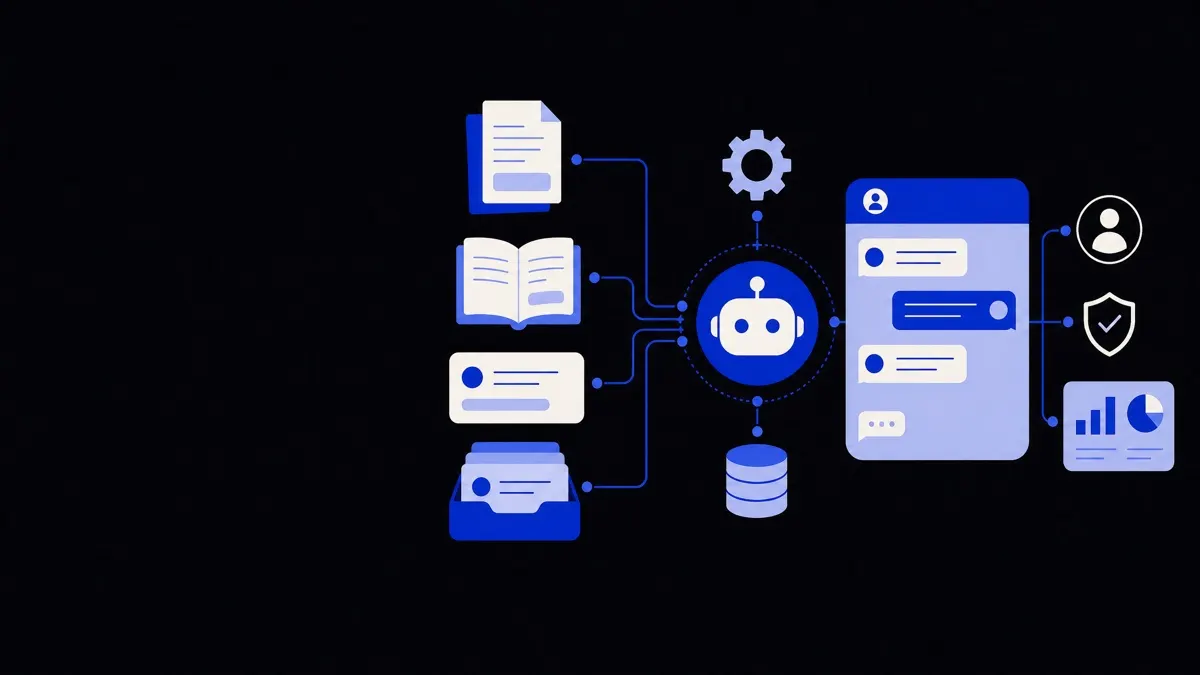
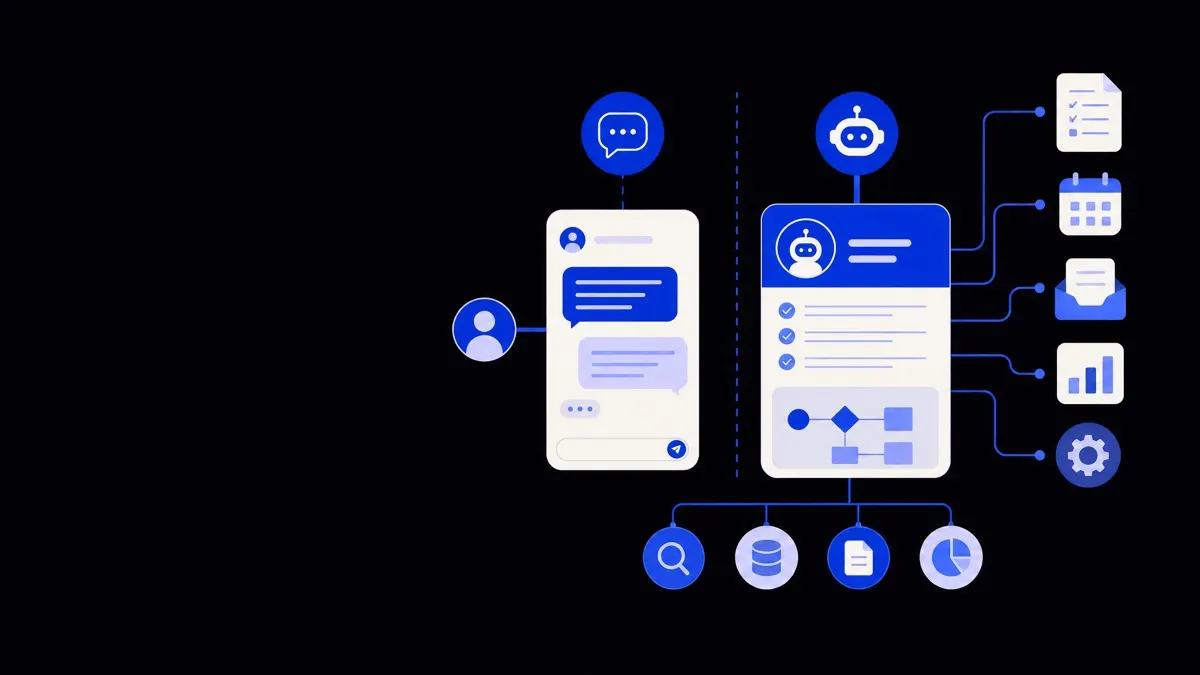
The core difference in the ai chatbot vs ai agent debate is that chatbots mainly handle conversations, while agents can also take actions in your systems to complete tasks. A chatbot answers questions and routes people; an agent uses tools, data, and workflows to do work on a user's behalf, often with less human intervention.
What is an AI chatbot, in plain terms?
An AI chatbot is software that uses natural language to hold conversations with people, usually in a chat window on your website, app, or messaging channel.
Most modern AI chatbots share a few traits:
- Conversation-first interface — They live in chat bubbles on websites, support portals, or messaging tools like WhatsApp and Slack.
- Answer-focused behavior — Their main job is to respond to questions, guide users, and collect information through dialogue.
- Limited system access — They may look up data from a knowledge base, FAQs, or a CRM, but usually do not perform complex multi-step actions.
- Scoped workflows — They can run scripted flows such as lead qualification, booking a demo, or basic troubleshooting.
In practice, an AI chatbot is often your front door for customer or employee conversations. It reduces repetitive questions for your team and standardises how you handle common queries.
What is an AI agent, and how is it different?
An AI agent is software that can understand goals, make decisions, and take actions across tools and data sources to complete tasks with minimal human input.
Where a chatbot is primarily about conversation, an AI agent is primarily about outcomes. It may still chat with users, but conversation is a means to an end rather than the end itself.
Typical capabilities of AI agents include:
- Tool and API usage — Calling external systems like your CRM, ticketing tool, ERP, or calendar to read and write data.
- Multi-step reasoning — Planning a sequence of actions, then updating the plan as new information appears.
- Autonomous execution — Running workflows on a schedule or in response to triggers, sometimes without a live chat in progress.
- State and memory — Tracking context over time, such as case status, customer history, or previous runs of the same workflow.
Think of an AI agent as a digital teammate that can talk, decide, and then actually do things in your environment — not just suggest what a human should do next.
AI chatbot vs AI agent: key differences buyers care about
This is where "ai chatbot vs ai agent" moves from terminology to real buying choices. The main differences show up in four areas: scope, autonomy, integration depth, and risk profile.
1. Scope of work
- Chatbot: Handles conversations, FAQs, form-filling, routing, and simple actions like creating a basic support ticket.
- Agent: Handles end-to-end tasks such as investigating an issue, updating records in multiple systems, and notifying stakeholders.
Example:
- Chatbot: "Let me book a call for you" → collects times, sends to a human to schedule.
- Agent: "Let me book a call for you" → checks the rep's calendar, creates the calendar event, sends confirmation emails, and logs the activity in the CRM.
2. Autonomy and decision-making
- Chatbot: Follows predefined flows with some AI flexibility in language understanding. It may escalate when unsure.
- Agent: Can choose between tools, plan several steps, handle edge cases, and retry when something fails.
This autonomy is useful but also means you need clearer guardrails, logging, and monitoring.
3. Integration depth
- Chatbot: Often reads from a knowledge base or one main system (like a helpdesk). Many can integrate more deeply, but buyers often deploy them in a "read-only" or low-impact mode.
- Agent: Typically integrated across several systems — CRM, ticketing, billing, internal APIs — so it can coordinate changes and keep everything in sync.
If your goal is to automate real work (not just conversations), you are usually in "agent" territory, even if the user experience feels like a chatbot.
4. Risk, governance, and change management
- Chatbot: Lower operational risk, since most actions are informational or lightly transactional. Governance focuses on tone, accuracy, and routing.
- Agent: Higher potential impact — both positive and negative. Governance must cover data access, permissioning, rollback processes, and quality checks.
A simple rule of thumb — if it only talks, it is a chatbot; if it talks and reliably changes your systems, it is acting as an agent.
Common use cases for AI chatbots
AI chatbots shine when the primary value is clear, fast communication at scale.
Typical chatbot-first use cases:
- Customer support triage
- Answer common questions about orders, logins, or product features.
- Collect key details (order number, device, screenshots).
- Route issues to the right queue or human agent with context attached.
- Lead capture and qualification
- Greet website visitors and ask a few qualifying questions.
- Capture contact details and hand off to sales.
- Book introductory calls, often via a lightweight calendar integration.
- Internal FAQs and IT helpdesk
- Answer policy, benefits, and HR questions.
- Provide links to forms and documents.
- Help with simple IT requests like password reset instructions.
- Guided onboarding
- Walk new users through product setup within your app.
- Provide contextual tips and short answers without sending people away to a help center.
In each of these, the chatbot’s success is measured by deflection rate (fewer tickets or chats going to humans), response time, and user satisfaction with the conversation.
If you are mainly trying to stop your team from answering the same question 50 times a day, an AI chatbot is usually the right first step.
Common use cases for AI agents
AI agents make sense when your goal is to actually complete work across systems, not just answer questions.
Examples where an AI agent model fits better:
- Order and subscription management
- Update shipping addresses after verifying identity.
- Change subscription tiers, apply credits, and send updated invoices.
- Coordinate changes across ecommerce, billing, and email systems.
- Support case resolution
- Diagnose known technical issues using logs or monitoring tools.
- Apply fixes like restarting services or pushing configuration changes.
- Document everything back into the ticketing system.
- Sales operations and CRM hygiene
- Enrich new leads with external data.
- Deduplicate and merge records following clear rules.
- Keep opportunities, contacts, and activities in sync after each interaction.
- Back-office workflows
- Pull data from emails, documents, or forms.
- Validate against internal systems (ERP, finance, HRIS).
- Create or update records, then notify the right person for approval.
Many of these agent workflows can still be exposed to users through a conversational interface. From the buyer’s perspective, the important question is not "Does it chat?" but "Does it safely act in my systems without a human in the loop for every step?"
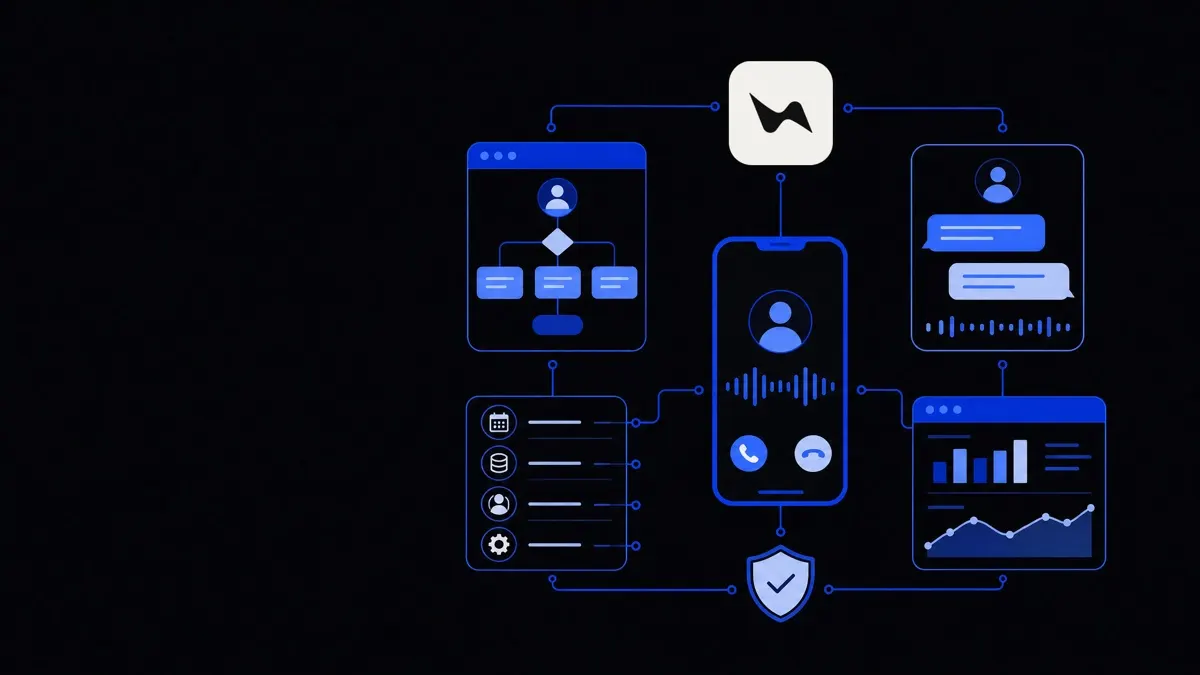
For organisations exploring both, it is common to start with visible chat experiences using AI chatbots and voice agents, then attach more agent-like capabilities behind the scenes as confidence and governance mature.
How to choose: chatbot, agent, or a combination?
Most real-world deployments end up being a blend of chatbot and agent capabilities. Here is a structured way to decide what you need now, and what to plan for later.
Step 1: Clarify the primary job to be done
Ask a precise question:
- "Do we mostly need better answers and routing?"
- "Or do we mostly need tasks completed without human effort?"
If the main pain is slow replies and repetitive questions, start with a chatbot. If it is manual, error-prone operations, lean toward agent capabilities.
Step 2: Map out the user journeys
For each target journey, write out the simple version:
- Who is the user?
- What are they trying to achieve?
- Which systems need to be touched?
- What can safely be automated today?
This will reveal where a chatbot is enough (information and triage) and where an agent is needed (multi-system updates).
Step 3: Check your integration and data readiness
AI agents depend on clean, accessible data and APIs. Before committing to deep automation, assess:
- Do your tools have reliable APIs?
- Are permissions and roles well-defined?
- Is data quality good enough to automate actions?
If the answer is "not yet," a chatbot-led phase can still create value while you improve your backend and consider further business operations automation.
Step 4: Define guardrails and responsibilities
For anything acting as an agent, decide:
- What can it do fully autonomously?
- Where is human approval required?
- How will errors be detected and corrected?
- Who owns monitoring and continuous improvement?
Even for advanced deployments, a common pattern is "agent drafts, human approves" before moving to full autonomy.
Step 5: Consider change impact on teams
Introducing an AI agent often changes workflows and responsibilities more than a chatbot does. Plan for:
- Training on when to trust the agent vs override it.
- Clear escalation paths when the agent cannot complete a task.
- Involving frontline teams in designing and testing automations.
This change management step matters more to long-term success than any technical feature.
Where the terminology overlaps (and why it matters less than you think)
Vendors and buyers often use "chatbot" and "agent" loosely, which can be frustrating when you are trying to compare options.
A few practical points:
- Many "AI chatbots" now include simple agent features, like creating tickets or updating a CRM record.
- Many "AI agents" are surfaced through a chat interface, so to users they still feel like chatbots.
- What you call it is less important than documenting exactly what it can and cannot do, and how it is connected to your systems.
When you evaluate solutions, ask concrete questions:
- What systems can it read from, and what can it write back?
- Which actions are fully autonomous vs human-approved?
- How are errors handled and logged?
- How easy is it to add or modify workflows without custom code?
Framing requirements this way lets you compare a simple chatbot, a more capable voice or chat agent, or a fleet of back-office agents on the same terms.
If you want a single entry point that can chat, speak, and act across your stack, it is reasonable to look for platforms or partners that support both conversational experiences and deeper automation, rather than treating them as separate worlds.