

On this page
- When does it make sense to look for Zapier alternatives?
- How to choose a Zapier alternative: cost, control, and complexity
- Lower-cost “Zap-like” tools for simple automations
- Low-code workflow platforms for teams needing more logic
- Self-hosted and open-source options for data control
- Custom automation and AI agents for complex, evolving processes
- Building your automation stack: mix, migrate, and manage
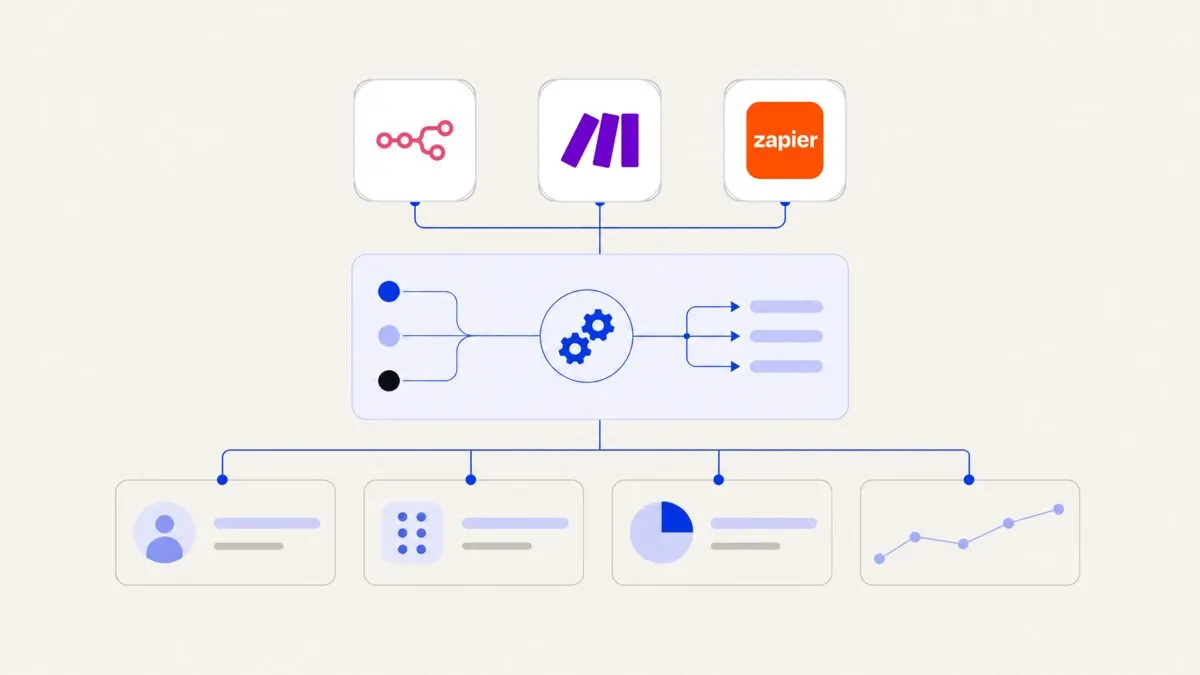
Zapier alternatives range from cheaper “Zap-like” tools and flexible low-code platforms to self-hosted options and fully custom workflows, and the best fit depends on your volume, data sensitivity, and logic complexity. As your team scales, you may combine several tools—rather than a single Zapier replacement—to balance cost, control, and maintainability across your automation stack.
When does it make sense to look for Zapier alternatives?
Many teams start on Zapier for its easy interface and broad app directory, then slowly run into limits as usage grows.
Typical triggers to look elsewhere are:
- High monthly bills: Many small Zaps firing thousands of times per day, often for simple data syncs.
- Data and compliance needs: Concern over where data flows, logging, and access control.
- Complex logic: Workflows that need branching, state, approvals, and multi-step decisions.
- Engineering maturity: Your product or IT team is ready for more control or self-hosting.
- Vendor risk: You want to avoid deep lock-in to a single proprietary platform.
For a detailed breakdown of Zapier’s strengths and gaps, see our separate guide on Zapier limitations (and when to outgrow it), then come back here to explore alternatives by need.
Instead of chasing a single “Zapier killer”, map your needs and assemble a small, focused automation stack that you can explain and maintain.
How to choose a Zapier alternative: cost, control, and complexity
Before picking tools, define how you work and what you care about most. A useful way to think about this is along three dimensions.
- Cost at scale (triggers and tasks)
Estimate your future usage, not just your current Zaps:
- Volume of events per month (form fills, leads, orders, support tickets).
- Steps per workflow (e.g., trigger + filter + 3 app actions).
- Need for premium connectors or features (webhooks, custom code, AI steps).
Some Zapier alternatives price by:
- Number of workflows or active automations.
- Number of operations / tasks / executions.
- Seats or workspaces (relevant for larger teams).
- Data control and compliance
Data control is how much you can govern where your data lives and who sees it. Consider:
- Do you handle PII, financial, or health data?
- Do you need on-premise or private cloud hosting?
- Do you need per-field masking, approvals, or fine-grained audit logs?
- Regional requirements (GDPR, PDPA, data residency, industry policies).
- Complex logic and orchestration
Complex workflows often involve:
- Multiple branches and nested conditions.
- State machines (e.g., ticket or order stages).
- Long-running flows with timers, SLAs, and human approvals.
- Integration with internal databases and custom APIs.
Decide whether you want:
- A no-code tool that stays visual.
- A low-code platform that combines visual flows with scripts.
- A fully custom solution built on top of your own infrastructure.
If your answers concentrate at one extreme (cheap and simple, or highly controlled and complex), your Zapier alternative is easier to choose. The tricky cases are hybrid: for example, a marketing team that needs cheap, simple automations, and an operations team that needs strict data control. In those situations, a mixed stack is often best.
Lower-cost “Zap-like” tools for simple automations
If your main issue with Zapier is cost at scale—not deep technical limits—then a similar but cheaper tool may be enough.
These tools typically offer:
- A visual workflow builder with triggers and actions.
- App connectors for popular CRMs, email tools, and help desks.
- Filters, basic branching, and scheduling.
- Freemium or lower per-task pricing than Zapier.
Use these when:
- Most workflows are point-to-point syncs (e.g., form → CRM, CRM → email).
- You do not need strict data residency or on-prem hosting.
- Business users want to build and maintain their own automations.
Typical trade-offs:
- Pros: Familiar Zap-like UX, faster onboarding, reduced monthly spend.
- Cons: Smaller app libraries, fewer advanced features, weaker governance (roles, audit logs, testing environments).
In practice:
- A 10-person sales team might use a lower-cost tool to:
- Send CRM updates to Slack.
- Create tasks in a project tool when deals hit certain stages.
- Enrich leads and push results back into the CRM.
- Over time, they may still outgrow it if operations or finance demand stricter controls or more sophisticated logic.
When you review vendors, ask directly about:
- Their pricing tiers at your projected volume.
- Whether they cap workflow steps or execution time.
- What happens to your data at rest and in logs.
- How they handle authentication, token refresh, and error retries.
Low-code workflow platforms for teams needing more logic
For growing teams, the more common pain point is not just cost—it is that workflows become too complex for a simple linear Zap.
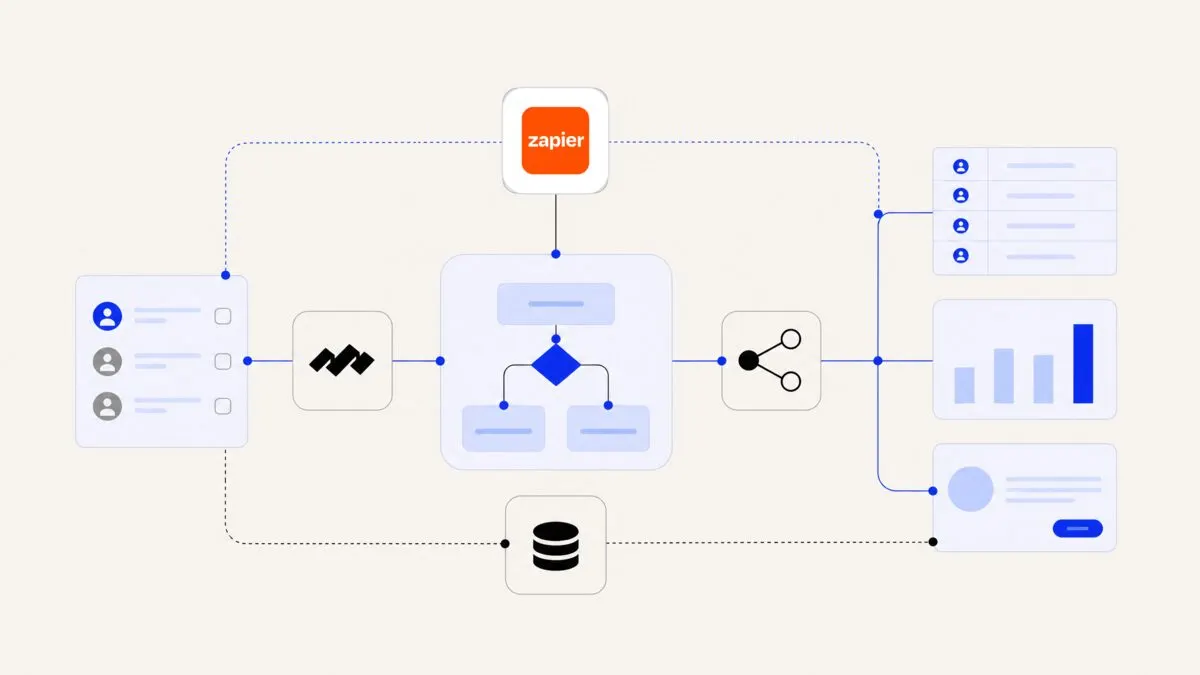
Low-code workflow platforms sit between no-code and custom engineering. They provide:
- Visual workflows and data mapping.
- Strong branching, looping, and subflows.
- Script steps (e.g., JavaScript, Python) when needed.
- Better environment separation (dev / staging / prod).
- Role-based access and approvals.
They suit teams that:
- Have a technically-inclined operations or product person.
- Need long-running workflows (days or weeks).
- Integrate both SaaS tools and internal APIs or databases.
- Care about debugging, observability, and change control.
Typical use cases:
- Multi-step order fulfillment flows, including stock checks and approvals.
- HR onboarding and offboarding that spans IT, payroll, and access control.
- Finance and accounting pre-checks before data goes into the main system.
Trade-offs:
- Pros: Much more expressive workflows, fewer “hacky” Zaps chained together, better suited to mission-critical processes.
- Cons: Higher learning curve, may require developers for complex parts, still a proprietary platform, sometimes higher base fees.
This is often the right step if:
- Your operations team is already designing processes in diagrams or spreadsheets.
- You feel you are “fighting” Zapier to represent real-world flows.
- You want one central automation “brain” instead of dozens of disconnected Zaps.
If you are unsure how far to go with low-code, talking to an AI workflow automation specialist can help you model a few of your heaviest use cases and quickly see if a generic tool will hold up.
Self-hosted and open-source options for data control
If data control and compliance sit at the top of your requirements, self-hosted or open-source tools are worth a serious look.
Self-hosted workflow engines and integration tools usually offer:
- Hosting in your own cloud (AWS, GCP, Azure) or on-premise.
- Access to the source or a well-documented engine.
- Strong support for custom APIs, queues, and databases.
They are a fit when:
- You handle sensitive customer data and must keep it inside your own network.
- Your security team is uncomfortable with third-party SaaS handling production data.
- You want deep integration with internal systems (ERP, data warehouse, internal services).
Benefits:
- Data residency and governance: You choose where data is stored and who can access it.
- Integration depth: Close to your internal stack, including private endpoints.
- Observability: You can integrate logs and metrics into your existing monitoring.
Costs and challenges:
- You must handle deployment, scaling, and backups.
- Your engineering team becomes the first line of support.
- Non-technical users may rely more on IT to change workflows.
A hybrid approach is common:
- Use a self-hosted or internal tool for workflows that touch core financials, HR, or regulated data.
- Use a simpler cloud automation tool for non-sensitive tasks like marketing notifications or calendar syncs.
If you take this route, it can help to treat the workflow engine as part of your core infrastructure and invest in well-defined internal APIs. External partners like an AI automation agency can then build on top of your standards rather than introducing new shadow tools.
Custom automation and AI agents for complex, evolving processes
At some point, no off-the-shelf alternative will model your processes neatly. This is especially true when:
- Your workflows change frequently based on business rules.
- You need tight coupling with your product or data model.
- You are adding AI to handle unstructured inputs (emails, PDFs, chat).
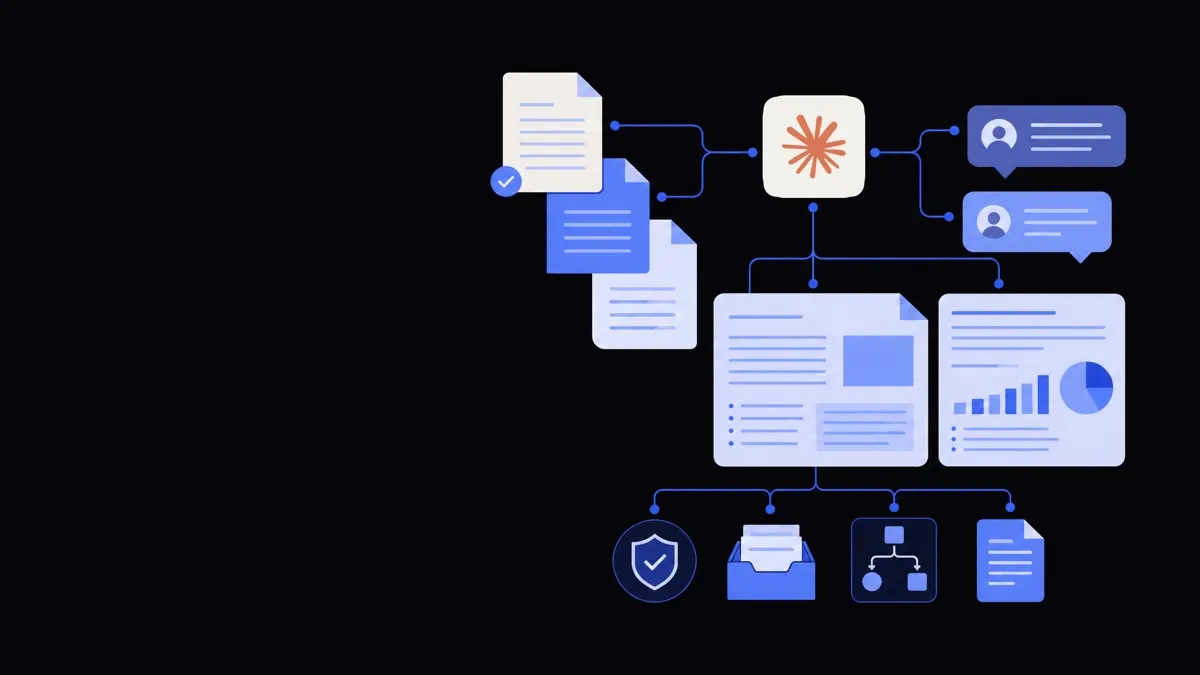
In these cases, a custom automation layer or AI agent architecture may be the best “Zapier alternative”.
What this looks like:
- A set of microservices or agents that listen to events from your CRM, product, or support tools.
- A routing or orchestration layer that decides what each event should trigger.
- Built-in logging, permissions, and testing like any other internal system.
- AI models integrated for specific tasks such as classification, extraction, or drafting responses.
For example:
- A global support team might build agents that:
- Read incoming emails or chat messages.
- Categorise and prioritise them.
- Trigger specific workflows for refunds, troubleshooting, or escalations.
- A finance team might use AI-assisted automations to extract invoice data, perform validation rules, and then push approved records into the core system.
Trade-offs:
- Pros: Maximum flexibility, deep alignment with your processes and data, easier long-term governance.
- Cons: Requires upfront design and engineering, needs ongoing ownership, not something to build lightly for small teams.
Many organisations use partners for this stage, combining internal knowledge with external expertise in business process automation, AI agent development, or custom AI development. The result is closer to a “business operating system” than a list of Zaps.
Building your automation stack: mix, migrate, and manage
Instead of trying to replace Zapier overnight, it is often more practical to design an automation stack and then migrate piece by piece.
- Audit existing automations
- Export your Zaps or list out every workflow:
- Trigger, steps, connected apps.
- Volume (runs per week/month).
- Business impact if it fails.
- Flag high-volume, low-complexity flows as cost reduction candidates.
- Flag critical data flows (finance, HR, compliance) as control candidates.
- Export your Zaps or list out every workflow:
- Segment by need
For each workflow, ask:
- Does this primarily need to be cheap, controlled, or sophisticated?
- Who owns it long-term (marketing, ops, engineering)?
- What happens if it runs twice or not at all?
- Choose tools per segment
A typical stack could be:
- A simple automation tool for small, low-risk workflows.
- A low-code or self-hosted engine for core business processes.
- Custom logic and AI assistants for the hardest, evolving workflows.
- Plan migration
- Move low-risk, high-cost workflows first to realise savings.
- Next, move high-risk, compliance-sensitive flows to your controlled environment.
- Leave some non-critical flows on Zapier if the migration cost outweighs the benefit.
- Standardise and document
- Use naming conventions, tags, and documentation for all automations.
- Set ownership: every workflow should have a responsible team.
- Establish testing and change procedures, even for no-code tools.
For many companies, this journey is iterative. You may continue to use Zapier for edge cases while core processes move elsewhere. The important step is to move from an ad-hoc collection of Zaps to a deliberate automation architecture that your team can reason about and evolve.
If you are evaluating alternatives and want an external perspective on architecture and trade-offs, you can explore our AI workflow automation and broader business operations automation approaches for different team sizes and industries.
John Yang Founder, Framworq