

On this page
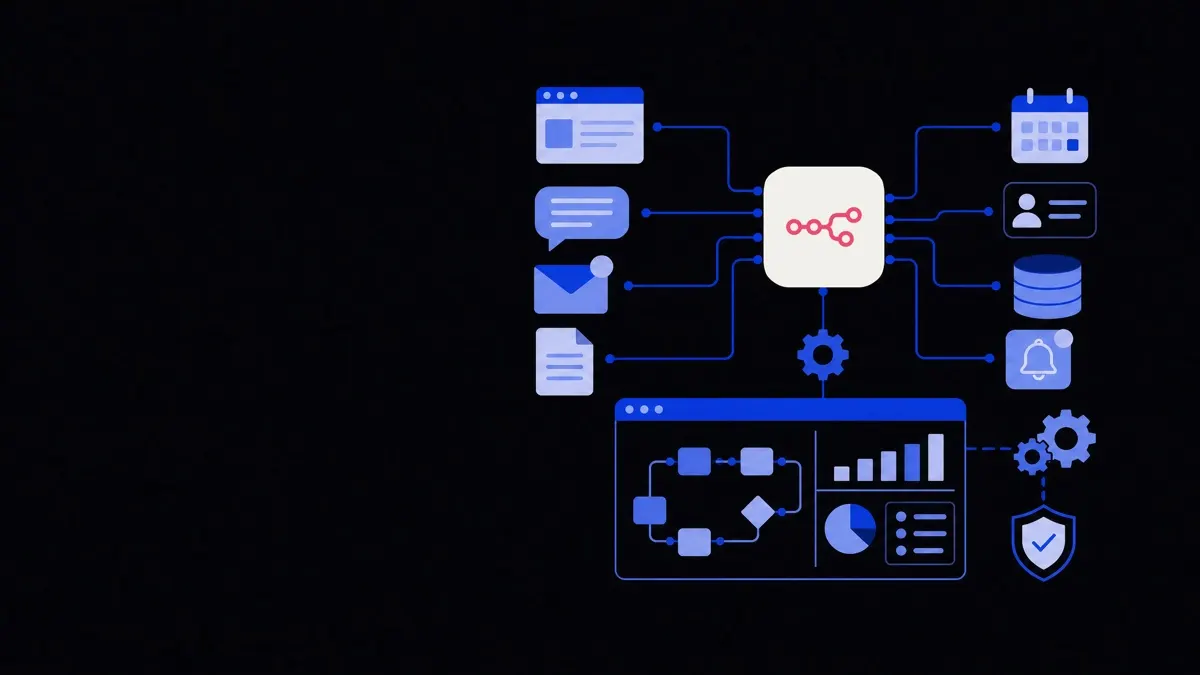
What is n8n? In simple terms, n8n is a workflow automation tool that lets you connect different apps and services so tasks can happen automatically instead of being done manually. You design flows visually, then n8n runs them in the background to move data, trigger actions, and coordinate work across your tools.
What is n8n in plain English?
n8n (pronounced "n-eight-n") is a visual automation platform that lets you build workflows using a drag-and-drop interface instead of writing full applications.
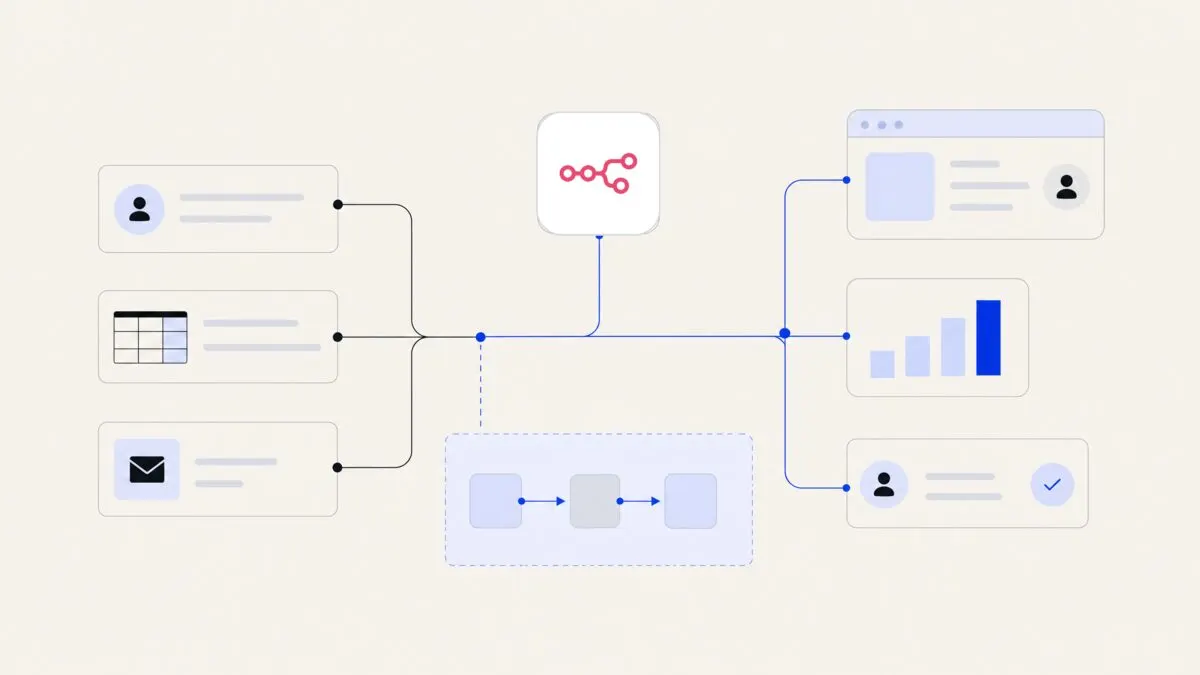
A workflow is a series of steps that run in a specific order to complete a task, such as "when a lead fills out a form, send them an email, create a CRM record, and notify sales."
With n8n you can:
- Connect cloud apps like CRMs, email tools, marketing platforms, databases, and AI models.
- Trigger actions based on events, schedules, or webhooks.
- Transform and route data between systems.
- Add logic, conditions, and loops to make workflows behave intelligently.
You open n8n in a browser, add "nodes" (blocks that represent apps or actions), link them together, then press run. After that, n8n executes the workflow automatically whenever the trigger condition is met.
Think of n8n as a flexible control centre that quietly connects your apps and turns scattered manual tasks into reliable, automated workflows.
What can n8n do for a business?
Most teams use n8n to remove repetitive, manual tasks that sit between tools. Instead of staff copying and pasting data, n8n does it in the background.
Typical use cases include:
- Sales and marketing
- Capture leads from web forms and send them into a CRM.
- Score and segment leads based on behaviour.
- Add new subscribers to email marketing lists and send welcome sequences.
- Sync ad platform leads into your main sales system.
- Customer support and operations
- Automatically create support tickets when customers email a certain address or submit a form.
- Route tickets based on topic, language, or priority.
- Send customers status updates when an internal system changes (for example, order status or delivery updates).
- Finance and back-office
- Sync invoices or payment events from one system into another.
- Notify finance or operations teams when large payments, refunds, or failed charges occur.
- Consolidate reports from multiple tools into a spreadsheet or dashboard.
- AI and data workflows
- Connect language models (GPT, Claude and others) into existing tools.
- Build simple AI assistants that summarise emails, classify tickets, or draft replies.
- Pull data from APIs and websites, clean it, and send it into a data warehouse or reporting tool.
For more structured automation across operations and data, n8n often sits alongside broader AI workflow automation projects, where multiple systems, rules, and AI agents work together.
Is n8n free? How pricing works
n8n has both free and paid options. The cost depends mainly on how you deploy it (cloud vs self-hosted) and what level of usage and support you need.
n8n core: open-source and free
The core n8n platform is open-source software. That means:
- You can download and run it for free on your own server or infrastructure.
- You can review the source code and, within the license terms, extend it or build your own nodes.
- The community edition covers the main features most teams need for standard workflows.
This makes n8n attractive if you:
- Have in-house technical skills or a partner who can manage infrastructure.
- Want more control over data location and security.
- Need to keep recurring software costs low and are willing to invest in setup.
n8n cloud: paid managed service
n8n also offers a hosted version called n8n Cloud, where they run the infrastructure for you. You pay a subscription instead of running servers yourself.
Cloud pricing typically includes:
- A base monthly fee per workspace or project.
- Tiers based on the number of workflow executions, nodes, or resources used.
- Additional costs if you need higher reliability, capacity, or enterprise features.
Benefits of n8n Cloud include:
- No server administration.
- Automatic updates and scaling managed by n8n.
- Easier for non-technical teams to get started quickly.
Because pricing can change over time, it is best to check the official n8n website for the latest details. When planning a project, consider not just the subscription price but also staff time, monitoring, and integration work.
n8n Cloud vs self-hosted: which should you choose?
Both options run the same core engine, but they differ in how much control and responsibility you take on.
n8n Cloud: when a managed service fits
n8n Cloud suits you if you:
- Prefer a simpler, faster start without dealing with servers or containers.
- Have a smaller or non-technical team that wants automation but cannot maintain infrastructure.
- Are comfortable with data being processed in n8n's managed environment, subject to their data and security practices.
- Value official support and predictable billing over tuning every technical detail.
Trade-offs:
- You are tied to n8n's hosting environment and update schedule.
- There may be limits or extra costs at high workloads.
- You have less flexibility around network-level security and custom infrastructure.
Self-hosted n8n: when control matters
Self-hosted n8n means you deploy it on your own infrastructure (such as a VPS, on-premises server, Kubernetes cluster, or a private cloud).
It makes sense if you:
- Have strict data residency or compliance requirements and want to keep all data under your direct control.
- Need deep integration with internal systems that are not exposed to the public internet.
- Have DevOps or IT resources who already manage applications and can add n8n to that stack.
- Want to optimise performance and costs by sharing infrastructure with other internal tools.
Trade-offs:
- You handle installation, scaling, monitoring, backups, and updates.
- Problems like server downtime or network issues are your responsibility.
- You may need external help for architecture, security hardening, and best practices.
For a more detailed view of running n8n yourself, you can read our separate guide on self-hosting (for instance, installation approaches, security considerations, and operations) and pair it with broader business process automation planning.
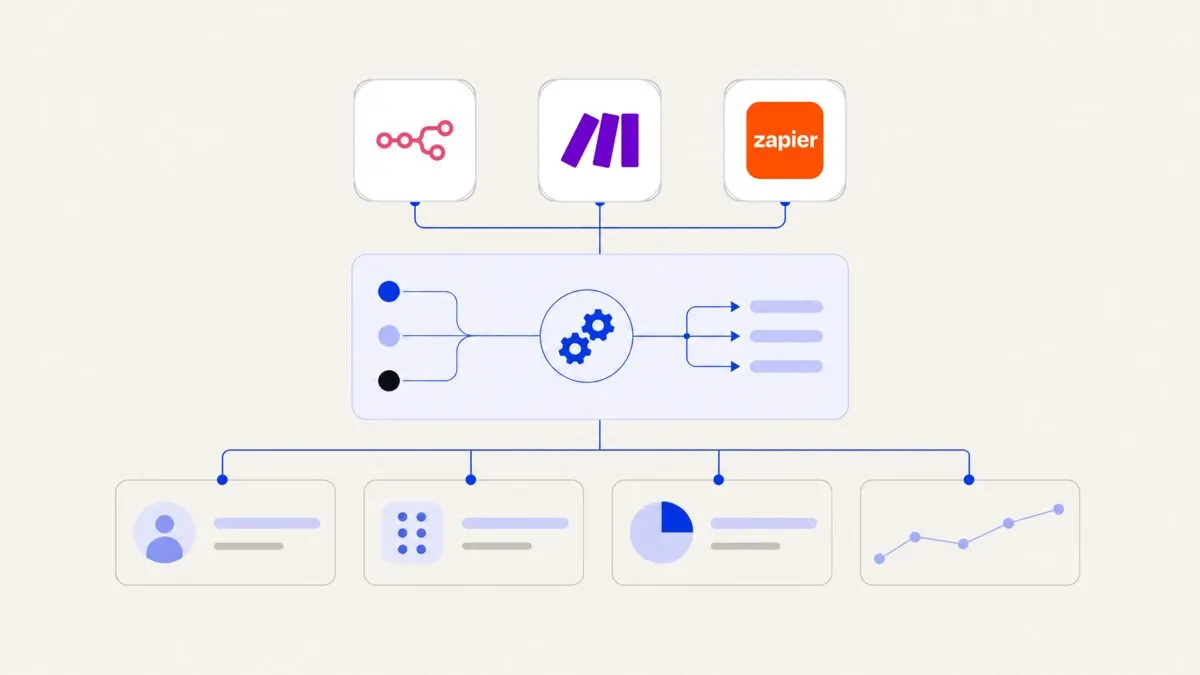
How n8n compares to tools like Zapier and Make
Many business owners first meet automation through tools like Zapier or Make (formerly Integromat). n8n sits in a similar category but with some important differences.
Strengths of n8n
- More technical depth
n8n supports complex flows with branching logic, loops, custom JavaScript, and advanced data transformations. This is useful when you move beyond "if this happens, then do that" and into multi-step processes.
- Open and extensible
Because it is open-source, developers can write custom nodes, integrate internal systems, and adapt n8n for unusual use cases.
- Flexible deployment
The ability to self-host sets n8n apart from many purely cloud-based competitors and gives you more control over where and how it runs.
Areas where simpler tools may be better
- Ease of use at the very beginning
For a non-technical user who just wants a quick "connect two apps" integration, tools like Zapier may feel more straightforward at first.
- Pre-made templates and recipes
Commercial SaaS automation tools often come with many ready-made recipes and prebuilt flows for common scenarios.
- Minimal maintenance
With a pure SaaS tool, you do not worry about servers at all. Even n8n Cloud still requires basic understanding of workflow execution and limits.
In practice, some organisations use both: a simple tool for small ad-hoc automations and n8n for more complex, business-critical workflows or AI-enabled flows, often designed with help from an AI automation agency.
Who is n8n for — and who is it not for?
n8n is useful for a wide range of organisations, but it is not the right fit for every situation.
Teams that benefit most from n8n
n8n tends to be a good match if:
- You use several cloud tools and data is scattered.
For example, a 15-person marketing agency using separate tools for forms, email, ads, CRM, and project management can use n8n to glue everything together.
- You have repeatable processes that follow clear rules.
Workflows like lead handling, onboarding, approvals, ticket routing, or status updates are easier to automate and maintain.
- You are ready to invest some time in structure.
n8n rewards teams that are willing to map out processes and think about data flows, not just quick shortcuts.
- You want to combine automation with AI.
n8n works well alongside AI agent development, chatbots, and language models that classify, summarise, or make recommendations inside a workflow.
- You may grow into more complex automation later.
n8n can start small but is capable enough for advanced use cases as your needs expand.
When n8n might not be ideal
n8n may not be the best starting tool if:
- You only need a single, simple integration, like "send form entries to a Google Sheet", and never expect to go further.
- Your team has no access to technical support and no budget or partner to help with setup and troubleshooting.
- You want a ready-made product with a fixed workflow (for example, a specialised CRM automation plugin) rather than a general automation platform.
In those cases, a lightweight SaaS connector or niche tool may be enough.
How to think about n8n in your automation roadmap
Rather than asking only "should we use n8n?", it is more useful to see where n8n might fit in your wider automation plans.
A practical way to decide:
- Start from processes, not tools.
List the workflows that take time, involve several apps, and follow clear logic. These are potential candidates for automation.
- Score each workflow on impact and complexity.
High-impact, medium-complexity flows are good first projects. Very complex flows may require planning, phased rollout, and support from specialists.
- Decide your hosting posture.
Consider your requirements for data control, security, and compliance. This will guide whether n8n Cloud or self-hosted is more suitable.
- Assess your in-house capabilities.
If you have technical staff familiar with APIs, webhooks, and infrastructure, self-hosting and advanced use is realistic. If not, n8n Cloud plus external help can be more efficient.
- Integrate with broader AI and automation plans.
n8n rarely operates in isolation. It often connects to chatbots, AI agents, and analytics systems, such as AI chatbots and voice agents or business operations automation.
For many organisations, n8n becomes the central layer that coordinates tasks between apps and AI models, while human teams handle exceptions and higher-value decisions.
Written by John Yang, Founder, Framworq