On this page
- The starting point: A support team stuck at four hours
- What does it really mean to reduce customer response time?
- Architecture: How AI agents cut response time to seconds
- Before and after: From four hours to under 15 seconds
- How we kept quality high while going faster
- Practical lessons for teams that want similar results
- When AI‑driven response time reduction is a good fit—and when it is not
To reduce customer response time from hours to seconds, you need to route routine questions through well‑designed AI agents, keep humans on complex cases, and tightly integrate your tools so information flows instantly instead of waiting in queues.
The starting point: A support team stuck at four hours
Our client, a mid‑size B2B SaaS company, came to Framworq with a visible problem: average first response time was more than four hours on weekdays and more than a day on Monday mornings.
Support volume had doubled over twelve months, but the team was under a hiring freeze.
They handled customer messages across email, chat, and phone, with:
- A shared inbox for email tickets.
- Live chat on the marketing site and app.
- Phone lines for higher‑value customers.
Agents were already stretched. They were toggling between systems, copying data from the CRM into tickets, and handling the same handful of questions again and again.
The leadership goal was clear: cut response times to under one minute on common questions, without simply adding headcount or burning out the team.
What does it really mean to reduce customer response time?
"Customer response time" sounds simple, but in practice you need to measure and improve a few related metrics.
First response time (FRT) is how long a customer waits for the first human or AI reply after contacting you.
Time to resolution (TTR) is how long it takes to fully solve the customer’s issue.
Handle time is the amount of active work an agent or AI spends on a request.
When we talk about reducing customer response time from hours to seconds, we are focused on shrinking FRT for routine questions while not making TTR worse for complex ones.
We framed the project around three constraints:
- Maintain or improve accuracy. No fast but wrong answers.
- Protect humans from low‑value work. Routine, repetitive queries should rarely reach an agent.
- Keep customers aware when they are talking to AI. Clear boundaries build trust.
From there, we designed the architecture that would enable seconds‑level responses.
Architecture: How AI agents cut response time to seconds
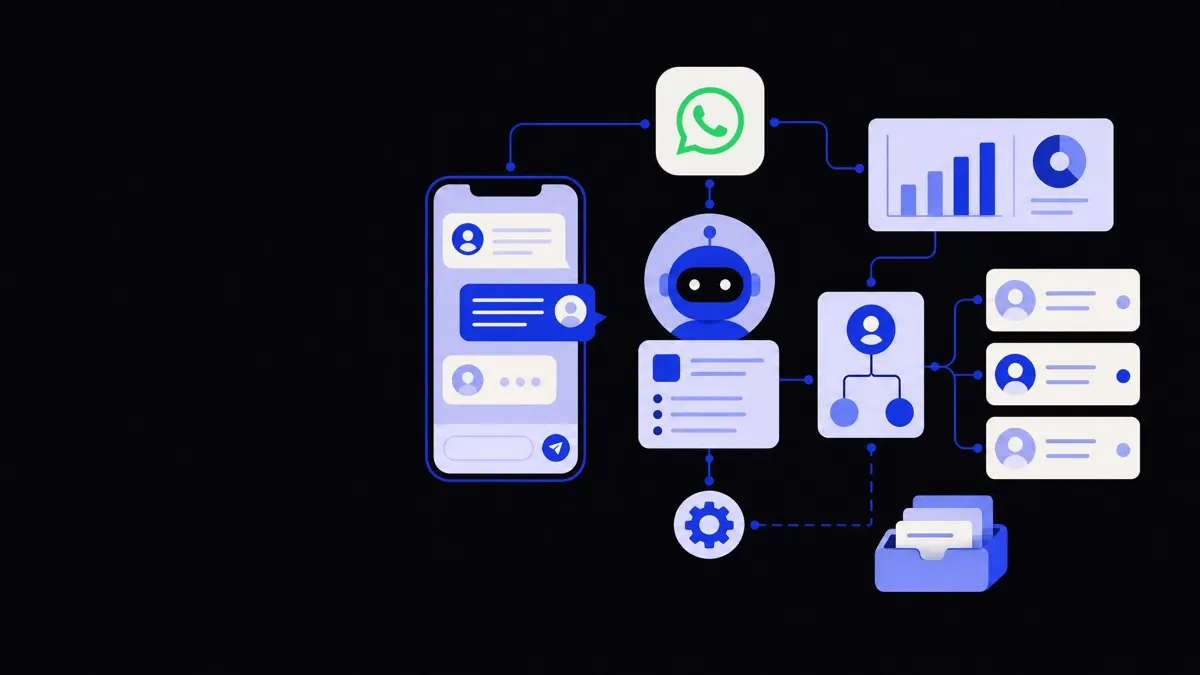
The core solution combined AI chatbots and voice agents with existing tools so that the system could answer instantly and still act on real customer data.
We followed a simple layered approach.
1. AI at the front door
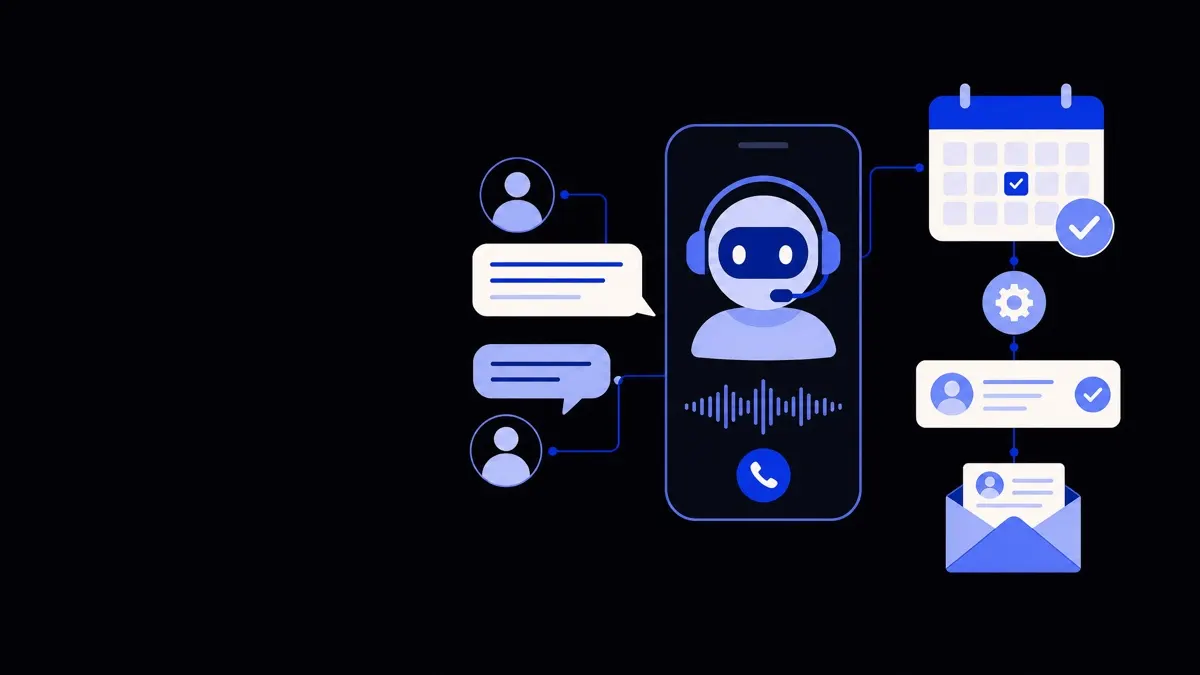
We deployed an AI assistant on web chat, in‑app chat, and as the first layer on the phone line.
This assistant could:
- Understand free‑form customer questions.
- Match them to a library of approved answers and workflows.
- Pull in live account and order data before responding.
- Escalate to humans when confidence was low or the topic was sensitive.
The assistant was built using the same underlying capabilities offered in our AI chatbots and voice agents solution.
2. A single knowledge and workflow layer
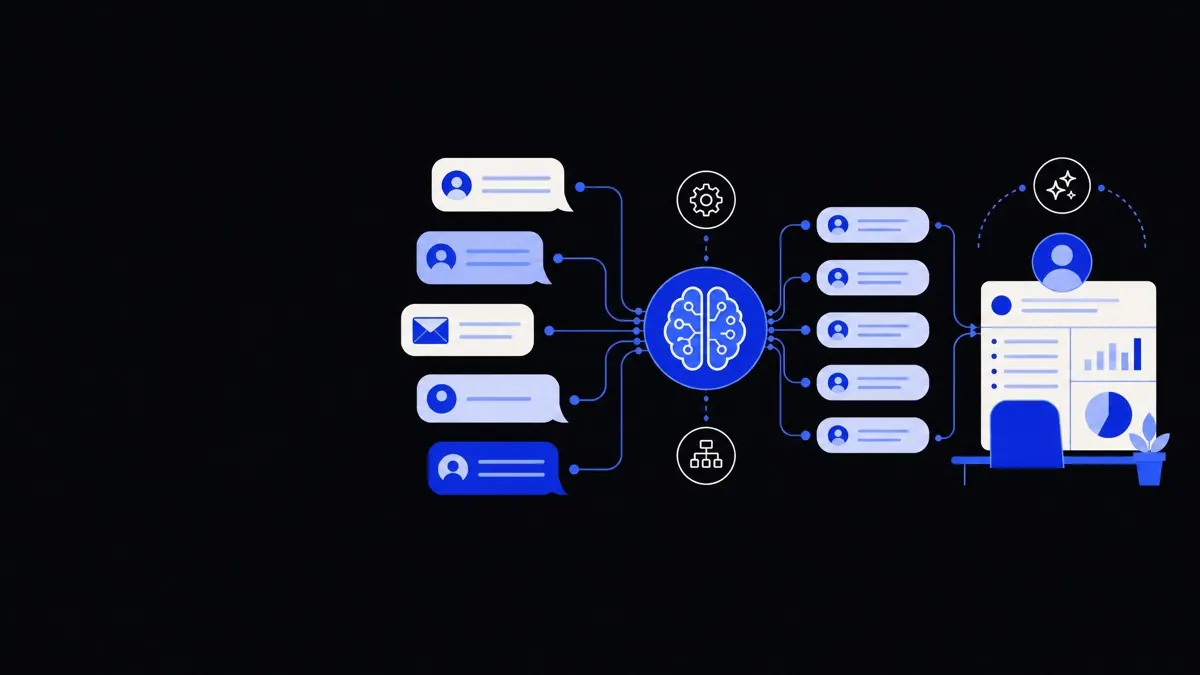
We created one central "brain" for support that both humans and AI could use.
It included:
- A structured knowledge base of policies, FAQs, and troubleshooting steps.
- Step‑by‑step playbooks for complex issues.
- Mappings from common phrases to internal terminology.
This central layer meant:
- AI agents could give consistent answers across channels.
- Human agents saw the same guidance inside their ticket view.
- Updates to policies propagated everywhere at once, reducing rework.
3. Deep integrations with core systems
Fast replies require instant access to the right data. We used a combination of native connectors and custom API integrations to sync:
- CRM data (customer tier, contract terms, usage).
- Billing data (subscription status, payment failures).
- Product data (feature flags, version, known incidents).
- Ticketing history (open and recent cases).
For example:
- When a customer asked "Why was I charged twice?" the AI would check billing records, verify the recent invoice, and respond with a specific explanation, not a generic policy answer.
- On the phone line, the voice agent looked up the incoming number, pulled the customer’s profile and plans, and skipped most of the usual verification questions.
4. Routing and guardrails
To keep the system safe and predictable, we defined explicit routing rules.
The AI handled:
- Password resets and access issues.
- Basic billing questions and invoice re‑send requests.
- Product navigation help and short "how do I" queries.
- Status checks (tickets, orders, deployments).
The system routed directly to a human when:
- There were signs of severe frustration or churn risk.
- Legal, compliance, or security concerns were mentioned.
- The AI’s confidence in its answer dropped below a threshold.
- The customer explicitly requested a human.
The fastest way to cut response time is not to speed up humans, but to prevent low‑value requests ever reaching them.
Before and after: From four hours to under 15 seconds
Even without invented numbers, we can be specific about what changed.
Email and web chat
Previously, customers who emailed or left chat messages outside office hours often waited until the next day for a response.
After deployment:
- The AI assistant responded to routine emails and chats immediately, 24/7.
- It confirmed details, asked clarifying questions, and in many cases completed the task without a human stepping in.
- When escalation was needed, it created a fully filled‑in ticket, summarizing the conversation, customer data, and suggested next steps.
This meant:
- For common questions, customers received a helpful first answer in under 15 seconds instead of hours.
- For complex issues, the first human agent already had the context to act, avoiding long back‑and‑forth exchanges.
Phone support
On the phone line, wait times could previously stretch to 10–20 minutes during peaks.
We inserted a voice agent to handle the start of every call.
It:
- Greeted the caller and confirmed their identity.
- Looked up the account and recent activity.
- Offered to handle simple tasks (resend invoice, reset password, check status).
- Passed the call to a human with a short on‑screen summary when needed.
Because many callers actually needed simple administrative help, a large share never reached the queue.
Those who did were more satisfied because they had already skipped repetitive verification and explanation.
Impact on the support team
Internally:
- Agents spent more of their time on investigations, escalations, and coaching rather than "where do I find X" questions.
- Training for new agents focused more on edge cases and judgment calls.
- The team did not need to add headcount during seasonal peaks; they adjusted bot routing and workflows instead.
The key change was not just faster replies, but better matching of work types to the right "worker"—human or AI.
How we kept quality high while going faster
Speed alone is not difficult; safe and accurate speed is.
We used a few practical patterns to make sure customers could trust responses that arrived in seconds.
Grounding answers in real data
Every AI answer drew on three sources:
- Knowledge base content. To stay aligned with official policies.
- Customer‑specific data. To avoid generic "it depends" replies.
- Conversation history. To avoid asking customers to repeat themselves.
The AI never invented account status or promises. If it lacked a fact, it stated that clearly or escalated.
Intent limits and topic boundaries
We intentionally constrained what the AI was allowed to handle.
We defined:
- Clear lists of supported tasks, each with required data and steps.
- Disallowed topics, such as contract negotiations and legal disputes.
- Phrases that should always trigger human review.
This kept the AI focused where it added the most value: repetitive, structured cases where the chance of misunderstanding was low.
Human‑in‑the‑loop review
We set up simple but effective review loops:
- Agents could flag AI answers that needed correction.
- Commonly flagged patterns led to updates in knowledge content or workflows.
- We periodically sampled AI‑only conversations for quality checks.
Because the AI’s behavior was driven by a central knowledge and workflow layer, small improvements there could fix many conversations at once.
Practical lessons for teams that want similar results
This case study is one story, but the underlying steps are widely applicable if you want to reduce response times sharply without losing quality.
1. Start with a narrow, high‑volume slice
You do not need to automate everything at once.
Begin with:
- The top 10–20 recurring questions by volume.
- Clear tasks like "reset password," "update payment method," or "check order status."
- Channels where delays hurt the most, such as web chat or in‑app support.
Delivering instant responses there builds trust and gives you data for the next phase.
2. Map your systems before you integrate
Fast AI support requires clean data paths.
List:
- Where customer identity lives (CRM, auth system).
- Where billing and order data live.
- Which systems create and track tickets.
Then pick a small number of integration points that give the AI enough visibility to answer usefully without overcomplicating the setup.
Our team often connects AI assistants first to ticketing and CRM, then layers in billing or product telemetry later through business operations automation.
3. Keep escalation paths visible and simple
Customers are more comfortable with AI when they know they can reach a human.
Design conversations so that:
- Customers can ask for a human in plain language.
- The AI itself suggests escalation when appropriate.
- Humans see the full AI conversation history when they take over.
This keeps trust high and reduces duplicate questioning.
4. Measure what matters beyond speed
Track:
- First response time split by AI‑handled vs human‑handled cases.
- Resolution time for complex cases before and after AI.
- Customer satisfaction with AI conversations, not just overall CSAT.
- Agent workload and burnout signals.
Use these metrics to decide where to expand automation and where to slow down.
When AI‑driven response time reduction is a good fit—and when it is not
Instant responses are not always the right goal.
AI automation tends to work best when:
- You have a steady volume of repeatable questions.
- Your policies and processes are documented.
- Customer data is accessible via APIs.
- You are constrained on headcount or hiring.
It is less suitable as the primary interface when:
- Almost every customer issue is unique and judgment‑heavy.
- Policies change daily with limited documentation.
- You serve a small number of high‑value customers who expect a named account manager every time.
In those cases, AI can still help with internal workflows—summarizing calls, drafting replies, and triaging tickets—without being customer‑facing.
For teams that do meet the conditions above, though, this case shows that it is entirely feasible to go from multi‑hour response times to seconds‑level replies on a large share of incoming contacts, while actually improving the human side of support.
By putting AI and humans in the right roles—and tying them into your existing tools—speed and quality can move together instead of in opposite directions.