On this page
AI agents for business are software systems that use AI to make decisions and take actions in your tools without constant human prompts. Today they work best on repetitive, rules-heavy workflows such as answering standard customer questions, routing leads, preparing reports, updating records, and checking compliance, while humans stay in charge of exceptions, judgment calls, and overall strategy.
What are AI agents for business, really?
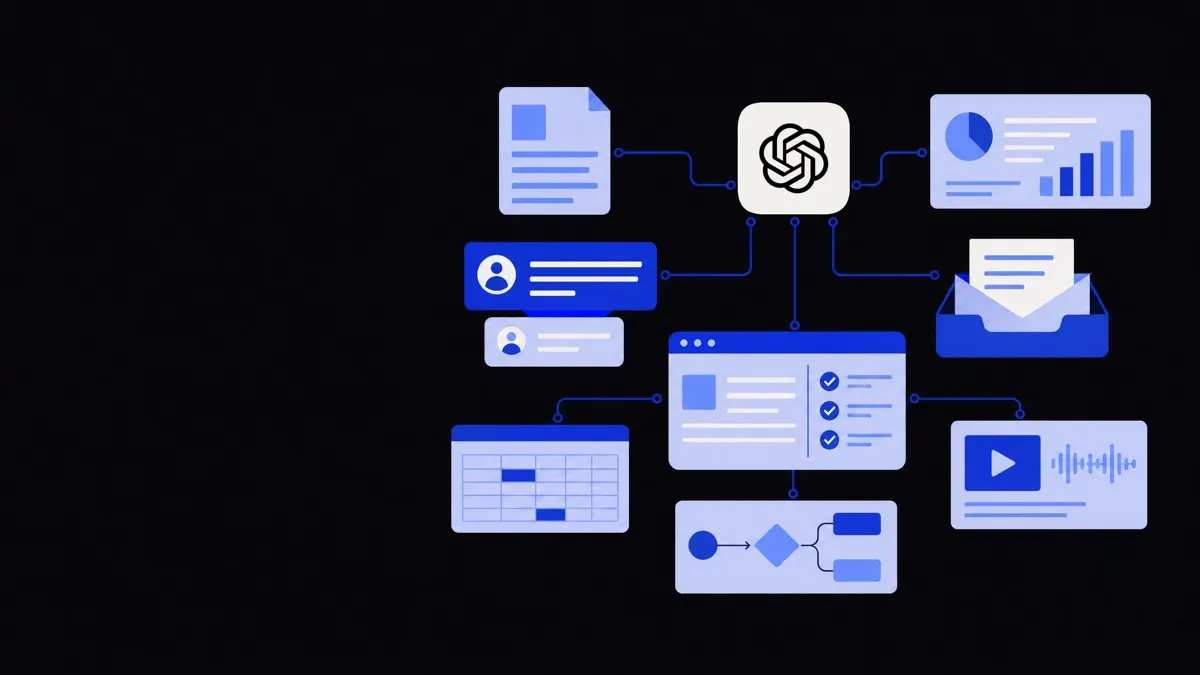
An AI agent is an automated system that can perceive context, decide what to do, and act inside your tools to achieve a goal.
This is different from a simple chatbot or script.
- A script follows fixed steps: if X, always do Y.
- A chatbot mainly responds to messages with text.
- An AI agent can:
- Read data from different systems.
- Decide which tools or APIs to call.
- Take actions such as creating tickets, sending emails, or updating records.
- Loop and adjust its plan based on what happens.
In practice, most business-ready agents today are:
- Narrow – focussed on one clear job, such as “qualify inbound leads” or “prepare the weekly KPI report”.
- Supervised – humans can review actions, especially early on.
- Tool-connected – integrated with CRMs, helpdesks, accounting, or internal databases through APIs.
The most useful question is not “What can an AI agent do?” but “Which specific workflow, in which system, can we safely let an agent handle from end to end or up to a review step?”
The most reliable AI agents today are narrow specialists with clear workflows, not general-purpose assistants trying to do everything.
Practical AI agent use cases by department
This section walks through concrete agent roles by team, what they actually do, and where humans stay in the loop.
Customer support and service
Good agent roles
- Tier‑0 / Tier‑1 support agent
- Reads the customer’s message from chat, email, or WhatsApp.
- Looks up order, subscription, or account details through APIs.
- Answers standard “how-to”, order status, and policy questions.
- Updates the ticket with a summary and tags.
- Support triage agent
- Classifies incoming tickets by topic, product, and urgency.
- Detects language and routes to the right regional team.
- Extracts key details (customer ID, product, error code) into structured fields.
- Knowledge base maintenance agent
- Monitors resolved tickets.
- Suggests new FAQ articles or updates to existing ones, as drafts.
- Routes suggestions to a human owner to approve or edit.
Where humans are essential
- Handling angry or distressed customers.
- Making exceptions to policy (refunds, credits, special approvals).
- Changing support policies or SLAs.
- Final review of public-facing help content in regulated industries.
Tool connections
- Helpdesk: Zendesk, Freshdesk, Intercom, HubSpot Service Hub.
- Messaging: WhatsApp, website chat, email.
- Internal data: order management, CRM, subscription systems.
An agent might read a support ticket from Zendesk, call your order API to check status, suggest or send a reply, and then update the ticket tags.
Sales and marketing
Good agent roles
- Inbound lead qualification agent
- Responds to website or WhatsApp enquiries.
- Asks relevant questions to understand budget, timeline, and fit.
- Checks existing records in CRM.
- Scores and tags the lead, adds notes, and books a meeting into a salesperson’s calendar.
- Outbound research agent
- Given a list of companies, visits websites or other allowed data sources.
- Extracts industry, size, tech stack, hiring patterns.
- Fills in a research sheet and suggests personalisation points.
- Campaign operations agent
- Checks if email or ad audiences match defined criteria.
- Ensures UTM and tracking parameters are correctly set.
- Generates simple performance summaries for the team.
Where humans are essential
- Negotiation and complex pricing.
- Relationship building and large-account strategy.
- Approving outreach templates for sensitive industries.
- Designing campaign strategy and brand positioning.
Tool connections
- CRM: HubSpot, Salesforce, Pipedrive, Zoho.
- Outreach: email tools, LinkedIn (within platform policies).
- Calendars: Google Calendar, Outlook.
- Data: company databases, marketing analytics tools.
Operations and administration
Good agent roles
- Order and ticket router
- Watches for new orders, issues, or requests.
- Checks rules (location, product line, contract type).
- Assigns to the right team or queue.
- Flags possible conflicts or duplicates.
- Document preparation agent
- Takes structured data (customer, items, dates).
- Fills in standard templates for contracts, NDAs, work orders, or SOWs.
- Ensures required fields are present and flags missing data.
- Sends drafts for human review.
- Inventory and logistics coordinator
- Monitors stock thresholds.
- Drafts purchase orders when stock is low, based on defined rules.
- Sends reminders if shipments are late based on tracking data.
Where humans are essential
- Handling unusual supplier or logistics issues.
- Changing approval thresholds or contract terms.
- Deciding what happens when rules conflict.
Tool connections
- ERP or inventory systems.
- Procurement tools and email.
- Contract templates in cloud document tools.
- Internal databases and spreadsheets.
For more complex process flows, combining agents with workflow engines is often best; this is where business process automation and workflow automation services fit.
Finance and accounting
Good agent roles
- Invoice data extraction agent
- Reads PDFs or image invoices.
- Extracts supplier, dates, line items, taxes.
- Maps them to your chart of accounts by rules and learned patterns.
- Creates draft entries or bills in your accounting system.
- Reconciliation assistant
- Reads bank feed lines.
- Suggests matches with invoices, receipts, or known patterns.
- Flags anomalies or potential duplicates.
- Leaves final posting decision to a human.
- Basic reporting agent
- Gathers data from accounting, payroll, and sales systems.
- Prepares scheduled reports with commentary (“Revenue decreased 5% vs last month, mainly in Product A”).
- Highlights variances above set thresholds.
Where humans are essential
- Approving payments and large journal entries.
- Designing the chart of accounts and accounting policies.
- Interpreting results and advising management.
- Handling tax, audit, and compliance questions.
Tool connections
- Cloud accounting systems.
- Banking APIs or statements (subject to security and compliance).
- Document storage and OCR tools.
For end-to-end financial workflows, you can pair agents with more specialised finance and accounting automation solutions, always keeping human approvals in the chain.
Human resources and recruitment
Good agent roles
- CV screening and shortlist agent
- Parses CVs from email, job boards, or applicant tracking systems.
- Checks basic criteria (location, skills, years of experience).
- Groups candidates into “strong fit”, “possible”, and “unlikely” with explanations.
- Prepares structured candidate summaries.
- Interview coordination agent
- Contacts candidates with standard availability options.
- Books slots in interviewers’ calendars based on rules.
- Sends reminders and collects reschedule requests.
- Policy Q&A assistant
- Answers common internal questions about leave, benefits, or procedures from a curated knowledge base.
- Routes sensitive or unclear queries to HR staff.
Where humans are essential
- Designing job scorecards and deciding what “fit” looks like.
- Conducting interviews and making hiring decisions.
- Handling grievances and confidential issues.
- Ensuring fairness and compliance with local labour laws.
Tool connections
- Applicant tracking systems (ATS).
- Email and calendar tools.
- HRIS and internal wiki or policy database.
What AI agents can do today vs what still needs a human
To decide if a workflow is a good fit for an agent, break it into three parts: perception, reasoning, and action.
What agents do well
Today’s business agents are strong at:
- Reading and summarising text
Emails, tickets, chats, PDFs, contracts, support logs.
- Following structured rules
If you can express it as “If A and B, then do C”, chances are an agent can handle it.
- Pattern-matching across systems
Matching records, spotting duplicates, checking consistency (“same customer, different spellings”).
- Drafting content and responses
First drafts of replies, reports, or documents that humans then refine.
- Monitoring and reminding
Watching queues, deadlines, and thresholds, then nudging people to act.
What still needs human judgment
Agents are weak or risky when:
- Rules are ambiguous or constantly changing
Example: “Use your best judgment when offering discounts.”
- Stakes are high and errors are costly
Medical advice, legal commitments, public crisis communication.
- Context is subtle or emotional
Handling upset customers, performance reviews, negotiations.
- Ethics, culture, or reputation are at play
Decisions affecting fairness, inclusion, or brand trust.
A useful design pattern is “AI proposes, human approves” for decisions that are important, rare, or subjective.
How AI agents connect to your existing tools
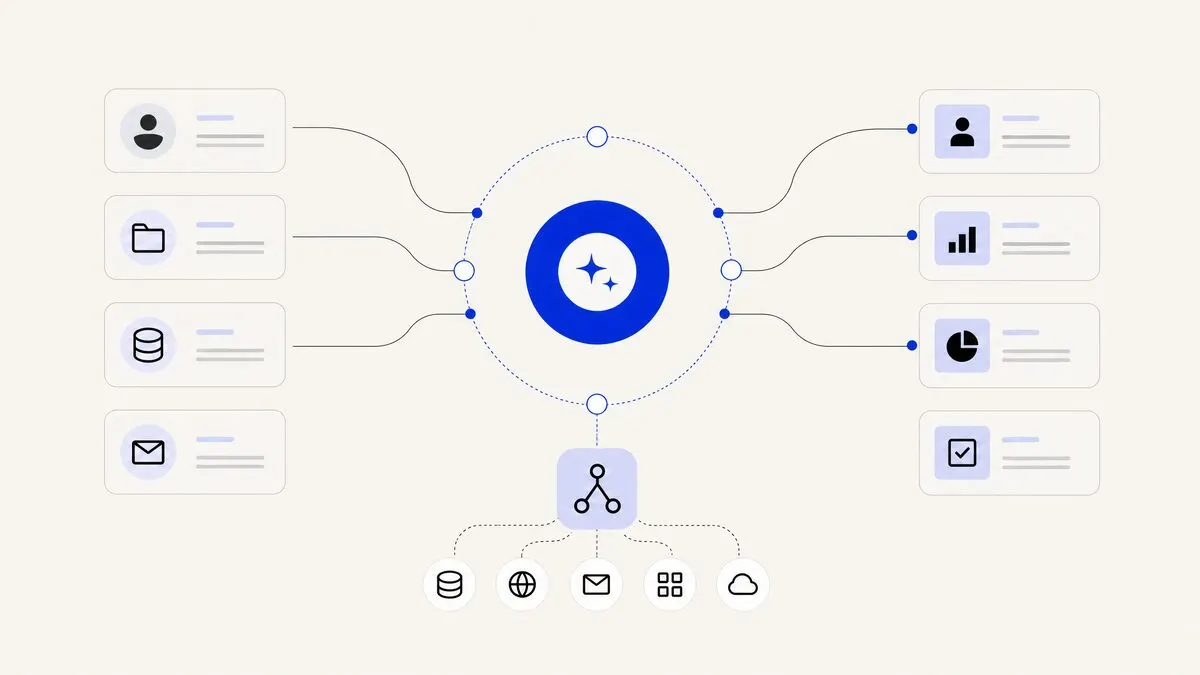
For AI agents to be useful, they must work inside the systems your teams already use, not in isolation.
Typical integration patterns
- API-based tool use
The agent calls external services through APIs to:
- Search or update records in your CRM or ERP.
- Send emails, messages, or notifications.
- Create or update tickets, tasks, or calendar events.
This usually relies on a secure backend service that exposes only the operations the agent is allowed to perform.
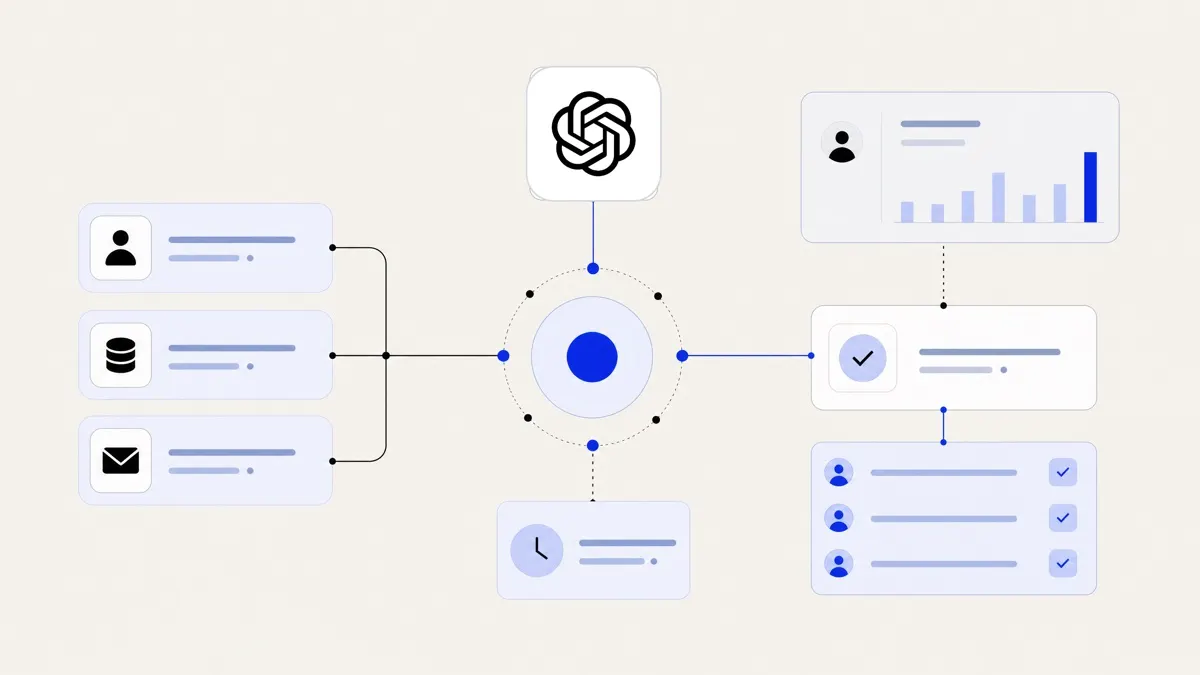
- Event-driven workflows
The agent reacts to events such as:
- “New ticket created in support system.”
- “New order placed.”
- “Document uploaded to a specific folder.”
A workflow engine then invokes the right agent to process the event.
- Human-in-the-loop interfaces
The agent prepares actions but a human clicks to approve:
- Suggested ticket responses.
- Draft journal entries.
- Candidate screening decisions.
- Contract or email drafts.
This can be built directly into your existing tools through browser extensions or native integrations.
- Data security and permissions
Agents should respect the same access controls as humans:
- Use service accounts with limited scopes.
- Log every action and decision.
- Keep a clear audit trail of what the agent changed, when, and based on which inputs.
Working with an experienced AI agent development partner helps define which tools to connect, which permissions to grant, and where to insert review steps.
Designing your first AI agent: practical steps and trade-offs
Even with many possible use cases, it is wise to start small and deliberate.
- Choose a narrow, repeatable workflow
- High volume and clearly defined steps.
- Low to moderate risk if something goes wrong.
- Existing pain: slow, tedious, or error-prone.
Example: preparing first draft responses for common support questions.
- Map the current process clearly
- List inputs, tools, and people involved.
- Note decisions: which parts are strict rules, which need judgment.
- Identify approval points and escalation rules.
- Decide on the agent’s level of autonomy
- Draft-only: agent prepares outputs; humans always send or approve.
- Guardrailed autonomy: agent acts automatically within hard rules; escalates anything ambiguous.
- Full autonomy: only for low-risk workflows with strong monitoring.
- Define success and failure clearly
- What outcomes matter? Speed, accuracy, consistency, fewer handoffs?
- What is unacceptable? Wrong customer charges, policy violations, rude messages.
- Pilot with a small group
- Start in a non-critical region, segment, or product line.
- Keep humans closely monitoring the agent’s work.
- Adjust prompts, tools, and rules as real cases appear.
- Scale gradually
- As confidence grows, expand scope or autonomy.
- Keep change logs and internal documentation up to date.
- Train staff on how to work with the agent, not around it.
If you do not have internal engineering capacity, working with an AI automation agency that can cover consulting, integrations, and monitoring can reduce the risk of stalled experiments or fragile prototypes.
One clear takeaway
AI agents for business are most effective when they are treated as specialised colleagues with a narrow job, connected to your real tools, and supported by humans who handle the edge cases, judgment calls, and strategy. By starting with concrete, well-defined workflows and adding the right review steps, you can deploy agents that genuinely help your teams today, not just in theory.