
Using Claude projects for teams to organize shared knowledge
Claude projects for teams give you a single workspace where your team’s docs, workflows, and decisions live together so every answer is faster and more consistent.
On this page
Claude projects for teams let you organize knowledge into dedicated workspaces where Claude can reference your documents, workflows, and decisions to give context-aware answers. By structuring projects around domains, roles, and processes, and by maintaining clear ownership and lifecycle rules, you can turn scattered files and chat history into a reliable, searchable knowledge system that helps every teammate work faster and with fewer errors.
What are Claude projects for teams?
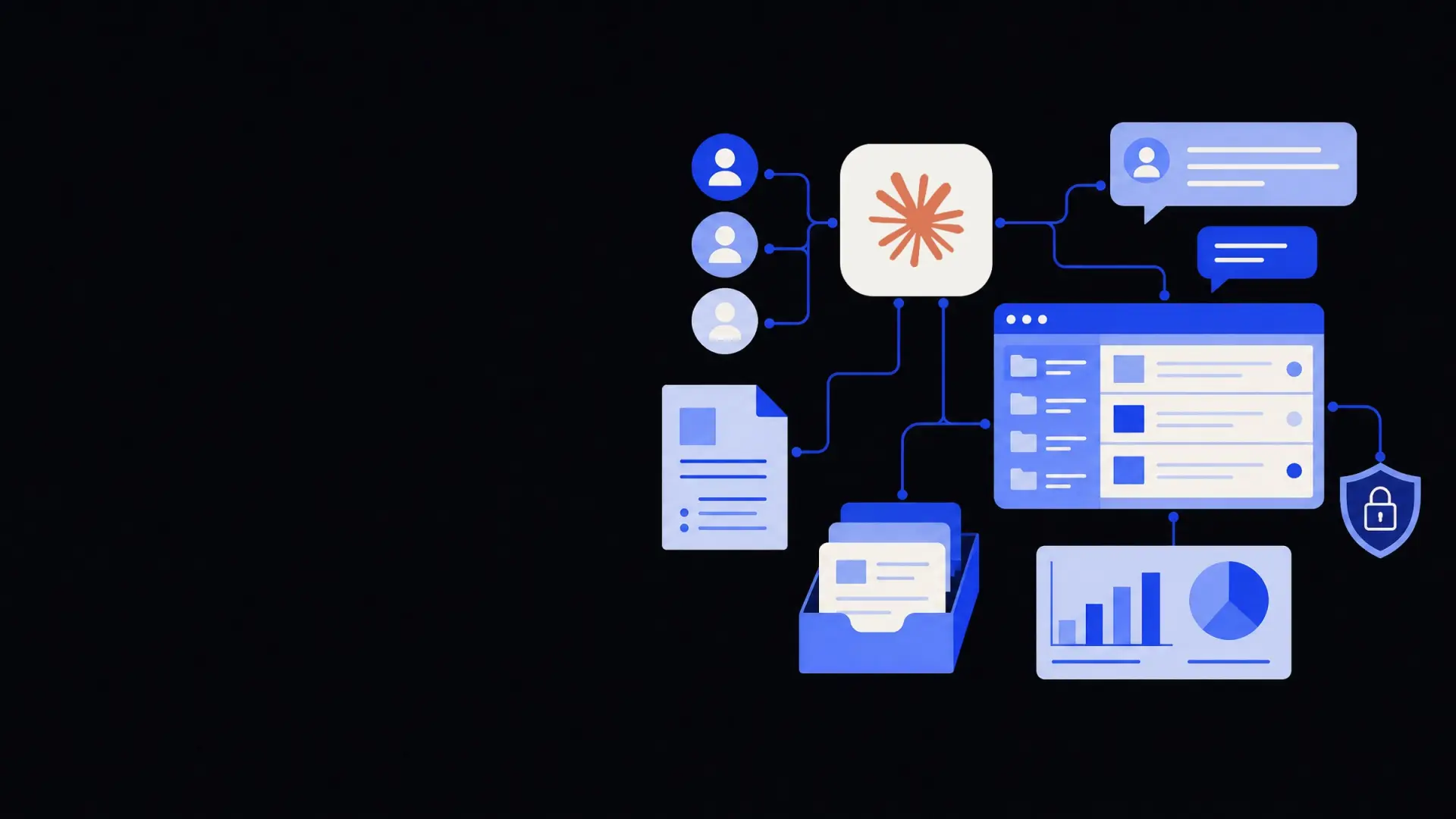
Claude projects for teams are shared workspaces where you group content—documents, links, notes, and examples—around a specific topic, process, or objective. Each project defines the context Claude uses when answering questions or drafting work for your team.
In practice, a project acts like a "mini brain" for a slice of your business, combining:
- A curated set of reference documents and guidelines.
- A running conversation or history of decisions.
- Reusable prompts, examples, and templates tailored to that area.
Because projects are scoped, you avoid overloading Claude with everything your company has ever written. Instead, you give it the right slice of knowledge for each kind of task—support, operations, finance, marketing, and so on.
For operations-heavy teams, Claude projects pair well with business process automation services, where the same processes you automate are also documented and kept current as project knowledge.
Treat each Claude project as a living “source of truth” for one domain of work, not a dumping ground for every document you can find.
How should teams structure Claude projects?
The main decision is how to slice your knowledge: by department, by process, by product, or some mix. The structure you choose will strongly influence how useful Claude’s answers are.
A simple, robust pattern is a three-layer structure:
- Organization-wide projects – Shared foundations.
- Domain or team projects – Functional expertise.
- Process or initiative projects – Detailed execution.
1. Organization-wide projects
These projects hold information that should inform almost every answer Claude gives.
Typical examples:
- Company handbook: values, tone of voice, key policies, legal constraints, security rules.
- Brand and communication guide: writing style, naming conventions, approved phrases, and disclaimers.
- Data and privacy rules: what Claude can and cannot do with customer data, plus any jurisdiction-specific rules.
These should be few, stable, and tightly maintained. If a rule applies to everyone, keep it here rather than duplicating it across team projects.
2. Domain or team projects
Domain projects mirror your main functions and areas of expertise:
- Customer support and success.
- Sales and marketing.
- Operations and logistics.
- Finance and accounting.
- HR and recruitment.
- Product, engineering, or data.
Each project should answer one question clearly: “What does someone working in this domain need Claude to know before it helps them?”
For example, a Support project might include:
- Support playbooks and escalation paths.
- Macros or template responses with conditions.
- SLAs, support hours, and channel rules.
- Definitions of severity levels and when to escalate to humans.
A Finance project might contain:
- Expense and approval policies.
- Invoicing workflows and timelines.
- Chart of accounts and cost center rules.
- Guidelines for what AI can draft and what a finance professional must review.
Domain projects are ideal when you are building broader business operations automation solutions, because they match how work and responsibility are already organized.
3. Process or initiative projects
Process projects are narrower and time-bound. They encode the "how-to" for a workflow or initiative:
- “Quarterly financial close.”
- “New customer onboarding workflow.”
- “Hiring pipeline for sales roles.”
- “Supplier onboarding and due diligence.”
- “Content production for the blog.”
Use these when:
- The workflow has clear steps and handoffs.
- Several people repeat the process frequently.
- You want Claude to help draft, review, or summarize specific artifacts (emails, reports, tickets) in a consistent way.
Process projects work especially well alongside workflow automation services, where Claude’s knowledge guides and explains automated steps that also run in your tools.
What knowledge belongs in a Claude team project?
Not every file or message should live in a Claude project. Quality of context is more important than quantity.
A useful test: Is this something we wish every new teammate already knew before doing this kind of work? If yes, it belongs in a project.
High-value inputs
Prioritize:
- Policies and rules – Anything that constrains decisions: legal requirements, compliance rules, approval thresholds.
- Playbooks and checklists – Step-by-step processes that Claude can help walk people through.
- Templates and examples – Well-reviewed emails, reports, analysis, and messages that represent “what good looks like.”
- Canonical reference docs – Product specs, service descriptions, pricing summaries, FAQs.
- Decision logs – Short write-ups of major choices and why you made them, so Claude can explain and apply precedent.
Lower-value or risky inputs
Be more selective with:
- Raw chat logs – High volume, low signal, and often contain outdated or contradictory information.
- One-off documents – Drafts created for a single situation that are not intended as a model.
- Sensitive personal data – Only include what you are sure is allowed and necessary, in line with your data and privacy rules.
- Unverified notes or experiments – If something is still speculative, flag it clearly or keep it out until confirmed.
When you do need to capture examples that include customer data, consider redacting or anonymizing before adding them. This both reduces risk and encourages better generalization in Claude’s responses.
How to set up your first Claude projects for teams
This sequence helps you start small, learn quickly, and avoid creating a tangled collection of overlapping projects.
1. Identify a single high-friction workflow
Choose one repeated workflow where:
- People keep asking the same questions.
- Documents exist but no one can find the right version.
- Quality varies wildly between teammates.
- The work is text-heavy (emails, tickets, specs, briefs).
Common early candidates:
- Handling customer support tickets.
- Creating internal operations docs and SOPs.
- Drafting status updates or reports.
- Preparing onboarding materials for new hires.
2. Create a clearly scoped project
Name the project after the workflow or domain, not a vague theme. For example:
- “Customer Support – Tier 1.”
- “Finance – Expense Policy & Approvals.”
- “Marketing – Blog Production Workflow.”
In the project description, write 2–3 sentences that state:
- Who this project is for.
- What kinds of questions Claude should answer here.
- Any high-level limitations (for instance, “Drafts only, humans must approve”).
3. Curate an initial knowledge set
Resist the urge to upload everything. Start with:
- 3–7 key documents or pages that are already trusted.
- 3–10 high-quality examples of good output (great replies, reports, or briefs).
- 1–3 checklists or SOPs that encode how you work.
Label or group them in a way that mirrors how people talk about the work. “Escalation rules” is better than “Doc v3 final_final.”
4. Define a simple usage pattern
Explain to your team when and how to use the project:
- What Claude is good at here (drafting, summarizing, suggesting).
- What it must not do (final approvals, legal determinations, pricing changes).
- How to give it good prompts (“You are an L1 support agent working from these policies…”).
Posting simple examples of successful prompts inside the project makes adoption much easier.
5. Run a short pilot and adjust
Give a small group of users 1–2 weeks to rely on the project for the chosen workflow.
Ask them to capture:
- Questions Claude answered well.
- Answers it missed or got partially wrong.
- Missing rules or documents that would have helped.
Then:
- Add or update documents to cover the gaps.
- Refine the project description and prompt hints.
- Remove or deprecate documents that cause confusion.
Once performance is stable, extend access to more users and consider creating adjacent projects for related workflows.
Keeping Claude team projects accurate and trustworthy
Without maintenance, projects will drift: documents age, processes change, and exceptions pile up. A light but regular governance model keeps them reliable without becoming bureaucracy.
Assign ownership and review cadence
Each project should have:
- A business owner – Someone accountable for the process or domain itself.
- A knowledge maintainer – Often the same person, but not always; they manage documents and structure.
Agree a cadence that fits how often the underlying process changes:
- Monthly for fast-changing areas like pricing, offers, or policies.
- Quarterly for stable operations processes.
- After any major change in tools or responsibilities.
At each review, the owner should:
- Archive outdated documents or clearly label them as historical.
- Update policies, playbooks, and examples to match current practice.
- Check that Claude’s default guidance still matches reality.
Versioning and “source of truth”
Make it clear where the primary version of a policy or process lives.
A simple pattern:
- Keep the canonical copy in your document system or wiki.
- Link or sync that document into the Claude project.
- Note in the project description: “Policies are authoritative only if they match the version in [tool/system].”
If divergences appear, fix the source first, then the project. This avoids arguments about which version Claude “should” trust.
Handling edge cases and exceptions
Claude is most useful when it understands not only the rule but also when the rule can be bent.
For recurring exceptions:
- Add a section like “Common exceptions and how to handle them.”
- Include 2–5 example scenarios with both the decision and the reasoning.
- Make clear which exceptions require human approval.
This encourages Claude to surface exceptions as suggestions, not to silently apply them where they do not belong.
Integrating Claude projects into your broader operations
Claude projects become more valuable when they are part of a coherent automation and operations strategy rather than isolated experiments.
Connect projects to existing tools and workflows
Even if you are not building full integrations yet, you can align projects to your tools:
- One project per major tool or pipeline stage (CRM, helpdesk, billing).
- Prompts that reference how data appears in those tools (“Ticket fields include priority, product area, and customer tier…”).
- Examples copied from real tickets, emails, or system logs (with appropriate redaction).
When you are ready to go further, API integration services or broader business operations automation solutions can wire Claude’s knowledge into the systems where work already happens.
Decide what stays human-only
Finally, be explicit about the boundary between AI assistance and human judgment.
Typical human-only areas include:
- Final legal or compliance approvals.
- Hiring decisions and performance reviews.
- Major commercial negotiations or pricing deviations.
- Sensitive HR conversations and disciplinary actions.
Document these boundaries in the relevant projects so users—and Claude—understand that some outputs are drafts and suggestions, not decisions.
By structuring Claude projects for teams around clear domains and processes, curating only the most useful knowledge, and maintaining light governance, you can turn scattered information into a dependable, shared operational memory that improves quality and consistency without adding complexity.
Where Framworq can help
Want this mapped for your business?
We’ll help you find the highest-leverage workflows to automate first — and build them end to end. No jargon, no lock-in.
Book a free automation audit