On this page
- What is Make ecommerce automation in order and inventory operations?
- Core building blocks of ecommerce order and inventory automation
- Designing robust Make scenarios for ecommerce ops
- Common Make ecommerce automation workflows (with trade-offs)
- How to decide what to automate first with Make
- When Make is not enough on its own
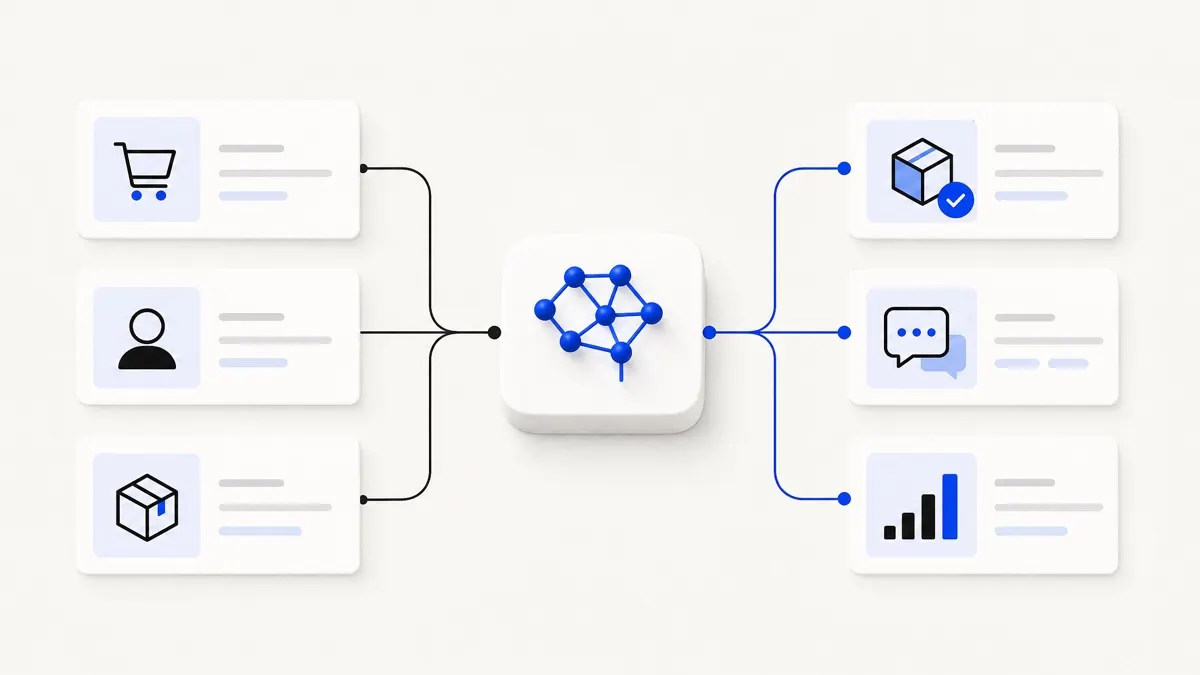
Make ecommerce automation lets you connect your store, payment, shipping, and warehouse systems so orders, stock levels, and customer updates flow automatically without manual data entry. By mapping clear events (like "order paid" or "item restocked") to repeatable workflows, you reduce overselling, speed up fulfillment, and gain a reliable, real-time view of inventory across channels.
What is Make ecommerce automation in order and inventory operations?
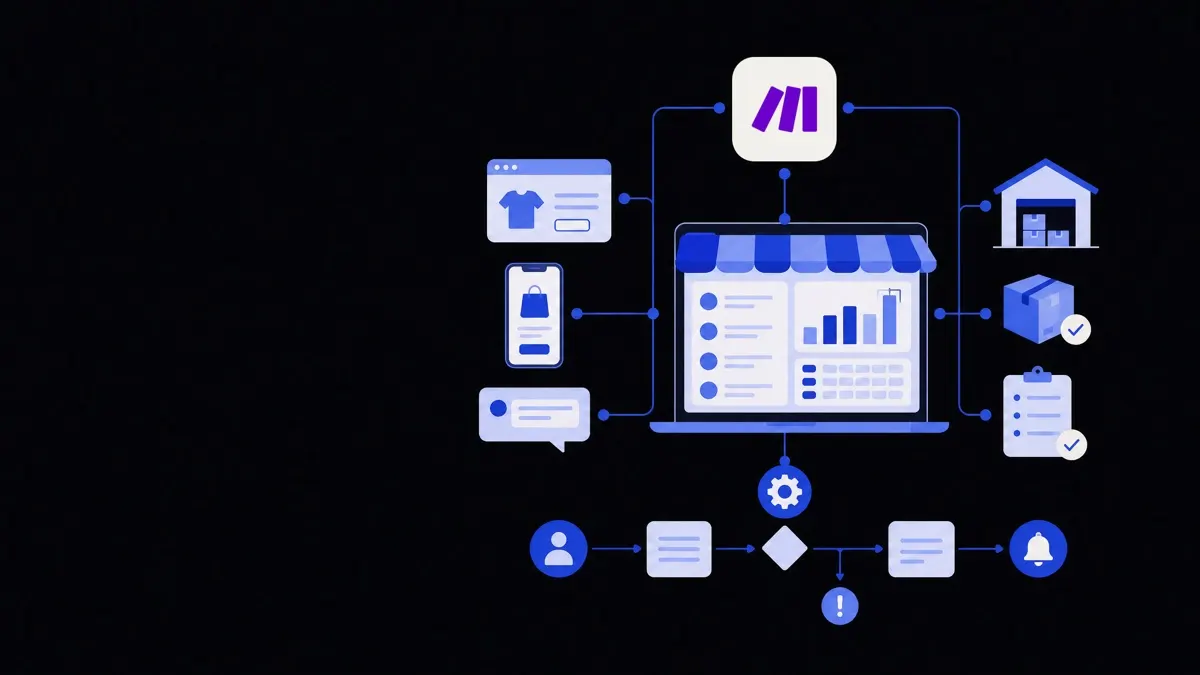
Make ecommerce automation means using the Make platform (formerly Integromat) to connect your ecommerce apps and automate repetitive order and inventory tasks. Instead of staff copying data between tools, Make scenarios run whenever a defined event occurs.
For order and inventory operations, this usually covers:
- New order intake and validation
- Payment and risk checks
- Stock reservations and decrements
- Purchase order and restock triggers
- Shipment creation and tracking updates
- Order status and notification flows
- Syncing inventory across multiple sales channels
The goal is a stable workflow where each system does what it is best at, and Make moves accurate data between them at the right time.
Your ecommerce automation should follow your real process, not the other way around—map the workflow first, then design the Make scenarios.
Core building blocks of ecommerce order and inventory automation
Before you design scenarios in Make, it helps to break your operations into small, well-defined blocks. Each block can then become one or more automated workflows.
1. Order capture and validation
Order capture automation starts when a customer submits an order on your storefront.
Typical steps:
- Trigger – "Order created" or "Order paid" event from your ecommerce platform.
- Data enrichment – Standardise addresses, format phone numbers, add internal tags.
- Validation checks –
- Are all line items available?
- Is the shipping method valid for the destination?
- Are there known fraud or duplicate signals?
Trade-offs:
- Triggering on "order created" makes automation faster but may catch unpaid or abandoned orders.
- Triggering on "order paid" is safer for inventory, but pre-authorisation fraud checks may be harder if you wait too long.
2. Stock reservation and adjustment
Inventory automation has one job: keep reality and your systems aligned.
Common flows:
- Reservation on order – Decrease available stock when the order is paid or confirmed.
- Release on cancellation – Return reserved units when an order is cancelled or fails payment.
- Adjust on edit – Recalculate quantities if an order is changed after placement.
- Sync across channels – Push updated stock counts to marketplaces and additional storefronts.
Key considerations:
- Decide whether inventory is decremented on "payment captured" or "order confirmed by fraud check".
- Set safeguards in Make to prevent negative stock. For example:
- If stock < ordered quantity, flag for review instead of auto-confirming.
- Keep one "source of truth" for inventory, such as your WMS or ERP, and have Make treat all other platforms as mirrors.
If your stack includes a custom warehouse or ERP, you may need custom API integrations so Make can reliably read and write stock levels.
3. Fulfillment and shipping workflows
Once stock is reserved, automation should drive the order to fulfillment with minimal manual handling.
Typical shipment automation steps:
- Create shipment in your WMS or shipping platform when the order is ready to pick.
- Generate label and tracking number from your carrier or aggregator.
- Write tracking back to the ecommerce platform.
- Notify the customer with a shipping confirmation email or SMS.
- Update order status to "shipped" or equivalent.
You can also:
- Auto-split orders if line items ship from different warehouses.
- Route orders to specific fulfillment centers based on region, stock, or margin.
- Alert staff when high-value orders need manual review before shipping.
4. Restock, backorder, and purchasing flows
Automation should also help you avoid stockouts and backorder surprises.
Useful patterns:
- Low-stock alerts – When inventory falls below a threshold, send alerts to purchasing or create tasks in your project tool.
- Automatic purchase orders – For stable products and suppliers, generate draft POs when reorder points are hit.
- Backorder handling –
- Flag SKUs that go below zero (if you allow overselling).
- Tag affected orders as "backordered" and notify customers.
- Trigger a follow-up check when restock arrives to push those orders back into the fulfillment flow.
This is where general business process automation services and clear internal policies matter. Automation should not silently auto-promise stock you cannot reliably get.
Designing robust Make scenarios for ecommerce ops
Once you understand your blocks, you can translate them into Make scenarios that are reliable and maintainable.
Start with a process map, not a tool map
Document your current process in plain steps:
- What exactly happens from "Add to cart" to "Delivered"?
- Who makes decisions?
- Which states can an order be in?
- Where do exceptions appear?
Then, for each step, note:
- Trigger event or condition
- Input data needed
- Output data or updated status
- System that should act as source of truth
Use this as the reference when building Make scenarios so you avoid logic duplication and conflicting automations.
Separate concerns into multiple scenarios
Trying to handle everything in one giant scenario makes debugging difficult.
Good separations:
- One scenario for order intake and validation
- One scenario for inventory adjustments
- One scenario for fulfillment and shipping
- One scenario for post-purchase flows (review requests, follow-ups)
- One scenario for supplier restock and purchasing
This modular approach makes it easier to pause or adjust one part (e.g., inventory rules) without affecting the rest.
Defensive automation: handle failures and retries
Ecommerce workflows rely on APIs that can be slow or briefly unavailable.
Design for:
- Retries – Configure Make to retry transient failures (e.g., timeouts) with backoff.
- Dead-letter patterns – When an action fails after retries, send the payload to:
- A "manual review" Google Sheet or database table.
- A Slack or email alert with key details.
- Idempotency – Make actions safe to run twice, where possible.
- Use unique order IDs when creating shipments.
- Check if an update is already applied before writing data.
The more money or stock a workflow touches, the more you should design for retries, logging, and safe failure modes.
Logging and observability
Without visibility, automation problems become customer problems.
Simple but effective practices:
- Write key events (order created, payment confirmed, inventory changed) to a single log, such as:
- A database
- A central spreadsheet
- An internal dashboard
- Track:
- Order ID
- Event type
- Time
- Result (success, soft failure, hard failure)
- Add filters in Make scenarios so you can easily re-run or test with specific orders.
If you need more advanced monitoring or reporting, consider a small dashboard development project to visualise automation health and bottlenecks.
Common Make ecommerce automation workflows (with trade-offs)
Below are typical scenarios ecommerce teams implement on Make, along with what to watch for.
1. Multi-channel inventory sync
What it does
- Listens for stock changes in your main inventory system.
- Updates stock levels across:
- Your main store
- Marketplaces (e.g., Amazon, eBay)
- Additional brand sites or regional stores.
Benefits
- Reduces overselling.
- Gives one central point for inventory control.
Trade-offs and risks
- API rate limits can delay updates during high volume.
- If multiple channels can change stock (for example, internal manual adjustments and marketplace returns), race conditions can occur.
- You must define which system has the final say when counts disagree.
2. Automated order routing to warehouses or 3PLs
What it does
- Evaluates incoming orders and sends them to the best warehouse or 3PL based on:
- Destination country or region
- Product availability
- Service-level agreements
Benefits
- Lower shipping costs and faster delivery.
- Clear separation between front-end selling and back-end fulfillment.
Trade-offs and risks
- Complex routing logic becomes harder to maintain directly in Make if it depends on many conditions.
- If your 3PL API is down, you need a fallback: queue orders and alert operations.
Consider using API integration services when connecting to custom or less-documented warehouse APIs so routing remains reliable.
3. Automated returns and stock reintegration
What it does
- When a return is initiated and completed:
- Adjusts inventory (return-to-stock vs. damaged).
- Updates order status and issues refunds or credits.
- Logs reasons for returns for later analysis.
Benefits
- Faster refunds.
- More accurate stock for resalable items.
Trade-offs and risks
- Not all returned items should go back into sellable stock; you need clear rules.
- Handling partial returns and exchanges can lead to complex branching logic.
- Coordination with accounting systems is needed if you rely on them for revenue reporting.
For finance-sensitive flows like refunds and credit notes, see whether your design fits broader finance and accounting automation solutions so numbers stay consistent.
How to decide what to automate first with Make
Not every process should be automated at once. A focused approach reduces risk and helps your team build trust in the system.
1. Prioritise by impact and risk
Look for tasks that are:
- High volume and repetitive.
- Clearly defined and rule-based.
- Error-prone when done manually.
- Time-sensitive (for example, inventory updates on hot products).
Then check risk:
- What happens if this automation fails silently?
- Can we detect issues quickly?
- Is there a manual fallback?
Often, the best starting points are:
- Stock sync between your main store and your warehouse system.
- Order-to-fulfillment handoff and status updates.
2. Keep humans in the loop where judgment is needed
Some decisions are better kept manual, with automation providing context.
For example:
- Fraud checks that rely on patterns or exceptions.
- High-value wholesale orders that may need negotiation on stock or shipping.
- Orders to restricted regions or with compliance questions.
In these cases, Make can:
- Gather and standardise data from multiple systems.
- Create a task or ticket with all relevant context.
- Apply the final decision once a human approves in a defined place.
3. Stabilise, then extend
After you launch an automation:
- Monitor it closely for a defined period (for example, 2–4 weeks).
- Track:
- Error rates
- Manual overrides or escalations
- Edge cases not covered by the original logic
- Only then extend the workflow with:
- More channels
- Additional countries
- More product lines
If your operations grow more complex, wider workflow automation services can help you refactor scattered scenarios into a cohesive, documented system.
When Make is not enough on its own
Make is powerful for connecting APIs and orchestrating workflows, but there are limits where you may need additional tooling or custom development.
Typical signals you are reaching those limits:
- Business rules are changing weekly and are hard to encode in simple scenario logic.
- You need near real-time processing at very high order volumes.
- You require strict audit trails and versioned rule sets for compliance.
- Your warehouse or ERP systems use unusual protocols or require complex transformations.
In these cases, combining Make with:
- A small custom service built via custom AI development, or
- Broader business operations automation solutions
can give you more control while still using Make for what it is best at: orchestrating and connecting.