
Is ChatGPT safe for business data? A practical guide to using AI securely
ChatGPT can be used safely with business data if you understand how it handles information and put clear technical and process guardrails in place.
On this page
Is ChatGPT safe for business data depends on how you use it, which version you use, and which technical and policy controls you put around it. ChatGPT can be part of a secure workflow when you treat it like any other external service: classify your data, limit what you send, use enterprise features, and integrate it through governed architectures rather than ad‑hoc copy‑paste.
How ChatGPT handles your data today
Before deciding how safe ChatGPT is for your organisation, you need a clear view of how the service typically processes data.
At a high level, ChatGPT is a cloud-based AI model that receives your prompts, processes them on remote servers, and returns generated text or files. This means anything you send leaves your network unless you are using a private deployment or API connection.
For standard web and mobile ChatGPT accounts, providers usually:
- Store interaction logs for some period to operate and improve the service.
- Apply internal access controls and monitoring to those logs.
- Offer account-level or workspace-level settings to opt out of training on your content, depending on your plan.
For enterprise or business offerings, you may get:
- Contractual commitments that your data is not used to train public models.
- Stricter data retention and deletion policies.
- Enhanced auditability, SSO, and admin controls.
APIs are often treated differently from consumer apps. Most AI vendors state that:
- API requests and responses are not used for training by default.
- Logs are retained for a shorter period for abuse detection and reliability.
- You can further isolate usage with separate projects, keys, and VPC links.
Always verify the current data policy, retention periods, and training practices in the provider’s documentation and your contract—these change over time and may differ by region.
Is ChatGPT safe for business data?
The honest answer is: ChatGPT can be safe for business data if you align its use with your data classification, risk appetite, and compliance needs.
In risk terms, using ChatGPT is similar to using any external SaaS that processes information:
- Confidentiality risk – Data you send could be exposed through misuse, misconfiguration, compromised accounts, or model-provider breach.
- Integrity risk – Outputs may be inaccurate, biased, or incomplete, which can corrupt downstream decisions or data.
- Compliance risk – Sending certain data types (PII, PHI, card data, trade secrets) may breach regulations or contracts if not handled correctly.
The level of acceptable risk depends on:
- Which ChatGPT deployment you use (public app, enterprise, API, private model).
- What categories of information you process.
- What compensating controls you implement—both technical and procedural.
Treat ChatGPT as safe enough for each data type only after you can name the specific controls that keep that data within your risk tolerance.
For many organisations, the pragmatic balance looks like this:
- Public ChatGPT app: for non-sensitive content, research, drafts, and experimentation.
- Enterprise ChatGPT or governed API integration: for internal data that is business-confidential but not highly regulated.
- Private or on‑premise models: for highly sensitive or regulated workloads where you need strict isolation.
What business data should never go into ChatGPT?
A simple way to think about guardrails is to start from your existing data classification policy and explicitly map it to AI tools.
If you do not have a formal classification yet, this working model helps:
- Public – Content you are comfortable putting on your website.
- Internal – Routine internal information not meant for public release but not mission‑critical.
- Confidential – Material that could harm the company or customers if disclosed.
- Restricted – Highly sensitive, regulated, or strategically critical data.
For most organisations:
- Safe for standard ChatGPT (with care):
- Public marketing copy, blog drafts, and FAQs.
- Generic process descriptions without naming customers, employees, or vendors.
- Synthetic or anonymised examples that cannot be traced back to real entities.
- Use only with enterprise/API plus added controls:
- Business-confidential docs such as internal policies, playbooks, and contracts.
- Operational metrics and internal performance data without direct identifiers.
- Pseudonymised customer or employee data where linkage back to individuals is very hard.
- Avoid entirely or restrict to private deployments:
- Payment card data (PCI).
- Health information protected by law in your jurisdiction.
- Government-classified or export-controlled material.
- Trade secrets such as source code, proprietary algorithms, and unreleased product designs.
- Detailed employee or customer records with identifiers, financials, or behavioural logs.
Writing these boundaries down and embedding them in training, policies, and technical controls is more important than drawing a perfect line. Consistency makes enforcement possible.
Practical guardrails to keep company data safe
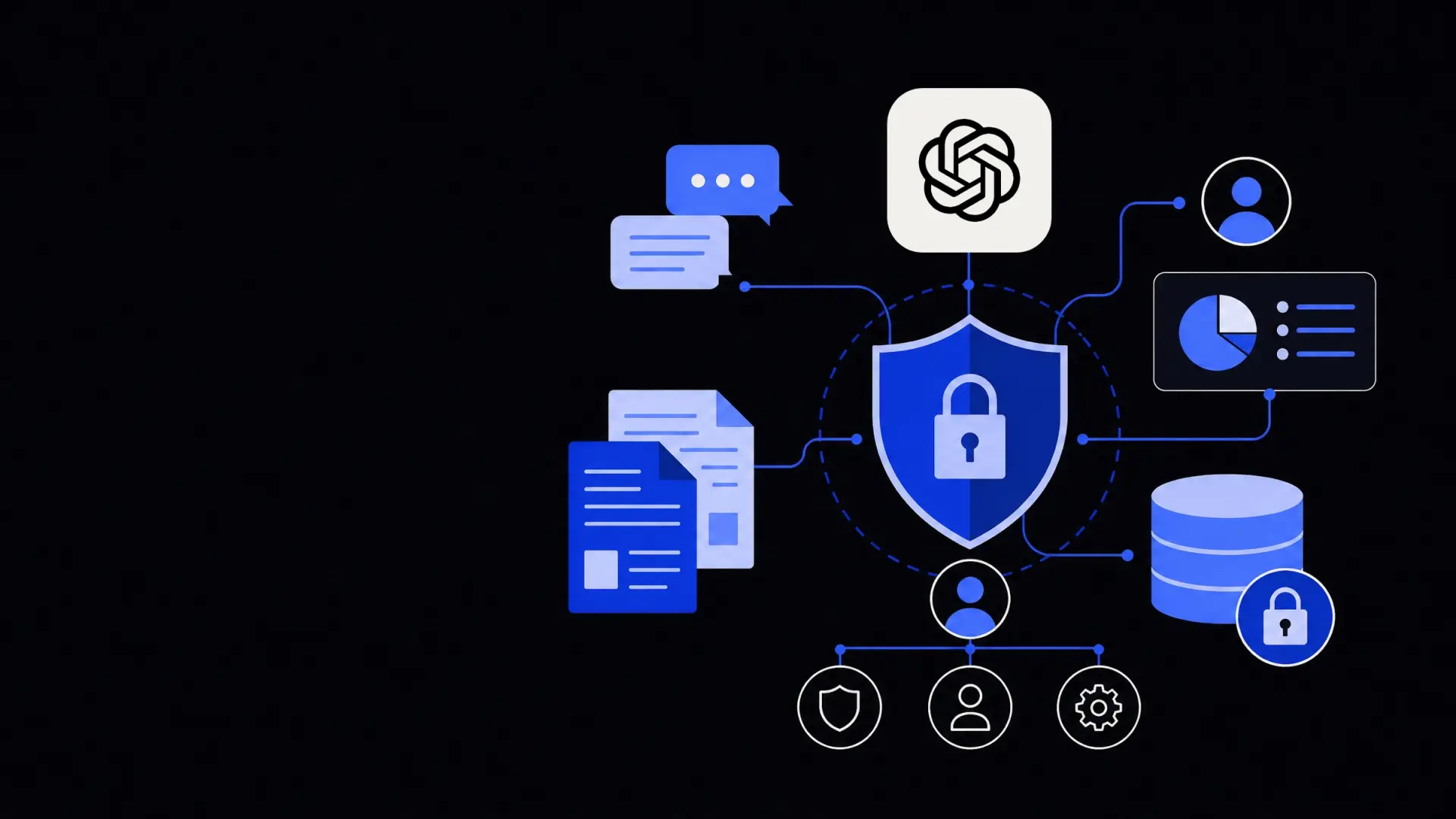
To make ChatGPT safe enough for your use cases, you need layered controls: policies, technical safeguards, and monitoring.
1. Set clear usage policies
A practical AI use policy should answer for every employee:
- What tools are allowed or banned.
- What data categories are allowed in each tool.
- For which tasks AI assistance is permitted, recommended, or prohibited.
Useful policy elements include:
- A simple matrix mapping data sensitivity levels to allowed AI channels.
- Examples of “good” and “bad” prompts based on your business contexts.
- Rules on verifying outputs, citing AI involvement, and avoiding over‑reliance.
- A process to request exemptions for specific projects with extra controls.
Training is critical. Policy without clear, repeated explanation usually leads to accidental violations—especially when tools are easy to access.
2. Use the right deployment model
Your deployment choice is the single biggest lever on data risk.
Common patterns include:
- Direct web or mobile ChatGPT use – Fastest to adopt, lowest control. Limit to low-risk content.
- Enterprise ChatGPT – Better controls, admin oversight, and clearer guarantees on training and retention.
- API integration – A governed layer where your systems call the model and can filter, mask, and log data.
- Dedicated or private models – Highest isolation, at higher cost and complexity.
For many mid-sized and larger organisations, building governed flows using APIs is the sweet spot. You can:
- Embed AI into internal tools instead of letting staff paste data into external sites.
- Implement masking, redaction, and prompts centrally.
- Log interactions for audit and improvement.
If you want help designing secure architectures and usage patterns, external partners can assist with AI consulting and strategy tailored to your environment and risk profile.
3. Minimise and mask data
The best way to keep data safe is not to send it in the first place.
Before any call to ChatGPT, ask:
- Does the model actually need this field to do its job?
- Can I paraphrase or summarise rather than send the raw record?
- Can I classify, label, or score data internally and only send those labels?
Practical techniques include:
- Redaction – Remove names, emails, IDs, and other unique identifiers.
- Tokenisation – Replace real identifiers with reversible tokens stored in your own system.
- Generalisation – Convert exact values into ranges, segments, or categories.
- Synthetic data – Use representative but fake records when exploring or building prompts.
If you are integrating models into existing workflows, building systematic redaction and tokenisation via workflow automation or custom API integrations is more reliable than relying on each user to remember what not to paste.
4. Control access and authentication
Standard IAM hygiene applies to AI tools as much as any SaaS.
Good practices:
- Enforce SSO and MFA for all accounts with access to business data.
- Use separate workspaces or projects for different departments or sensitivity levels.
- Apply least privilege: not everyone needs the same model access or capabilities.
- Rotate API keys and restrict them by IP, environment, and use case where possible.
For internal applications that call ChatGPT, ensure you never embed secrets in client-side code. Keep keys server-side, behind authentication and logging controls.
5. Monitor usage and outputs
Once AI tools are in production, monitoring is essential to catch drift, misuse, and new risks.
Useful monitoring angles:
- Volume and pattern – Unusual spikes in usage can indicate automation, leakage, or abuse.
- Prompt content – Scan logs (with appropriate privacy controls) for disallowed data types or terms.
- Output quality – Track the rate of corrections, overrides, or human rework.
- Outcome metrics – Measure impact on error rates, processing time, or satisfaction scores.
Automation helps here. Using business process automation, you can route certain prompt or output patterns for human review, or automatically flag suspected policy violations for follow-up.
How to safely integrate ChatGPT into business workflows
Beyond ad‑hoc use, many organisations want to embed AI into customer support, operations, and analytics. That requires more structure but can be done safely.
A typical secure integration pattern looks like this:
- Define the use case and data flows
- Example: summarising customer tickets for agents, drafting responses, or extracting key fields.
- Map precisely which fields go to the model, and which stay internal.
- Use a broker or middleware layer
- Build a service that sits between your systems and ChatGPT.
- This layer handles redaction, tokenisation, logging, and rate limiting.
- Constrain the model through system prompts and tooling
- Give the model strict instructions about what it can and cannot do.
- Where possible, use function-calling or retrieval-augmented patterns so it pulls facts from your systems instead of guessing.
- Keep source of truth inside your own environment
- Treat model outputs as suggestions, not records.
- Write final decisions and structured data back to your own databases, with traceability.
- Align with your broader automation strategy
- Place AI components alongside existing RPA, workflow tools, and integrations.
- Use central governance for vendor selection, key management, and monitoring.
If you are exploring broader automation, it can be helpful to look at how AI fits among other options on your solutions overview page rather than treating ChatGPT as a standalone tool.
Governance and compliance considerations
Regulation is evolving quickly, but certain considerations are already clear.
Key questions for your risk, legal, and compliance teams:
- Data residency – Where are prompts and logs stored and processed? Does this align with your jurisdictional requirements?
- Subprocessors – Which third parties support the AI service, and what are their obligations?
- Breach notification – How and when will you be notified if something goes wrong?
- Auditability – Can you reconstruct what the AI saw and produced in a given case if challenged?
- Model behaviour – How will you manage bias, explainability, and harmful content in your domain?
For highly regulated departments like finance, healthcare, or HR, AI usage may need stricter sign-off. In those cases, custom solutions built with custom AI development and domain-specific controls are often more appropriate than generic tools.
A lightweight governance framework—covering tool approval, risk assessment, testing standards, and lifecycle reviews—goes a long way. The goal is not to eliminate risk, but to make it explicit, managed, and proportionate to the value the AI provides.
Where Framworq can help
Want this mapped for your business?
We’ll help you find the highest-leverage workflows to automate first — and build them end to end. No jargon, no lock-in.
Book a free automation audit